# ECS 2027: Summit & Community - Complete Documentation
> Your single destination for everything ECS and everything Microsoft: From event schedules and speaker announcements to in-depth technical articles, community discussions, and networking with fellow Microsoft professionals. Stay connected before, during, and long after the ECS.
This is an event community for ECS 2027 (May 31 - June 2, 2027).
## Articles
### Anthropic brings Claude Fable 5 to the public — with guardrails doing much of the work
> Anthropic has announced Claude Fable 5 as a public-facing version of its Mythos-class model, paired with a safety design that routes some higher-risk requests elsewhere. The release matters not just because of the model claims, but because it shows where frontier AI deployment is heading: broader access, narrower permissions, and far more explicit controls.
**Published:** June 10, 2026
**Author:** ECS Events
**URL:** https://ecs.events/a/anthropic-brings-claude-fable-5-to-the-public-with-guardrails-doing-much-of-the-work
Anthropic has announced **Claude Fable 5**, launched on **June 9, 2026**, and described it as a **Mythos-class model made safe for general use** according to Anthropic. That framing is the real story here.
For anyone following enterprise AI, the interesting question is no longer just *how capable is the next model?* It is *how vendors plan to ship stronger systems without opening every door at once*. On that point, Fable 5 is worth paying attention to.
## The release is as much about control as capability
Anthropic says Fable 5 **exceeds any model it has previously made generally available** and is **state-of-the-art on nearly all tested AI capability benchmarks**. It also says the model performs strongly in **software engineering, knowledge work, vision, scientific research, and long-context tasks**.
Those are big claims, and for technical teams the detail that matters sits underneath them: Anthropic is not presenting open-ended access to the full Mythos experience. Instead, it is presenting a model with selective constraints built into how requests are handled.
CNBC reported that Anthropic’s broader public release of Fable 5 was made possible by safeguards that block responses in **high-risk areas such as cybersecurity and biology**. Anthropic says those safeguards can **divert some high-risk prompts to Claude Opus 4.8**, especially for topics like cybersecurity.
That is a practical model-release pattern worth noting. Rather than treating safety as a simple yes-or-no filter, Anthropic appears to be using **fallback routing** — letting users reach the stronger model in general use, while moving specific classes of risky requests to a more restricted alternative.
## Most sessions reportedly stay on Fable 5
Anthropic says the safeguards trigger **on average in less than 5% of sessions**, and that early data shows **more than 95% of Fable sessions involve no fallback at all**. TechCrunch also reported those figures.
If those numbers hold up in broader use, they suggest an important trade-off. Anthropic is trying to keep the standard user experience mostly intact while intervening only when a session crosses into a category it considers higher risk.
For enterprise buyers, that matters more than benchmark language. A safety layer that constantly interrupts normal work becomes unusable very quickly. A safety layer that rarely appears, but shows up where policy requires it, is much closer to something a security team can live with.
## Mythos 5 stays narrower by design
Anthropic also announced **Claude Mythos 5** for a **small group of cyberdefenders and infrastructure providers**, saying it is the **same underlying model as Fable 5 but with some safeguards lifted**.
According to Anthropic, Mythos 5 is initially being deployed through **Project Glasswing** in collaboration with the **US government**, as an upgrade to **Claude Mythos Preview**. NBC News reported that Anthropic said **Mythos Preview had been available to more than 150 organisations worldwide** before this broader release.
This split tells you how Anthropic is segmenting access. One version is designed for general use with visible guardrails. Another is reserved for a narrower audience that, according to Anthropic, needs more of the underlying model exposed.
That approach will sound familiar to anyone working in regulated environments. Different users get different capabilities, not because the base technology is entirely different, but because the risk tolerance is.
## The capability claims focus on engineering, vision, and research work
Anthropic says Fable 5 performs particularly well in areas that matter to technical teams: coding, research-heavy tasks, visual interpretation, and long-context reasoning.
On vision, Anthropic says Fable 5 is its **new state-of-the-art** for tasks including **extracting numbers from scientific figures** and **rebuilding source code from screenshots**. It also says Fable 5 completed **Pokémon FireRed** with a **minimal vision-only harness**, where earlier Claude models reportedly needed a more complex helper harness.
That last example is obviously not an enterprise workload. But it does point to something relevant: Anthropic is using it to argue that the model can perceive and act from visual information with less scaffolding than earlier versions required.
Anthropic also claims early testing with **Stripe** showed Fable 5 could compress **months of engineering work into days**, including a **codebase-wide migration in a day** that would otherwise have taken **more than two months**. Readers should treat that as a vendor-attributed case study, not an independently verified benchmark, but it does indicate the kind of workload Anthropic wants Fable 5 to be associated with.
## Pricing and access matter as much as the benchmark story
Anthropic says it has priced **Fable 5 and Mythos 5 at $10 per million input tokens and $50 per million output tokens**.
TechCrunch reported that Fable 5 is being made available through the **Claude API** and **consumption-based Enterprise plans**, and that Anthropic plans to restore it later as a **standard subscription feature**. Anthropic also says Fable 5 will be available on **Pro, Max, Team, and seat-based Enterprise plans at no extra cost through June 22**, after which access on those subscription plans will require **usage credits**.
That is useful context for teams evaluating where to experiment first. API access and consumption-based pricing usually make early technical validation easier. Seat-based access with temporary inclusion is better suited to short trials across a wider business group, but less predictable once credit-based usage starts to matter.
## Anthropic is also making a safety argument
Anthropic says its **external bug bounty and red-teaming found no universal jailbreaks in more than 1,000 hours of testing**, although it also said the **UK AISI** reportedly made progress toward one in a brief initial testing window.
Again, that is an attributed claim, not a settled verdict. Still, it shows the shape of the company’s argument: release a stronger model, keep broad access, and justify that release with layered safeguards, testing, and selective rerouting for more dangerous prompts.
For European readers, the larger takeaway is straightforward. If you are responsible for AI governance, this is the kind of architecture you should expect to see more often — not one universal model with one universal permission set, but a controlled stack of models, routes, and exception paths. That has implications for compliance reviews, procurement, logging, and user expectations.
## What to watch next
The headline is easy to summarise: Anthropic has brought a Mythos-class model into public reach, but only by wrapping that access in visible operational limits. The more useful question is what happens when real users push against those limits.
If you are assessing Fable 5 for your team, three checks matter immediately:
- Test where fallback behaviour appears in your actual workflows, especially anything touching security, code analysis, or regulated data.
- Compare API usage costs with the temporary subscription access window before building expectations around broad internal rollout.
- Separate Anthropic’s attributed performance claims from the evidence you can reproduce in your own environment.
That is the practical lens to keep. Capability headlines get attention, but deployment rules decide whether a model is genuinely useful in day-to-day work.
---
### Nicki Borell, a living memory
> The news I got over the weekend struck like lightning: Nicki has died. All of us who were close to him expected it, but secretly hoped that something, somewhere in the universe would shift just a little and turn everything into a bad dream with a happy ending. But things don't work that way.
**Published:** May 24, 2026
**Author:** Adis Jugo
**URL:** https://ecs.events/a/nicki-borell-a-living-memory
I could talk about Nicki Borell for ages.
Nicki, the ECS speaker from 2013 onwards. A wealth of knowledge that he was always happy and eager to share with everyone. One of the best experts in Microsoft technologies I have ever met.
Nicki, one of the cornerstones of the German SharePoint community, which evolved into the Microsoft 365 / Cloud Community. He was there from the beginning. He was there at almost every community event. He was blogging. He was pushing things forward.
Nicki, the novelist. The side of him that not many people were aware of. A published author: you can buy his books on Amazon.
Nicki, one of the kindest people in the world. I don't know anyone who ever said a single bad word about him. I don't know anyone whom Nicki didn't help.
And, above all, Nicki, the friend. The memory of all the moments we spent together, at various events we both attended, at his home or ours, or checking whether the favourite Italian restaurant in Kaiserslautern was still as good as it used to be...
We didn't want to remove his name from the ECS 2026 speaker list until the very last moment. Nicki was a fighter, and we thought he would fight this one through too. He didn't. Even the biggest fighters give up eventually. For the next few days, all ECS media channels will be devoted to Nicki. It's the least we can do for one of our best speakers. For our friend.
---
### xAI becomes SpaceXAI: what Musk's latest reshuffle says about AI infrastructure
> A corporate dissolution, a rival striking a compute deal, and a signal about where AI value is moving.
**Published:** May 12, 2026
**Author:** ECS Events
**URL:** https://ecs.events/a/xai-becomes-spacexai-what-musks-latest-reshuffle-says-about-ai-infrastructure
Elon Musk has dissolved xAI. Not shut it down — folded it. Going forward, Grok, the X platform's AI features, and everything else that used to sit under the xAI banner will operate as **SpaceXAI**, a division inside SpaceX. Musk confirmed it on X, replying to a post about xAI's newly announced deal with Anthropic: "xAI will be dissolved as a separate company, so it will just be SpaceXAI, the AI products from SpaceX."
On its own, a billionaire reshuffling his org chart is not material for most enterprise architects. But the reasons behind this one — and the deal announced alongside it — point at something worth tracking: AI value is migrating from models to the physical infrastructure underneath them.
## What actually changed
SpaceX acquired xAI in February 2026 in an all-stock transaction valuing SpaceX at $1 trillion and xAI at $250 billion, creating a combined entity with a reported valuation of $1.25 trillion. The dissolution announcement is essentially the cleanup step. xAI as a separate legal entity is gone. Grok continues. The teams continue. The brand changes.
Musk's own framing was unusually candid. In a post on X, he wrote: "xAI was not built right first time around, so is being rebuilt from the foundations up." That admission lines up with what has been visible from the outside for months. By late March 2026, all 11 of Musk's xAI co-founders had departed the company, leaving him as the only remaining founding member. Bloomberg reported that xAI burned through $7.8 billion in cash in the first nine months of 2025, against third-quarter revenue of $107 million.
Timing matters here as well. SpaceX confidentially filed its draft S-1 with the SEC on 1 April 2026, targeting a June listing at a $1.75 trillion valuation and a $75 billion raise — which would make it the largest IPO in history. Consolidating the AI work under one corporate umbrella before that filing is not a coincidence.
## The Anthropic deal is the more interesting story
The xAI dissolution was announced alongside a partnership with Anthropic — a company Musk has spent the past two years publicly criticising. Under the agreement, Anthropic gains access to more than 300 megawatts of capacity at the Colossus 1 data centre, comprising over 220,000 Nvidia GPUs, including H100, H200, and next-generation GB200 accelerators.
Colossus 1, based in Memphis, Tennessee, was originally built to train Grok. It is now being rented in full to the company that makes Claude.
The strategic logic becomes clear when you look at what SpaceX is doing next. xAI's training has migrated to Colossus 2, a next-generation supercluster with 550,000 GB200 and GB300 accelerators consuming over 1 gigawatt of power. With Grok's training migrated to Colossus 2, the original 220,000-GPU cluster became a stranded asset; leasing it to Anthropic converts those overhead costs into a revenue stream. The pattern echoes Oracle's recently signed multi-year compute agreement with OpenAI — reportedly worth around $300 billion — and reinforces a clear point: even for companies building their own frontier models, the compute itself is becoming the more durable asset.
## Space-based data centres are now part of the pitch
The other thread running through all of this is Musk's plan to put data centres in orbit. The xAI announcement noted that Anthropic also expressed interest in partnering to develop multiple gigawatts of orbital AI compute capacity, citing the view that "the compute required to train and operate the next generation of these systems is outpacing what terrestrial power, land, and cooling can deliver on the timelines that matter."
SpaceX has outlined plans to launch satellites carrying 100 kilowatts of AI hardware each, with thousands of such satellites needed to provide multi-gigawatt capacity, generating electricity from large solar arrays and dissipating heat into space via infrared radiators. For most enterprises, this remains a long-dated bet rather than a near-term procurement option. But it explains the strategic logic of folding an AI division into a rocket company.
The underlying point is the one that matters for everyone else: power, cooling, and physical site selection are now first-class constraints on AI strategy. At full capacity, Colossus 1 was expected to require 150 megawatts of electricity and millions of gallons of water per day, and infrastructure of that scale increasingly defines what is and is not buildable.
## What this means outside the Musk orbit
Three practical observations for anyone planning an AI strategy.
First, the model layer is consolidating faster than most roadmaps assume. A standalone AI company with a few billion in funding and a respectable model is no longer obviously a sustainable shape. xAI had Grok, it had Colossus, it had Musk's reach, and it was still absorbed. Expect more consolidation, not less.
Second, compute access is now a strategic procurement question rather than an IT one. The Anthropic deal shows that even well-funded AI labs will take capacity wherever it is available. Anthropic's total compute commitments now span Amazon (5GW), Google (5GW), Microsoft (a $30B Azure agreement), SpaceX (300MW), and Fluidstack ($50B). Enterprises building serious AI workloads should be thinking about compute the way they think about energy contracts: long horizons, multiple suppliers, clear exit terms.
Third, regulatory and sovereignty questions will follow the consolidation. A single combined entity running social media, rockets, satellite communications, and frontier AI models is going to attract scrutiny on a scale that pure-play AI companies have not faced. That is relevant for anyone making procurement decisions about which AI stack to standardise on.
For the European tech community, the structural questions — where compute lives, who owns the power contracts, how AI infrastructure is governed across borders — are exactly what European architects and CIOs are working through right now, with the EU AI Act, data sovereignty requirements, and regional cloud capacity all in play. SpaceXAI is one extreme answer. The work that matters most for the rest of the market is in figuring out the others.
---
### What Nadella's testimony in Musk v. Altman reveals about the Microsoft–OpenAI partnership
> Week three of the Oakland trial has put the architecture of enterprise AI's most consequential partnership on the public record.
**Published:** May 12, 2026
**Author:** ECS Events
**URL:** https://ecs.events/a/what-nadellas-testimony-in-musk-v-altman-reveals-about-the-microsoftopenai-partnership
Satya Nadella spent roughly two and a half hours on the witness stand on Monday, 11 May, in the federal Musk v. Altman trial in Oakland. He answered questions about Microsoft's investment in OpenAI, his role during the brief ouster of Sam Altman in November 2023, and whether Elon Musk had ever contacted him to raise concerns about the partnership. On that last point, Nadella's answer was no — at none of the three milestones Microsoft's lawyer walked him through (the 2019 announcement, the 2020 exclusive GPT-3 licence, the 2023 $10 billion investment) had Musk reached out, despite the two having each other's phone numbers.
For anyone running Microsoft 365 Copilot, Azure OpenAI, or any of the growing list of enterprise AI workloads built on this partnership, the trial is more than courtroom theatre. It's a rare public look at how the relationship was assembled — and what's currently holding it together.
## What's actually being argued
Musk sued OpenAI, Altman and OpenAI president Greg Brockman in 2024, alleging they walked back a founding commitment to keep OpenAI a nonprofit dedicated to developing AI for humanity's benefit, then accepted billions from Microsoft and restructured into a for-profit subsidiary. Microsoft is named as a co-defendant, accused of aiding and abetting an alleged breach of charitable trust.
A federal judge dismissed Musk's fraud claims before trial. The case that went to the jury is narrower: breach of charitable trust and unjust enrichment, with damages estimated by Musk's expert witness in the range of $79 billion to $134 billion. Musk is also asking the court to remove Altman and Brockman and unwind OpenAI's restructuring.
OpenAI's counter-argument is direct: Musk is suing because he didn't get the deal he wanted in 2017 — majority control of a for-profit OpenAI, with the right to appoint most of the board — and is now trying to undermine a competitor to his own AI company, xAI. The company has characterised the suit as baseless.
## Nadella's version of the partnership
The investment numbers got a thorough working-over in court: $1 billion in 2019, $2 billion in 2021, $10 billion in 2023 — more than $13 billion total. Nadella testified he was proud Microsoft backed the lab when, as he put it, others wouldn't, and pushed back on any characterisation of the funding as charitable. The arrangement was commercially motivated from the start, he said, including early reduced pricing on Microsoft compute.
One of the new disclosures from his testimony was an April 2022 internal email, surfaced by Musk's lead trial attorney Steven Molo, in which Nadella drew a historical parallel to Microsoft's early partnership with IBM. He didn't want Microsoft to end up the next IBM while OpenAI became the next Microsoft. He described the $10 billion bet as a "one-way door": Microsoft couldn't build two supercomputers — one for itself and one for OpenAI — and had to accept the opportunity cost of diverting compute away from its own AI work.
Musk's side also introduced a January 2023 memo from Microsoft president Brad Smith to the board, projecting a $92 billion return on Microsoft's cumulative $13 billion investment. Nadella confirmed the figures but noted the return could just as easily have been zero.
On the November 2023 governance crisis, Nadella testified he never demanded the board reinstate Altman, and characterised the board's handling of the firing as "amateur city." Musk's lawyer produced text messages between Nadella and Microsoft CTO Kevin Scott discussing potential replacement board members. Among the previously redacted names that emerged in court: Coinbase COO Emilie Choi, former LinkedIn CEO Jeff Weiner, former Alphabet director Diane Greene, and former Gates Foundation CEO Sue Desmond-Hellmann — the last of whom was later appointed to the board. Nadella testified he objected to Greene and to former Kleiner Perkins partner Bing Gordon because of their ties to Microsoft AI competitors, and that the discussions were initiated by Altman and other OpenAI insiders seeking his input.
## The restructuring nobody can ignore
In October 2025, OpenAI completed a recapitalisation that turned its for-profit arm into a public benefit corporation, OpenAI Group PBC, controlled by the OpenAI Foundation nonprofit. Microsoft's stake settled at roughly 27 percent, valued at approximately $135 billion, with IP rights extended through 2032. The deal valued OpenAI at $500 billion.
A revised partnership announced the same day jury selection began made Microsoft's IP licence non-exclusive, allowed OpenAI to serve customers across any cloud, ended Microsoft's right of first refusal as OpenAI's compute provider, and committed OpenAI to $250 billion in Azure spend. Both companies framed it as simplification; reporting at the time and since has described the negotiation as a source of tension.
That restructuring is what Musk wants undone. If the court orders it unwound, or removes Altman and Brockman, the consequences ripple straight into the roadmap of every product built on OpenAI's APIs — including Microsoft's own Copilot stack.
## Why this matters for the Microsoft ecosystem
Strip away the personalities and a few questions remain that actually affect architects and procurement leads.
How durable is the Microsoft–OpenAI partnership under stress? The trial is forcing both sides to put their version of the relationship on the record, which is useful even when uncomfortable. The October 2025 amendments — non-exclusive IP, multi-cloud distribution, the end of Microsoft's right of first refusal — make clear the partnership has loosened materially compared with the 2019 original.
What's the governance risk in the model layer? Enterprise buyers are used to scrutinising vendors for financial stability and roadmap clarity. The trial is a reminder that, at the frontier of AI, governance risk is a distinct category: board dynamics and corporate structure can move faster than a renewal cycle.
What's the diversification picture? Microsoft's IP rights now exclude OpenAI's consumer hardware, and OpenAI can release open-weight models that meet defined capability criteria. Microsoft can independently pursue AGI alone or with third parties. The legal stack has been rewritten to give both sides more room — that's the practical context any enterprise architect should keep in mind when reading procurement contracts referencing either party.
## What to watch next
Altman's testimony was scheduled to begin Tuesday, with closing arguments expected Thursday, 14 May. Brockman has already testified that Musk was the one pushing for a for-profit structure and wanted "absolute control" over it — a version of events squarely at odds with Musk's. Ilya Sutskever, who testified after Nadella, told the jury he had no knowledge of any promises by Microsoft or Altman that OpenAI would remain a nonprofit, and summarised his view in a single line: the mission of OpenAI is larger than the structure.
The broader competitive context isn't subtle. In February 2026, SpaceX absorbed xAI in an all-stock deal at a combined $1.25 trillion valuation, and reporting points to a SpaceX IPO as soon as June at a target valuation of around $1.75 trillion. Whatever the jury decides in Oakland, the case record will be a primary source for years to come.
For European technology leaders, the practical takeaway is less about which side wins and more about what the case exposes: the AI stack that much of enterprise IT is building on rests on a small number of commercial relationships, and those relationships are now being stress-tested in open court. That is precisely the kind of architectural and governance question the ECS community has been working through across cloud, collaboration and AI tracks all year.
---
### Microsoft consolidates Microsoft 365 migration guidance into a single documentation centre
> The new hub at aka.ms/m365migrationdocs covers external-platform and tenant-to-tenant scenarios across email, files and chat.
**Published:** May 11, 2026
**Author:** ECS Events
**URL:** https://ecs.events/a/microsoft-consolidates-microsoft-365-migration-guidance-into-a-single-documentation-centre
Anyone who has planned a Microsoft 365 migration knows the documentation problem. Exchange guidance sits in one place, SharePoint and OneDrive in another, Teams in a third. Tenant-to-tenant scenarios and the various Microsoft-provided migration tools each have their own corners of Microsoft Learn and the Tech Community. Building a coherent plan typically means a lot of open tabs.
Microsoft has now launched a **Microsoft 365 Migration documentation centre** at `aka.ms/m365migrationdocs` to consolidate that material in one place.
## What the hub covers
The documentation centre is positioned as the single entry point for all M365 migration scenarios. According to Microsoft, it covers the full set of features and workloads in M365, specifically:
- **Emails, contacts and calendars**
- **Files**
- **Chats and conversations**
And both kinds of migration that customers actually run:
- **External platforms into Microsoft 365** — for example, the recently announced Slack to Teams Migration Tool falls under this category
- **Tenant-to-tenant migration within Microsoft 365**
The tenant-to-tenant scenario is the one many teams underestimate. It isn't usually about adopting new capability; it's about combining or splitting environments that already exist, typically as a result of mergers, acquisitions, divestitures or corporate restructuring. The guidance for those projects has historically been spread across feature areas. Pulling it into one place is a small change with real practical value.
## Feedback as part of the design
Microsoft is asking readers to leave thumbs-up or thumbs-down reactions on the articles, and has stated it intends to use that feedback to shape the documentation over time. That suggests the centre is intended as a living surface rather than a one-time consolidation exercise — which matters, because the underlying tooling is moving as well. The Slack to Teams Migration Tool, for instance, has a clear roadmap of additional capabilities coming over the next year, and the documentation hub will be where those changes are reflected.
## Practical uses
A few ways to make the hub useful in real projects:
- **As a scoping checklist** at the start of a migration. The taxonomy — emails, contacts, calendars, files, chats, plus tenant-to-tenant — is a sanity check that every workload has been considered, not just the obvious ones.
- **As a single reference for project teams**. Pointing internal stakeholders, partners and consultants at the same URL reduces the chance of different groups working from different versions of the guidance.
- **As a way to map Microsoft's own coverage**. Seeing the available first-party tools and supported scenarios in one inventory makes it easier to decide which parts of a migration genuinely need a partner or ISV, and which are already covered in-platform.
For consultants and partners across the European Microsoft community, much of whose work involves moving customers into, around or between M365 tenants, a single canonical source for migration guidance is a quiet operational improvement — and the kind of detail that tends to surface in the practitioner sessions at ECS, where migration architecture is a recurring topic.
---
### Microsoft launches a first-party Slack to Teams migration tool
> Channels, messages, attachments, canvases and membership are in scope today. DMs, group chats and Loop integration are on the roadmap.
**Published:** May 11, 2026
**Author:** ECS Events
**URL:** https://ecs.events/a/microsoft-launches-a-first-party-slack-to-teams-migration-tool
Migrating email, calendars and files into Microsoft 365 is well-established territory. Migrating the conversations people actually have at work has been less straightforward — and until now, organisations moving from Slack to Teams have largely relied on third-party tools or partners to bring channel history across.
Microsoft has now released its own option. The **Slack to Teams Migration Tool from Microsoft** is available immediately to all standard commercial customers worldwide, and runs inside the Microsoft 365 admin center.
## What the tool migrates today
The current release covers more than just channel names. According to Microsoft's announcement and the supporting Microsoft Learn documentation, the tool migrates:
- **Slack channels**, both public and private
- **Channel messages**, including threaded replies and standard reactions
- **Message content** such as formatting, links, images, @-mentions and standard emojis
- **Channel file attachments**
- **Canvas and list content**, imported into the Teams channel as HTML and JSON file attachments respectively
- **Channel membership**, including owners and members
Microsoft also highlights that migrated messages appear in Teams as if they had been posted natively, with the **original author and creation timestamp preserved**. That detail matters for compliance, eDiscovery and the basic question of trust in the migrated record.
The tool is positioned both as a self-service option for customers running their own migration, and as something migration partners can use as part of a wider project.
## Cost and prerequisites
The migration tool itself has **no licensing cost**. Customers do need to provide an **Azure Blob Storage** subscription and container to temporarily hold their Slack export files while the migration runs. Azure Blob Storage carries its own consumption-based cost, but the storage is only needed for the duration of the migration and can be removed afterwards.
The Microsoft Learn documentation sets out the required permissions: a Microsoft 365 Migration Administrator role (recommended) to run the migration, and a one-time Global Administrator consent to allow the Microsoft 365 Teams Migration app to import data into the tenant. Slack-side, customers generate the export package through the standard Slack workspace administration interface.
## What's not in scope yet
Microsoft has been explicit about the gaps in the first release. Coming over the next year:
- **Group chats** from Slack into Teams
- **Direct messages** — 1-on-1 chats
- **Slack canvas content** migrated into **Microsoft Loop tabs** in Teams (canvases currently come across as HTML attachments, so this is a fidelity upgrade)
- An **experience in Teams** designed to feel familiar to users coming from Slack
There is no published date for any of these items. Microsoft is openly asking for customer feedback on which additional scenarios to prioritise.
The DM and group-chat gap is the one most worth flagging at the planning stage. Slack stores both as constructs that don't map cleanly onto Teams chat objects, which is part of why they aren't in the first release. For organisations where significant working context lives in DMs or private group chats, that history will either need to stay in a read-only Slack tenant, be exported separately, or wait for the roadmap to catch up.
## How this sits alongside third-party options
Several ISV tools have offered Slack-to-Teams migration for years, and they continue to be available. The arrival of a first-party Microsoft tool doesn't displace them — particularly for larger or more complex migrations involving DMs, workflows, app integrations or bots, which are out of scope for Microsoft's current release.
What it does change is the baseline. The native option is free at the tool layer, runs inside the admin center most M365 administrators already use, and is aligned with the same documentation set as the rest of M365 migration. For straightforward channel-content migrations, that's likely to be enough. For everything else, the partner and ISV ecosystem remains relevant.
For the European Microsoft community — where Slack has a meaningful footprint alongside Teams, and where consolidation projects keep landing on consultants' desks — having a supported native path with predictable scope is a useful addition to the toolkit, and a topic the partner conversations at ECS tend to cover in detail.
---
### Microsoft Fabric Data Warehouse gets a single pane for live and historical queries
> A preview rebrands and reworks the old Query Activity into Data Warehouse Monitor — folding running queries, historical analysis, and query cancellation into one view.
**Published:** May 11, 2026
**Author:** ECS Events
**URL:** https://ecs.events/a/microsoft-fabric-data-warehouse-gets-a-single-pane-for-live-and-historical-queries
Troubleshooting a slow Fabric warehouse has typically meant moving between several places: one view for active sessions, another for historical query data, and often a custom dashboard or two for spotting regressions. It works, but it's slower than it needs to be.
Microsoft has just rolled out a preview that aims to cut through that. Data Warehouse Monitor — formerly known as Query Activity — is a redesigned monitoring experience inside Fabric Data Warehouse that pulls live queries, completed runs, and direct query control into a single view.
## What it actually does
The headline change is consolidation. According to the announcement from Microsoft's Mariya Ali and Twinkle Cyril, DW Monitor shows running queries and completed query runs side by side in the same UI. That sounds modest. In practice, it changes the diagnostic workflow.
Instead of jumping between tools to answer "is this query still running or did it finish?" and "how does this run compare to previous ones?", you stay in one screen. The team frames it around three goals: unified visibility across live and completed queries, fast pattern recognition across executions, and immediate action when something is causing impact.
That third point matters. When a query is clearly stuck, you can cancel it with a single click directly from the monitoring view. No tool-switching, no hunting down the right T-SQL. Diagnostic insight and operational control in the same place.
It's worth noting that, per the existing Microsoft Learn documentation for Query Activity, access is restricted to workspace admins — members, contributors, and viewers don't get in. Worth checking against your team's role model before rolling it out as the standard troubleshooting flow.
## Pattern recognition, not just snapshots
The historical angle is where this gets more interesting than a typical "live sessions" dashboard. DW Monitor is designed to let you analyse query performance across multiple executions — so you can spot regressions against prior runs, identify queries that are habitually slow or resource-hungry, and work out whether a performance issue is new, intermittent, or systemic.
For anyone who's had to explain a slowdown to a stakeholder using only anecdotal evidence, this is the more useful capability. It's the difference between reacting to a single bad execution and being able to demonstrate that a particular query has regressed since a recent change.
It's also a better story for validating deployments. Pushed a new view definition or changed how a table is loaded? You can compare how the same query performed before and after, in the same place you'd look anyway during an incident.
## Built on Query Insights
Under the hood, DW Monitor sits on top of Query Insights, the execution-level telemetry layer that already exists in Fabric Data Warehouse. That's the engine providing the cross-run comparison data and the historical visibility — and it's the same source feeding views like `queryinsights.exec_requests_history` that many teams already query directly.
Two caveats worth keeping in mind from the underlying docs: completed queries can take up to 15 minutes to appear in Query Insights depending on concurrent workload, and the UI surfaces a top set of rows for a given filter selection rather than the entire history. For deep forensics, the raw views remain available alongside the new UX.
## Why this shift in UX matters
There's a quiet but real argument tucked inside the announcement: monitoring tools should match how people actually troubleshoot. The split between "live" and "historical" views is a database-engine artefact, not a user workflow. When you're investigating a problem, you don't think in those categories — you think about *this query*, across whatever timeframe is relevant.
DW Monitor leans into that. One unified view, consistent navigation across query states, a shorter path from symptom to action. The Microsoft team also positions it as a foundation that will evolve with "richer insights, deeper analysis, and tighter integration across Fabric" — so today's preview is the floor, not the ceiling.
## Getting started
The feature is in preview now. Microsoft has published documentation for monitoring T-SQL queries in Fabric Data Warehouse, alongside the existing Query Activity docs and a broader piece on mastering monitoring across the warehouse — all linked from the original announcement on the Fabric Community blog.
Worth a look if you're already running production workloads on Fabric Data Warehouse, particularly if your team has built its own monitoring layer on top of the raw Query Insights views. And if you're still evaluating Fabric against alternatives, the trajectory of features like this — observability tools catching up with the workloads people are actually running — is part of the picture. It's one of the threads that keeps coming up in the data and AI conversations across the European tech community, and exactly the kind of practical, day-two operational detail the ECS crowd tends to dig into.
---
### Copilot finds a new home on the canvas — and remembers the keyboard exists
> Microsoft's latest Copilot UI rework moves the entry point out of the ribbon, adds context-aware prompt suggestions, and quietly tightens up keyboard and screen-reader support across Word, Excel, and PowerPoint.
**Published:** May 11, 2026
**Author:** ECS Events
**URL:** https://ecs.events/a/copilot-finds-a-new-home-on-the-canvas-and-remembers-the-keyboard-exists
If you've opened Word, Excel, or PowerPoint recently and felt like the Copilot button had wandered off, you weren't imagining things. Microsoft is rolling out a redesigned entry point for Copilot Chat that lives on the document canvas rather than tucked into the ribbon — and it brings a few changes that are more interesting than a button move usually deserves.
The headline shift is discoverability. But underneath, there's a story about contextual suggestions and accessibility that's worth paying attention to, especially if you manage rollouts or care about how AI features actually get used rather than just licensed.
## Out of the ribbon, onto the page
The old pattern was simple: Copilot sat in the ribbon, alongside everything else. Easy to ignore. According to Microsoft's message centre notice (MC1189000), the new entry point — officially the Copilot Dynamic Action Button, or DAB — appears at the bottom-right of the canvas as an always-available primary entry point. You can right-click it and choose Dock, or drag it to the side of the content when you want to focus; clicking the smaller docked icon brings it back to the canvas.
The rollout began in early December 2025 and, per the latest message centre update on 11 May 2026, is expected to complete by end of May 2026 (Microsoft revised this from an earlier "late March" estimate). It covers Word, Excel, and PowerPoint on web, desktop, and mobile, and is starting with users who have a Microsoft 365 Copilot licence and pinning enabled before progressing further.
For admins, there's no required action, but the existing "Pin Microsoft 365 Copilot Chat" setting still controls whether the entry point appears. If you've set it to "Do not pin" and you want users without a Copilot licence to access Copilot Chat in-app, you'll need to flip that back — assuming your tenant is still in scope for that experience, given Microsoft's recent changes for larger tenants.
## Suggestions that actually read the room
The more interesting change is what shows up around the button. Hovering on the DAB surfaces **Suggested User Actions** (SUAs) — curated prompts tied to the current document or selection. And when you select text or take an action on the canvas, a separate contextual entry point appears right there too.
In practice, that means the suggestions you see in a half-finished pitch deck are different from the ones you see in a budget spreadsheet, and different again when you've selected a paragraph in a long report. It's a modest version of the proactive Copilot Microsoft has been talking about for the past year — one that nudges based on what's in front of you, rather than waiting for you to type "help."
This pairs naturally with the broader agentic capabilities Microsoft announced as generally available on 22 April 2026, where Copilot can take multi-step actions directly on the canvas rather than just suggesting them. The new entry point is, in a sense, the front door to that work: a faster path from "I have a document open" to "Copilot is doing the thing."
## Keyboard-first, finally
The part that's easy to overlook: the new design is built with keyboard and screen-reader users in mind, and Microsoft is unifying its shortcuts across the suite. The old combo of `Alt+H, F, X` to open the Copilot pane is being replaced with a simpler, consistent set:
- **Windows (desktop and web):** `Alt+C` — sets focus on the Copilot button in the canvas; if the chat pane is already open, focus jumps to the chat box so you can start typing.
- **Mac (desktop and web):** `Cmd+Ctrl+I` — sets focus on the Copilot button.
- **All platforms:** `F6` — moves focus to the Copilot button. From there, the up arrow walks through the suggested prompts.
Microsoft says the updated shortcuts are already live in Outlook and Word on Windows and Mac, with the other apps following. The broader goal is consistency: one shortcut pattern across Microsoft 365 that supports both keyboard-first users and anyone using a screen reader.
For anyone who's tried to drive Copilot purely with a keyboard, you'll know this matters. AI features have a habit of being designed mouse-first and retrofitted later. Building keyboard parity into the entry point itself — rather than as a follow-up patch — sets a better baseline, and it makes Copilot meaningfully more usable for power users who'd rather not lift their hands off the keys, even without any accessibility need.
## What this means for rollouts
If you're running Microsoft 365 at scale, three things are worth flagging to your team. First, your end users will see the Copilot icon move — expect a small wave of "where did Copilot go?" tickets, and consider a short comms note before it lands in your tenant. Second, the contextual SUAs may change what people actually try with Copilot, which can subtly shift training material and adoption metrics. Third, if accessibility compliance is on your radar — and in the EU, with the European Accessibility Act in force since 28 June 2025, it increasingly should be — the improved keyboard and screen-reader support is a meaningful addition to your story.
## The quiet pattern
Step back and the move makes sense as part of a longer arc. Microsoft has been steadily pulling Copilot out of "feature you go to" mode and into "thing that's just there." Putting the entry point on the canvas, tailoring its prompts to context, and respecting the keyboard are all variations on the same theme: AI surfaces that meet you where you're working, instead of asking you to detour.
It's the kind of unglamorous interface work that decides whether a billion-dollar AI strategy gets used or ignored. And it's exactly the sort of detail that comes up over coffee at ECS, where people who actually run these rollouts across European tenants compare notes on what changes adoption — and what just changes the icon. The button moved. Whether the behaviour around it moves too is the more interesting question.
---
### Why Mistral's Growth Curve Matters More Than Its Size
> A French lab 20x'd its ARR in a year by treating "smaller than OpenAI" as a feature, not a bug.
**Published:** May 11, 2026
**Author:** Adis Jugo
**URL:** https://ecs.events/a/why-mistrals-growth-curve-matters-more-than-its-size
While most of the AI conversation is still about whether OpenAI or Anthropic gets to the next revenue milestone first, something quieter happened in Paris. Mistral AI went from roughly $20 million in annualized recurring revenue at the start of 2025 to over $400 million by early 2026, and CEO Arthur Mensch told Bloomberg at Davos in January that the company expects to cross €1 billion in revenue by year-end.
That's not "beating" OpenAI on size. OpenAI is at roughly $25 billion in annualized revenue as of early 2026, and Anthropic recently crossed a $30 billion run rate — by some accounts now ahead of OpenAI on top-line revenue, driven by enterprise. Mistral is still a fraction of either. But for anyone thinking about positioning, segmentation, or how European tech competes against US incumbents, the shape of that growth curve is the more interesting number on the chart.
## The wrong scoreboard
Plenty of coverage frames Mistral as Europe's answer to ChatGPT, which is both flattering and misleading. Mistral doesn't have a viral consumer product, and Mensch has been clear the company isn't chasing one. Le Chat exists, but the company's energy is squarely on B2B — model licensing, enterprise subscriptions, and increasingly its own infrastructure layer. Mensch has also been candid that even at a billion euros, Mistral will sit far behind the US labs on absolute revenue. That honesty is doing strategic work. It tells buyers: we're not pitching ourselves as the new monopoly, we're pitching ourselves as a credible second or third rail.
If you read the comparison charts the way US analysts tend to draw them, Mistral looks small. If you read them the way a European procurement team reads them — with the CLOUD Act, GDPR, and a fast-moving sovereignty conversation in the background — Mistral starts to look like the option that doesn't put your entire AI stack inside a single US hyperscaler.
## Three pillars, one wedge
Founded in Paris in April 2023 by Mensch (ex-DeepMind), Guillaume Lample and Timothée Lacroix (both ex-Meta AI), Mistral has built its positioning on three reinforcing pillars rather than a single big differentiator.
Sovereignty comes first. Mistral has leaned directly into Europe's "AI independence" narrative, and that's not just branding — the European Parliament has flagged that the EU relies on non-EU providers for more than 80% of its digital products and infrastructure, and Davos this January was thick with talk of digital dependency. For governments and regulated enterprises uncomfortable running core workflows entirely on US infrastructure, a Paris-based lab becomes a procurement criterion. Roughly 60% of Mistral's revenue now comes from Europe.
Open weights came next. The company built its early reputation on Mistral 7B and Mixtral 8x7B — released under the permissive Apache 2.0 licence — and has continued shipping open models that developers can download, fine-tune and self-host. That pulls a specific kind of customer: the one that wants to inspect the model, host it on their own metal, or stay out of someone else's API entirely.
Efficiency is the third pillar. Mistral has leaned hard on sparse mixture-of-experts architectures, which activate only a fraction of a model's total parameters per token. Mixtral 8x7B has 45 billion total parameters but uses only about 13 billion per inference, with the company claiming roughly six times faster inference than dense models of comparable capability. In buyer language: fewer GPUs, smaller cloud bills, and a more manageable total cost of ownership when workloads actually scale.
Stitch the three together and the pitch reads roughly: get capable AI, keep control of your stack, and keep your regulators less nervous. That's a very different sentence from "we are Europe's ChatGPT."
## Constraints as strategy
The genuinely useful lesson here, especially for product and platform people in the Microsoft and adjacent ecosystem, is what Mistral has done with its constraints. It cannot outspend OpenAI on training runs. Its total funding raised — around €3 billion across debt and equity — is dwarfed by what OpenAI and Anthropic have pulled in. So Mistral has built a business around the things those constraints actually enable: efficiency, openness, and a European base that turns into a feature when you're selling to a regulated buyer in Frankfurt or The Hague.
This is the bit that gets lost when people treat the AI market as a one-axis race. OpenAI is trying to be the everything platform. Anthropic, with eight of the Fortune 10 reportedly on board and over 1,000 customers spending more than $1 million a year, is trying to be the safest enterprise default. xAI is playing a culture-and-distribution game inside the Musk ecosystem — valued at over $200 billion on a revenue base still under 5% of OpenAI's. Mistral is going after the buyer who wants power without full dependency, and that buyer turns out to be a sizeable, urgent, underserved segment.
A 20x revenue jump in a year usually means exactly that: you've found a group of customers with real pain, and a story that lands on them harder than it lands on anyone else.
## What the growth curve actually tells you
Absolute revenue tells you who is winning today. The growth curve tells you where demand is moving. Mistral's trajectory says there's a meaningful chunk of the market — sovereign-conscious enterprises, regulated industries, organisations that genuinely want to fine-tune and host their own models — that the US giants are either under-serving or structurally can't serve in the same way.
That doesn't mean Mistral wins. The road from €300 million ARR (where the company stood last September) to a billion euros by year-end requires roughly a 3x multiplication in 12 months, which even aggressive SaaS hypergrowth stories struggle to sustain. Mensch himself has flagged that capex on chips and infrastructure may roughly match revenue this year. Tooling, support, ecosystem depth, and the sheer breadth of OpenAI and Anthropic integrations are real moats. But the early read is that "second or third rail" is a much bigger commercial position than it sounds when you say it out loud.
For European IT leaders weighing AI strategy right now, the practical takeaway is less about choosing Mistral and more about taking seriously the questions it forces onto the table: where do your model weights live, who controls the upgrade path, what does your data sovereignty story look like to the auditor, and what does your TCO look like once you're past the pilot? Those questions are quietly becoming the centre of gravity for enterprise AI conversations across the continent — and they're exactly the kind of debates we expect to hear in the corridors at ECS, wherever attendees land on the answers.
---
### Closing the Gap Between a Local Agent and a Production One
> Microsoft's Foundry Hosted Agents aim to take the operational headache out of shipping Agent Framework agents — though it's still preview territory.
**Published:** May 11, 2026
**Author:** Adis Jugo
**URL:** https://ecs.events/a/closing-the-gap-between-a-local-agent-and-a-production-one
Building an agent that works on your laptop is the easy part. Getting it to production — with identity, scaling, session state, observability, and a sane versioning story — is where most projects stall. Microsoft's pitch with Foundry Hosted Agents is straightforward: take the code you already have running locally with the Microsoft Agent Framework (MAF), and give it a managed home that handles the boring-but-critical parts for you.
## What Foundry Hosted Agents actually are
Foundry Hosted Agents are containerised applications that run inside Foundry Agent Service. The framing matters: this is your code, packaged as an image, deployed onto Foundry-managed infrastructure that's been tuned specifically for agent workloads rather than generic web apps.
The headline capabilities are what you'd expect from a serious agent runtime. Cold starts are described as predictable — Microsoft's own framing, not "instant." Compute scales to zero when idle, so you're not paying for an agent that no one is talking to. Each session gets its own VM-isolated sandbox with persistent filesystem state (`$HOME` and `/files`), which means an agent can resume a working directory exactly where it left off after an idle scale-down. Sessions persist for up to 30 days; idle compute is deprovisioned after 15 minutes and restored on the next request.
There's also bring-your-own VNet support for routing outbound traffic, isolation keys for namespacing end-user sessions, and built-in versioning with stable endpoints — useful when you need weighted rollouts or a quick rollback. Sandbox sizes range from 0.25 vCPU / 0.5 GiB up to 2 vCPU / 4 GiB, which is a useful detail when you're sizing workloads.
## Two protocols, one decision
Hosted agents speak one or both of two protocols, and the choice shapes how you'll integrate.
The first is **Responses** — an OpenAI-compatible `/responses` endpoint where the platform handles conversation history, streaming events (via server-sent events), and background execution for you. Microsoft's recommendation is to start here if you're not sure. It also maps automatically to the Activity Protocol, which gives you a one-click publish path to Microsoft 365.
The second is **Invocations**, a more generic endpoint where you define the request and response schema yourself. It's the right choice when your workflow isn't conversational — anything that doesn't fit a chat-shaped contract. A single container can expose both protocols at once if you need it.
## What the deploy actually does
If you've used `azd` before, the flow will feel familiar. Pointing it at an MAF agent will, optionally, create the necessary resources including a Foundry project and a deployed model. It then packages your code, builds an image, pushes it to Azure Container Registry, pulls it back down to provision compute, and assigns the agent its own Entra ID. You end up with a dedicated endpoint at something like `https://{project_endpoint}/agents/{agent_name}`, with scaling, session state, observability, and lifecycle management handled by the platform.
The Entra ID detail is worth dwelling on. Each agent gets its own identity — a service principal created at deploy time — which means it can call Foundry models, the Foundry Toolbox, and other Azure services without secrets baked into the image. That's a real improvement over the typical "stuff a key in an environment variable and hope for the best" pattern. One caveat from the Learn docs: the user creating the agent needs Azure AI Project Manager at project scope, because that role can assign Azure AI User to the platform-created identity.
## Turning an agent into a host
The code change to make a local MAF agent hostable is small. The dev blog shows a minimal .NET form — drop these few lines into a standard ASP.NET Core app and you've got a hostable agent:
```csharp
using Microsoft.Agents.AI.Foundry.Hosting;
var builder = WebApplication.CreateBuilder(args);
builder.Services.AddFoundryResponses(agent);
var app = builder.Build();
app.MapFoundryResponses();
app.Run();
```
The Microsoft Learn documentation shows a fuller, more canonical pattern that uses an `AgentHost` builder preconfigured for the Foundry hosting environment, plus an explicit protocol registration step:
```csharp
using Azure.AI.AgentServer.Core;
using Azure.AI.Projects;
using Azure.Identity;
using Microsoft.Agents.AI;
using Microsoft.Agents.AI.Foundry.Hosting;
var projectEndpoint = new Uri(Environment.GetEnvironmentVariable("FOUNDRY_PROJECT_ENDPOINT")
?? throw new InvalidOperationException("FOUNDRY_PROJECT_ENDPOINT is not set."));
var deployment = Environment.GetEnvironmentVariable("AZURE_AI_MODEL_DEPLOYMENT_NAME") ?? "gpt-4o";
AIAgent agent = new AIProjectClient(projectEndpoint, new DefaultAzureCredential())
.AsAIAgent(
model: deployment,
instructions: "You are a helpful AI assistant.",
name: "my-agent");
var builder = AgentHost.CreateBuilder(args);
builder.Services.AddFoundryResponses(agent);
builder.RegisterProtocol("responses", endpoints => endpoints.MapFoundryResponses());
var app = builder.Build();
app.Run();
```
The two forms aren't really competing. The shorter one is the elevator-pitch version — useful for grasping how little ceremony there is. The longer one is what you'd actually write when you want explicit control over which protocols are exposed and how the host is configured. If you plan to surface both Responses and Invocations from the same container, the `RegisterProtocol` pattern is the way to do it.
In Python, it's even shorter:
```python
server = ResponsesHostServer(agent)
server.run()
```
Either way, the point Microsoft is making here is that the same agents and workflows you run locally are the ones that run in the sandbox. No rewrite, no separate "production version" of your code drifting away from the prototype.
## The production niceties you don't have to build
A few things in this integration quietly solve problems that teams normally end up rolling themselves.
Versioning treats every deployment as an immutable snapshot, so canary and blue/green rollouts work out of the box, and rollback is instant. Observability is wired up automatically — `APPLICATIONINSIGHTS_CONNECTION_STRING` is injected at runtime, which means MAF's OpenTelemetry traces flow into Application Insights without extra configuration. Stateful sessions persist files and state across idle scale-downs. And if you've provisioned a Foundry Toolbox in the same project, the hosted agent can reach into it for the existing tool catalogue via a standard MCP endpoint.
None of these are revolutionary on their own. The value is that they're all there together, and you don't have to assemble them.
## Where this sits in the broader picture
The Agent Framework gives you a programming model — chat clients, tools, MCP integrations, context providers, middleware, multi-step workflows — that looks the same in .NET and Python. Foundry Hosted Agents give that model a managed runtime. Microsoft says the integration is heading toward general availability, with more to come.
For teams already prototyping with MAF, the practical question is whether the production benefits outweigh the cost of committing to Foundry as the runtime — and whether the preview status is acceptable for your use case. For many shops in the Microsoft ecosystem, the answer will be straightforward — you're already there. For others, the appeal will depend on how much custom infrastructure they've built around their existing agents.
Agent deployment is one of those topics that splits a room of European architects neatly down the middle — half want managed everything, half want VNet-bound control over every byte. It's exactly the kind of debate that fills the corridors at ECS, where the questions about where production agents actually belong tend to be louder than the answers.
---
### Power BI's new DAX Queries REST API trades JSON for Apache Arrow — and changes what you can build
> A preview API brings columnar binary results, multi-EVALUATE queries, and much higher row limits to anyone integrating with semantic models.
**Published:** May 10, 2026
**Author:** ECS Events
**URL:** https://ecs.events/a/power-bis-new-dax-queries-rest-api-trades-json-for-apache-arrow-and-changes-what-you-can-build
If you've ever tried to pull a serious volume of data out of a Power BI semantic model through the existing Execute Queries API, you know the pain. JSON payloads balloon. The 100,000-row cap hems you in. Data types get squishy on the way out. For dashboard-style queries, fine. For data engineering, ETL, or anything Direct Lake-shaped, less fine.
Microsoft has just put a new option into preview: an **Execute DAX Queries REST API** that returns results in Apache Arrow IPC format instead of JSON. It's the same API behind DAX Query View in Power BI Desktop and the service — now exposed publicly so you can wire it into your own solutions.
## What's actually new
The headline change is the wire format. Where the existing Execute Queries API hands back JSON, the new API streams results as Apache Arrow IPC — a columnar binary format with native data-type fidelity. That sounds like a plumbing detail, but it has real consequences: smaller payloads, faster parsing, no type guessing, and a much bigger room to move on result sizes.
How much bigger? The default `resultSetRowCountLimit` is one million rows, configurable per request, against the old API's hard cap of 100,000. Record batches are LZ4-frame compressed on the wire — `pyarrow` handles this automatically; for .NET you'll want the `Apache.Arrow.Compression` NuGet package.
The other notable change: a single request can carry one DAX query with multiple `EVALUATE` statements, and the response comes back as concatenated Arrow IPC streams — one per result set. So a workflow that previously meant several round trips can collapse into one.
A couple of constraints to be aware of. Per the announcement blog, the API targets Power BI Premium and Microsoft Fabric capacities — not Pro. The caller has to be able to read Arrow streams, but that's a low bar in practice, since Arrow has libraries for Python, C#, Java, JavaScript and most other things you'd plausibly be writing in. There's also a rate limit of 120 query requests per minute per user, and the usual tenant settings (XMLA endpoints, Dataset Execute Queries REST API) need to be enabled. Only DAX queries and INFO functions are supported — no MDX or DMV.
## Why this matters for builders
The previous API was clearly designed for visual-style queries — a few thousand rows powering a chart or a card. The new one looks engineered for the cases people have been hacking around for years: extracting large amounts of data from a semantic model into something else.
That "something else" is increasingly a Fabric lakehouse. The pattern Microsoft is pushing in the announcement is telling: run a DAX query against a semantic model, get Arrow back, convert to a pandas DataFrame, write it out as a V-Ordered Delta table, then consume it from a Direct Lake model. In other words, the semantic model becomes a data source for Fabric, not just a sink.
For anyone building reusable analytics components, finance close processes, or auditable data extracts, that's a meaningful upgrade. You stop fighting the API and start using it the way you actually wanted to.
## Getting started in a Fabric notebook
The path of least resistance is a Fabric notebook, because the runtime hands you authentication for free — no Entra ID app registration required. The notebook's built-in credential provider can request a token for the Power BI resource (`https://analysis.windows.net/powerbi/api`) and you're off.
From there, the workflow is straightforward:
- Acquire an access token via `notebookutils.credentials.getToken`.
- Define a helper that POSTs to `/v1.0/myorg/groups/{workspace_id}/datasets/{dataset_id}/executeDaxQueries` with the DAX in the body.
- Open the response as an Arrow IPC stream with `pyarrow`, read it into a pandas DataFrame.
- Optionally persist it as a Delta table with V-Order enabled, ready for Direct Lake consumption.
One detail worth noting if you go the Delta route: column names from DAX often contain spaces, brackets, and other characters Delta won't accept, so a quick regex pass to sanitise column names is part of the recipe. Microsoft's sample uses a one-liner to swap problem characters for underscores.
A subtler point on error handling: query errors come back as HTTP 200 with an "error rowset" inside the Arrow stream, identified by `IsError=true` in the schema metadata. Don't trust the status code alone — check the metadata.
## What to watch for
A few things to think about before you build a production pipeline on top of this:
- It's preview. Behaviour, limits, and shape can shift before general availability.
- Premium or Fabric capacity is required — factor that into any architecture you propose.
- You're still hitting a semantic model, which means model size, refresh state, and DAX performance all still matter. Arrow makes the transport faster; it doesn't make a slow measure quick.
- Outside of Fabric notebooks, authentication is the usual Power BI REST song-and-dance — user tokens or service principals via Entra ID, with the relevant tenant settings enabled.
- Service principals don't get RLS, which is the same caveat as the older API.
## A quietly significant API
It's tempting to file this under "internal plumbing now exposed", because that's literally what it is. But the move from JSON to Arrow, combined with multi-EVALUATE queries and the much larger row ceiling, nudges semantic models toward being a more general-purpose data interface — not just the thing that feeds a visual.
For teams already invested in Power BI, that's an opening to consolidate. The semantic model you've spent years curating — with its measures, security, and business logic — becomes addressable from any Arrow-aware client. Python notebooks, C# services, JavaScript apps, Spark jobs. The same canonical numbers, fewer parallel definitions floating around the organisation.
This is the kind of change that won't trend on LinkedIn but will show up in architecture diagrams across the European Microsoft community over the next year — quietly making integration patterns simpler at the exact moment Fabric and Direct Lake are pulling the data and BI worlds closer together. Conversations like this one — where a small API change reshapes how teams build — are the bread and butter of the ECS community year-round.
---
### Microsoft's Security Dashboard for AI Lands in GA: What CISOs Should Actually Do With It
> A unified view of AI risk across Defender, Entra, and Purview is finally here — but the value depends on how you use it.
**Published:** May 10, 2026
**Author:** ECS Events
**URL:** https://ecs.events/a/microsofts-security-dashboard-for-ai-lands-in-ga-what-cisos-should-actually-do-with-it
Enterprise AI is sprawling faster than most security teams can map it. Agents spin up inside Copilot Studio, employees connect third-party models, MCP servers proliferate, and somewhere in the middle a CISO is being asked by the board what the actual exposure looks like. The honest answer, until recently, has usually been: "We're working on it."
Microsoft's Security Dashboard for AI, announced at Ignite 2025 in November, moved to public preview in February, and now generally available, is aimed squarely at that gap. It pulls posture and real-time risk signals from Microsoft Defender, Entra, and Purview into a single executive-and-practitioner view of AI agents, apps, and platforms. If your organisation already runs those products, there's no extra licensing — the dashboard sits at ai.security.microsoft.com or inside the Defender, Entra, and Purview portals.
## What the dashboard actually consolidates
Three things, broadly. First, an AI inventory: agents, models, MCP servers, and applications, including Microsoft's own AI services — Microsoft 365 Copilot, Copilot Studio agents, Foundry apps and agents — alongside third-party services like Google Gemini and OpenAI ChatGPT. Second, a correlated risk view across identity, data, and threat protection — so a misconfigured agent isn't just a Defender alert and an Entra anomaly and a Purview policy hit in three different tabs. Third, a recommendation and delegation layer that surfaces remediation actions and lets administrators hand them off through Teams and Outlook.
Security Copilot is wired in for natural-language investigation. You can ask it to explore agent activity, surface unmanaged AI apps, or generate remediation steps tied to specific owners. None of this is magic — it's existing telemetry, mostly, surfaced in a context that finally makes sense for AI estates.
## Why CISOs were asking for this
The numbers Microsoft cites in the article paint the picture clearly. Per a May 2025 PwC survey, more than 75% of enterprises are already adopting AI agents. At the same time, Nokod research finds over 80% of security teams report visibility gaps into the applications and AI agents being built within their own organisations. IDC's 2026 predictions go further: by 2027, four out of five organisations will face phishing attacks powered by AI-generated synthetic identities. And the tooling sprawl that's supposed to address all this isn't helping — Gartner's 2024 survey of 162 enterprises pegged the average organisation at 45 cybersecurity tools.
That's not surprising to anyone who's tried to get a coherent picture of agentic activity in a real tenant. The current model — one console for identity, another for data loss prevention, another for endpoint and cloud workload protection, and a spreadsheet somewhere tracking which business unit deployed which Copilot Studio agent — was never going to scale to autonomous agents that modify configurations and execute actions at machine speed.
## Three ways to actually use it
Microsoft frames the dashboard around three patterns drawn from early-adopter CISOs. They're worth taking seriously, because the tool is only as useful as the operating rhythm you build around it.
The first is treating the dashboard as a daily AI risk radar. Open it each morning, scan the prioritised exposures — sorted by the severity reported by the underlying tools — and triage the most critical. Unmanaged assets, emerging risks, and critical alerts are surfaced in one place rather than scattered across portals.
The second is using it as a conversation driver with the security team. Because everyone is looking at the same Defender, Entra, and Purview signals, status meetings can shift from reconciling whose data is right to deciding what to do about it. Before a meeting, run prompts in Security Copilot to pull agent activity and posture recommendations; walk in with questions, not just dashboards.
The third is anchoring board-level discussions. AI risk is now firmly a board topic, and "we have visibility" is a much better story than "we're building visibility." The risk scorecard on the Overview tab gives leaders something concrete to point at, and the inventory answers the increasingly common question: *what AI is actually running in our environment?*
## The honest caveats
Visibility is not control. A few independent analyses have made this point sharply, and it's worth absorbing. The dashboard leans on existing Microsoft telemetry — strong in cloud and hybrid Microsoft-heavy environments, thinner where agents run outside that perimeter. Behavioural baselines for autonomous agents degrade faster than for traditional workloads, and prompt chaining or subtle data exfiltration can look a lot like normal activity.
In other words: this is the operational scaffolding, not the finished building. Organisations still need governance processes, identity hardening for agents, DLP enforcement at model boundaries, and the cultural work that no dashboard solves. One independent analysis frames the broader journey in phases, moving from discovery and visibility through to automation, prevention, and continuous governance — the dashboard supports the early phases well and informs the rest.
## Where to start
If you're already licensed for Defender, Entra, or Purview, there's no procurement conversation. The realistic first step is small: log in, look at what it has discovered, and see how that compares to what your teams *think* is running. Most organisations find a few surprises in the inventory — shadow agents, unmanaged apps, models someone connected to a tenant via a forgotten pilot. That gap, between assumed and actual AI footprint, is usually where the first week of value sits.
European organisations have a particular reason to care about getting this right early. Between the EU AI Act's phased obligations, evolving data protection guidance, and the appetite of national regulators for documented AI governance, "we couldn't see it" is becoming a harder defence each quarter. Tools like this one will be a recurring topic in our community at ECS, where the practical questions — *how do you actually operate this across a federated estate, and what does good governance look like in practice?* — tend to be where the most useful conversations happen.
---
### Project Mythos: When AI Started Finding the Bugs Nobody Else Could
> In April 2026, Mozilla shipped fixes for 423 security bugs in Firefox. The month before, it was 76. The month before that, 61. Across all of 2025, the average sat between 17 and 31 a month. So something happened — and Mozilla isn't being coy about it. The "something" was a restricted-access Anthropic model called Claude Mythos Preview, paired with an agentic harness Mozilla's engineers built to put it to work.
**Published:** May 10, 2026
**Author:** ECS Events
**URL:** https://ecs.events/a/project-mythos-when-ai-started-finding-the-bugs-nobody-else-could
That's a real story, and it's worth telling carefully. Because there's a version of it that reads like vendor marketing, and a version that reads like the most concrete public evidence yet that AI-assisted vulnerability discovery has crossed a line from "interesting demos" to "shipping in production."
## What actually happened
Mozilla and Anthropic ran two collaborations in sequence. The first, in February, used Claude Opus 4.6 against roughly 6,000 Firefox C++ files. It surfaced 22 security-sensitive bugs that landed in Firefox 148 — about a fifth of all 2025 high-severity Firefox CVEs, found in two weeks of automated work. That alone would have been a notable result.
The second run, in April, used Claude Mythos Preview — a frontier model Anthropic announced on 7 April under a programme called Project Glasswing. Firefox 150 shipped on 21 April with patches for 271 vulnerabilities found by Mythos in a single evaluation pass: 180 sec-high, 80 sec-moderate, 11 sec-low, per Mozilla's own technical write-up. Combined with internal pipeline finds (also largely AI-assisted) and external reports, the April total hit 423.
Some of those bugs had been sitting in the codebase for a very long time. A flaw in a basic HTML element that had gone unnoticed for fifteen years. A memory-safety issue in an older XML processing feature that had been there for two decades. The kind of thing elite human researchers could in principle find — Mozilla's engineers are careful to say the model didn't surface anything categorically beyond human reach — but in practice hadn't.
## Why this is more than a vendor announcement
The instinct to discount this as marketing is reasonable. Anthropic released Mythos Preview to a small ring of partners, generated dramatic headline numbers, and didn't make the model generally available. Bruce Schneier called the rollout "very much a PR play." Security researcher Davi Ottenheimer showed that smaller, cheaper models inside a competent harness produced overlapping findings at a fraction of the cost. Both critiques have weight.
But two things distinguish the Firefox case from the usual hype cycle.
First, Mozilla published the data. The Mozilla Hacks engineering post-mortem links to specific Bugzilla entries. Mozilla's official advisory for the release lists every fix, including a few that group hundreds of related defects into single entries. The full picture is auditable if you take the time to dig in. Mozilla has no commercial stake in selling Mythos; that makes its disclosure the most credible piece of third-party evidence in the whole story.
Second, this isn't an isolated event. Google's Big Sleep agent caught a critical flaw in SQLite last summer before attackers could use it — Google says the exploit was known only to threat actors at the time. OpenAI's Aardvark, now part of its Codex Security product, has been credited with helping uncover thousands of high-severity issues across open source. Google's AI-augmented fuzzing tools dug up a memory-corruption bug in OpenSSL that had been hiding in the code for twenty years. The Firefox numbers are the loudest data point in a trend that's been building for eighteen months.
## The harness matters as much as the model
The cleanest takeaway from Mozilla's write-up isn't "frontier models are smart now." It's that the *system* — model plus agentic harness plus deduplication plus validation — is what produced the result. The harness lets the model run test cases, prune false positives, and prioritise. Without it, a raw model produces noise. With it, a mid-tier model becomes useful and a frontier model becomes startling.
This matters for anyone building or buying security tooling. The model is a component, not the product. Teams that treat "we plugged in Claude/GPT/Gemini" as the work will get mediocre results. Teams that invest in the scaffolding — the test harness, the triage logic, the human-in-the-loop review process — will see compounding returns. Mozilla wrote every patch by hand, with a second engineer reviewing. AI accelerated discovery; it didn't replace remediation, and the engineering team didn't pretend otherwise.
## The dual-use problem nobody has solved
Anthropic's stated reason for keeping Mythos restricted is candid: the same capabilities that help defenders patch faster help attackers exploit faster. So Glasswing went out to roughly a dozen launch partners (AWS, Apple, Cisco, CrowdStrike, Google, JPMorganChase, Microsoft, NVIDIA, Palo Alto Networks, the Linux Foundation, and Anthropic itself) plus around forty additional critical-software organisations. OpenAI took a noticeably different approach — its Trusted Access for Cyber programme scales to thousands of verified individual defenders with identity checks and approved-use scoping.
Neither approach is obviously right. Anthropic's containment is tighter but narrower; OpenAI's reach is broader but harder to police. And the day Glasswing launched, an unauthorised group reportedly accessed Mythos Preview by guessing a model URL through a third-party vendor environment. So whatever head start defenders are getting, it's likely to be measured in days or weeks, not months. The European Commission has publicly endorsed the staged-release philosophy; how that interacts with the EU AI Act's August 2026 obligations will be one of the more consequential regulatory questions of the year.
## What it means for the rest of us
If you run security for an organisation that isn't on the partner list of a frontier lab, the practical question is what changes for you in the next twelve months. A few things look reasonably durable:
- Disclosure cadences from major open-source projects will get noisier before they get quieter. Expect more bundled advisories and more "we patched 100+ issues this release" announcements. The Firefox pattern is likely a preview, not an outlier.
- Triage capacity becomes the bottleneck. If AI can surface 271 issues at once, your patching, review, and rollout process needs to absorb that without melting down. This is now an organisational problem more than a technical one.
- Older code is no longer quietly safe. Two-decade-old vulnerabilities are being found in well-audited projects. Anything you've shipped and haven't reviewed in years is fair game.
- The defender-attacker balance is shifting, but slowly and unevenly. Better tools cut both ways, and gated-release models eventually leak. Plan for both sides of the curve.
The Firefox story is, more than anything, a useful reality check. It's not the singularity, and it's not just hype. It's a well-documented case of a class of tools graduating from research demos to production work — with all the messy operational consequences that come with that transition. The European tech community has a particular stake in getting the framing right: too much noise, and we mistake marketing for capability; too much scepticism, and we under-prepare. Somewhere between those extremes — argued out at conferences, on stage and in hallway conversations — is where most of us in the ecosystem will spend the next year figuring out what to actually do about it.
---
### OpenAI's Realtime reset and what it means for the rest of the stack
> OpenAI just put GPT-5-class reasoning inside the audio loop, took the Realtime API to GA, and priced translation at a third of a cent per minute. The voice agent stack everyone built last year suddenly looks expensive.
**Published:** May 8, 2026
**Author:** ECS Events
**URL:** https://ecs.events/a/openais-realtime-reset-and-what-it-means-for-the-rest-of-the-stack
If you've been quietly building a voice agent over the last 18 months, this week is the one where you stop and re-read your architecture diagram. On May 7, 2026, OpenAI shipped three new voice models — GPT-Realtime-2, GPT-Realtime-Translate, and GPT-Realtime-Whisper — and pulled the Realtime API out of beta into general availability. That last bit is the one procurement teams care about. The rest of it changes how the systems are built.
The short version: voice agents are graduating from stitched-together pipelines to single-model, full-duplex, tool-using systems. The implication is broader than a model upgrade. It changes who you buy from, how you architect, and how you cost a deployment.
## What actually shipped
GPT-Realtime-2 is the headline. It's a single speech-to-speech model where reasoning happens *inside* the audio loop rather than between separate transcription, LLM, and synthesis steps. The spec sheet matters: a 128K context window (up from 32K), max 32K output tokens, and a five-level adjustable reasoning effort dial — minimal, low, medium, high, xhigh — with low set as the latency-friendly default.
A handful of features that used to live in your prompt scaffolding are now first-class API surface. **Preambles** let the model say "let me check that" while a tool call runs, killing the dead-air problem. **Parallel tool calls** can be narrated audibly ("checking your calendar, looking that up now") so the user knows something is happening. **Recovery behaviour** is more graceful — instead of going silent or hallucinating, the model now says something like "I'm having trouble with that right now." There's tone control for calm, empathetic, or upbeat delivery, better handling of healthcare vocabulary and proper nouns, and two new voices, Cedar and Marin, available only through the Realtime API.
The two companion models specialise where Realtime-2 generalises. GPT-Realtime-Translate covers 70+ input languages and 13 output languages, designed to keep up with speakers across context switches and regional pronunciation. GPT-Realtime-Whisper is a streaming, low-latency successor to the original Whisper, with developer-controllable latency settings — lower delay for earlier partial text, higher delay for cleaner transcripts.
## The numbers, and the price tag
The benchmarks confirm a real generational jump. On Big Bench Audio, Realtime-2 (high) hits 96.6% versus 81.4% for Realtime-1.5 — a 15.2-point lift that's pushing the benchmark close to saturation. On Audio MultiChallenge, which measures multi-turn instruction-following in realistic spoken dialogue, the xhigh variant scores 48.5% versus 34.7%. Useful progress, and a useful reminder that production voice agents are still nowhere near solved. Independent results back this up: Scale AI puts Realtime-2 at #1 on its Audio MultiChallenge S2S leaderboard, and Artificial Analysis reports a time-to-first-audio of 1.12 seconds at minimal reasoning, climbing to 2.33 seconds at high.
Pricing is where this gets strategic. Realtime-2 itself comes in at parity with the previous model — $32 per million audio input tokens ($0.40 cached), $64 per million output tokens. The intelligence upgrade lands without a price hike. The aggressive moves are in the companion models: Translate at $0.034 per minute, Whisper at $0.017 per minute. Those numbers undercut most existing per-minute enterprise translation pipelines and put real pressure on standalone STT vendors.
## Where it lands first
OpenAI's launch list reads like a market map. Zillow, Glean, Genspark, Bluejay, Intercom, Priceline, and Foundation Health on the realtime side. BolnaAI, Vimeo, and Deutsche Telekom on translation. The published metrics are unusually concrete: Zillow reports a 26-point lift in call success rate on its hardest adversarial benchmark, going from 69% to 95% after prompt optimisation, plus better Fair Housing compliance behaviour — a regulated-industry blocker that has held up many voice deployments. Glean measured a 42.9% relative increase in helpfulness for real-time voice interactions. Genspark's "Call for Me" agent saw a +26% effective conversation rate with fewer dropped calls. BolnaAI logged 12.5% lower word error rates across Hindi, Tamil, and Telugu using Translate compared to alternatives.
These numbers come from internal evaluations with prompt optimisation, not third-party benchmarks. Treat them as directional, not gospel. But they line up with three voice patterns that are clearly emerging: voice-to-action (Zillow), systems-to-voice (Priceline narrating a delay and re-route), and voice-to-voice (Deutsche Telekom doing live translation across customer support).
## The stack just collapsed
For 18 months, every serious production voice agent has been a stitched-together pipeline. Whisper or Deepgram for ASR. GPT or Claude for reasoning. ElevenLabs or Cartesia for TTS. Bespoke turn-taking, barge-in, and recovery logic in between. Latency budgets, interruption semantics, and tool-call observability all had to be hand-built in the seams.
Realtime-2 compresses that pipeline into one inference loop. The Realtime API's GA status, with EU data residency and enterprise privacy commitments, removes the last "still in beta" objection from procurement reviews.
The bigger operational implication: voice apps now need to be architected as stateful real-time systems, not prompt-response endpoints. OpenAI's accompanying voice prompting guide pushes developers toward reasoning-effort tuning, preamble design, tool-call UX, unclear-audio recovery, and long-session state management. Voice-agent quality from here is a harness problem more than a model-selection problem.
## Who just got squeezed
ElevenLabs is the most-funded pure-play voice company in the market, with a $500M Series D at an $11B valuation and roughly $330M ARR entering 2026. Its Agents pricing ($0.08–$0.12 per minute depending on tier) is now visibly above OpenAI's bundled translation and transcription rates, and the Cedar/Marin voices materially close the naturalness gap. Deepgram and AssemblyAI compete on the cascaded-pipeline thesis — that dedicated STT models still beat multimodal approaches on entity capture for things like phone numbers, addresses, and medical codes. That argument still holds for high-stakes regulated workflows. It just got narrower.
Google Gemini Live is the closest peer. Artificial Analysis flags Gemini 3.1 Flash Live Preview High at the same 96.6% Big Bench Audio score. Google's edge is broader language coverage and Workspace and Search distribution. OpenAI's edge is reasoning depth and tool ergonomics. Anthropic remains the conspicuous absence — Claude has a mobile voice mode and a push-to-talk option in Claude Code, but no realtime, full-duplex API for builders. For production voice at scale, Anthropic isn't currently in the conversation.
## The European footnote that matters
If you're an EU-based buyer reading this, there's a wrinkle worth knowing about. Microsoft resells gpt-realtime through Azure OpenAI Service, which is the natural procurement path for many enterprises with existing EAs. But European regional availability for the Realtime models on Azure has been narrow — in practice, **Sweden Central** has been the primary EU region for realtime model deployments, with most other European Azure regions (West Europe, Germany West Central, France Central, UK South) not supporting realtime models for in-region data residency.
That single-region reality bit hard on January 27, 2026, when a Sweden Central outage took realtime and voice endpoints offline for several hours, and customers with EU residency requirements had no in-region failover option. Microsoft hasn't published an ETA for expanding realtime model availability to other EU regions. If you're architecting for both GDPR data residency *and* high availability on Azure, that's a real constraint to design around — multi-region failover within the EU is not yet a thing for these models. Worth checking the live region matrix before you commit.
## What to actually do about this
A few practical moves for the next few weeks.
For builders, pilot Realtime-2 on the hardest 10% of your call traffic first — that's where the Zillow-style 26-point lifts show up; the easy 90% was already solved. Set `reasoning.effort` to low by default and only escalate per-turn when complexity warrants it; time-to-first-audio more than doubles between minimal and high. Use cached input aggressively — at $0.40 versus $32 per million tokens, prompt caching is the single biggest cost lever in production. And treat preambles, parallel-tool narration, and recovery phrases as core UX, not nice-to-haves.
For decision-makers, re-bid voice contracts. If you signed an enterprise translation or transcription deal before May 7, the ground has moved. Translate at $0.034/min and Whisper at $0.017/min reset baseline expectations. Don't single-vendor by default either — ElevenLabs voice quality, Deepgram and AssemblyAI entity-capture accuracy, and Anthropic-grade reasoning still have differentiated places in the stack. Budget 30–50% of your total deployment cost for harness work: escalation, brand-voice tuning, evaluation, analytics. The model is now the easy bit.
And keep an eye on ChatGPT consumer rollout. OpenAI explicitly noted these capabilities haven't yet reached ChatGPT Voice. When they do, end-user expectations of *every* voice product on the market reset upward overnight.
## The honest caveats
A couple of reality checks before you re-architect anything. Most of the headline benchmarks were run at high or xhigh reasoning, but production traffic mostly runs at low — the user-facing experience won't always feel like the marketing numbers. Several of the customer-reported gains come from internal evaluations, not independent third-party benchmarks. And none of this removes the work around guardrails, escalation, and observability. Voice-specific failure modes — accidental activations, prompt injection through audio, emotional manipulation — are still underexplored at scale.
Still, the strategic signal is unambiguous. The gap between "voice that can actually do work" and what's running in production has narrowed by more than at any point in the last 18 months. For European builders especially — where the Azure region story is still catching up to the API story — the coming months are going to be about figuring out which interactions to automate, on which stack, with what guardrails. It's exactly the kind of architectural decision that the European ecosystem tends to chew through together at events like ECS, where the "what works in EU production" conversation often reveals more than the launch posts do.
---
### Microsoft tightens the screws on frontline Teams: four updates worth your attention
> Scaling pilots, smarter scheduling, structured ops messaging, and hands-free inspections — Microsoft's latest frontline drop is more practical than flashy.
**Published:** May 8, 2026
**Author:** ECS Events
**URL:** https://ecs.events/a/microsoft-tightens-the-screws-on-frontline-teams-four-updates-worth-your-attention
If you've ever tried to roll Microsoft Teams out to a few thousand frontline workers — retail floor staff, warehouse operators, nurses, field engineers — you know the unglamorous truth. The technology is the easy part. The hard part is consistency: the same pinned apps, the same teams structure, the same communication channels across hundreds of locations, without an army of admins doing it by hand.
Microsoft just announced a batch of updates aimed squarely at that problem, plus a few that nudge the AI story for frontline a little further along. Here's what's actually useful.
## Pilot to production, with fewer tears
The headline change is a guided deployment wizard inside the Teams Admin Center, sitting under a new Frontline section. It's designed to take you from a small pilot to a broader frontline rollout without rebuilding everything by hand for each region or business unit.
Practically, the wizard lets you pick which capabilities to switch on, add frontline users, organise them into static teams (uploaded via CSV or added one by one), and apply a single standardised pinned-app configuration across the lot. Update that pinned-app config later and the changes propagate automatically. There's also a Manage organization view for ongoing admin — adding teams, swapping out pinned apps tenant-wide, managing membership — and a Usage insights section to track adoption.
None of this is revolutionary on paper. But anyone who's wrestled with bespoke deployment scripts and inconsistent app pinning across 50 store locations will recognise the value of having it native and templated. It's the kind of unglamorous plumbing that determines whether a frontline rollout actually sticks.
## Smart Scheduling: open shifts assigned automatically
Shifts is getting a feature called Smart Scheduling, which auto-assigns open shifts based on past schedules, employee availability, and your scheduling rules.
The flow is simple: a manager creates the open shifts they need filled, hits "Assign open shifts," and the system distributes them while respecting constraints like time off, maximum daily or weekly hours, and historical patterns of who usually works what. If it can't satisfy every constraint, the leftover shifts stay open for the manager to handle manually.
It's a meaningful upgrade for managers who've been hand-allocating rotas in Teams or shuffling them in Excel. Worth flagging for organisations already running Shifts via a workforce management connector — Blue Yonder, Reflexis, UKG and similar — that the integration story for those will likely take a beat to settle.
## A proper Communicator app for operational updates
Email is a terrible channel for telling a shift worker about a safety alert. So is a flood of unread Teams chat. The new Communicator app, in limited public preview, gives operations teams a structured way to publish action-oriented messages directly into the Teams channels frontline workers already use.
Think safety alerts, training reminders, system outages — the daily operational drumbeat that needs to actually land. Communicator handles structured, action-oriented formatting and tracks message delivery and engagement, all without forcing recipients to install another app or change their habits. For organisations that have built brittle workarounds with Power Automate, Lists, and Viva Connections to approximate this, it should remove a layer of duct tape.
## Frontline Agent goes hands-free
The Frontline Agent — Microsoft's persona-tuned AI agent for frontline workflows, available in public preview and licensed via Microsoft 365 Copilot — is picking up a Site Walkthrough capability with voice input.
The idea: a worker conducting an inspection, completing a compliance checklist, or documenting an issue can do it by speaking naturally rather than tapping through forms on a phone screen. Voice inputs are captured and organised into structured digital records inside the workflow.
This is where the AI story for frontline starts to look genuinely differentiated rather than a Copilot-on-everything reflex. Inspections, audits, and compliance walks are exactly the kind of clipboard work where freeing someone's hands and eyes is a real productivity gain — and where the structured-record output matters as much as the voice input itself. Worth keeping an eye on as it broadens.
## What to take away
Step back and the through-line is clear. Microsoft is treating frontline less as a marketing category and more as an admin discipline: tooling for IT to deploy at scale, tooling for managers to schedule fairly, tooling for ops teams to communicate cleanly, and an AI agent that's slowly accreting capabilities tied to actual frontline workflows. None of these are headline-grabbing on their own. Together, they make the frontline story in Teams meaningfully more credible for the kind of organisation thinking about a serious rollout this year.
For European IT leaders especially — many running multilingual, multi-site operations across retail, healthcare, manufacturing and logistics — the deployment wizard and Communicator app are probably the most immediately useful pieces. They're the kind of features that quietly come up over coffee in the community, traded between architects who've been there. If you're in the middle of a frontline rollout and find a pattern that works (or breaks), it's the sort of thing worth sharing back.
**Notes for editor:**
- Three changes from the previous draft: "shipped" softened to "announced" (most features are preview, not GA); removed "targeted distribution" from the Communicator description (that detail wasn't in the official source — it appeared in a third-party app of the same name); "persona-tuned Copilot" tightened to "persona-tuned AI agent" to match Microsoft's own phrasing.
- Smart Scheduling and the deployment wizard don't have explicit preview/GA labels in the source post — worth cross-checking against the Microsoft 365 roadmap before publishing if accuracy on availability matters.
- All four feature names (guided deployment wizard, Smart Scheduling / Assign open shifts, Communicator app, Site Walkthrough in Frontline Agent) and their described capabilities verify against the Microsoft Tech Community announcement and supporting Microsoft Learn documentation.
---
### Microsoft Graph mailbox import/export APIs hit GA, and EWS is on the clock
> A modern, production-ready replacement for full-fidelity mailbox migration is finally here, with caveats worth reading before you commit.
**Published:** May 8, 2026
**Author:** ECS Events
**URL:** https://ecs.events/a/microsoft-graph-mailbox-importexport-apis-hit-ga-and-ews-is-on-the-clock
The Microsoft Graph mailbox import and export APIs have officially gone generally available. After their public preview, they're now sanctioned for production use — and they're a meaningful piece of the puzzle for anyone still leaning on Exchange Web Services (EWS) to move, back up, or integrate Exchange Online mailbox data.
If you've been waiting for the Graph-native answer to "how do we replace our EWS migration tooling before deprecation bites," this is the announcement to read. Just don't assume it's a complete answer yet.
## What the APIs actually do
The new APIs let you walk a mailbox structure through Graph and move data in and out at full fidelity. Practically, that means a few things working together: discovering the mailbox hierarchy and enumerating folders, subfolders, and items; reading all item types in the IPM subtree, including messages, contacts, and calendar entries; creating, updating, and deleting folders; and using extended properties (single- and multi-value) on folders and items for the kind of custom metadata that standard Graph schemas don't cover.
There's also a granular permission model, so apps and users can be scoped tightly to read, export, or import — not all three by default. For anyone who's ever had to justify the blast radius of a service account during a security review, that matters.
## A deliberately opaque export format
One detail worth flagging: the exported item format is intentionally opaque. Microsoft is explicit that it's designed to preserve item fidelity, not to act as a general-purpose interchangeable format. The supported pattern is round-trip — export an item, preserve the returned stream, and import it back into an Exchange Online mailbox.
If your migration design assumed you'd crack the format open and re-shape items along the way, you'll need a different tool for that part of the job. Think of these APIs as the modern equivalent of a high-fidelity copy operation, not an ETL pipeline.
## What's in scope at GA — and what isn't
The initial GA covers primary mailboxes and shared mailboxes. That's it. Three significant categories are explicitly *not* in this release: archive mailboxes, public folders, and group mailboxes.
For organisations planning EWS migrations, that gap is the headline. Microsoft acknowledges these mailbox types matter to many customers and partners, says work is ongoing, and promises more updates soon — but there's no committed timeline in the announcement. If your migration plan depends on any of the three, you'll need either a phased approach, a fallback, or a hybrid using EWS for the residue while the clock ticks down.
## Throttling and production realities
The import and export APIs use the same standard Outlook resource limits that apply elsewhere in Microsoft Graph. For large-scale moves, that means the usual planning around concurrency, backoff, and batching applies. Microsoft links to the Outlook service limits documentation directly in the announcement, and it's required reading before you size a migration runbook around these APIs.
If you tested the APIs in preview, the API model remains largely unchanged at GA, so moving from preview code to production should be a straightforward step for primary and shared mailbox scenarios.
## Where this fits in the EWS exit plan
The strategic context here is the planned deprecation of EWS — which Microsoft cites directly as the reason these APIs exist. Closing the high-fidelity import/export gap for primary and shared mailboxes is real progress. Closing it fully — archives, public folders, groups — is what most enterprise migration plans actually need.
For now, the practical read is: start prototyping against the GA endpoints if your scope fits, get throttling and permissions right in a low-stakes tenant, and keep watching for updates on the unsupported mailbox types. The APIs being GA changes the conversation from "if" to "when and how."
This kind of behind-the-scenes platform shift rarely gets a keynote slot, but it's exactly the sort of thing that quietly shapes a year of migration projects across Europe — the consultants and architects in the ECS community will recognise the pattern. If you're scoping an EWS exit, this is one to put on the agenda alongside the rest of the Graph migration work already on your plate.
---
### Microsoft puts Copilot agent quality on the command line with a new evaluations tool
> A CLI-based evaluation framework signals that "ship it and hope" is no longer good enough for Copilot agents.
**Published:** May 8, 2026
**Author:** ECS Events
**URL:** https://ecs.events/a/microsoft-puts-copilot-agent-quality-on-the-command-line-with-a-new-evaluations-tool
Microsoft has pushed the Microsoft 365 Copilot Agent Evaluations tool into public preview, and it's worth paying attention to even if you're not currently building agents. The tool sends prompts to a deployed agent, captures the responses, and scores them using Azure OpenAI as a judge — producing structured reports that fit into a developer's inner loop or a CI/CD pipeline.
In other words: agent quality is becoming testable, repeatable, and part of the build process. That's a meaningful shift.
## Why this matters now
For the past couple of years, "build a Copilot agent" has largely meant wiring something up, eyeballing a few responses, and shipping. That works fine for demos. It doesn't work when the agent sits inside a real business workflow — answering customer questions, summarising contracts, triaging tickets, taking actions across systems.
Microsoft's framing in the announcement is pretty direct: as agents move from demos into core workflows, the bar rises with them. Customers expect responses that are accurate, grounded, and consistent. Manual testing doesn't scale to that bar. You need objective, repeatable evaluation, and ideally something that lives where developers already work.
That's what the Agent Evaluations CLI is trying to be.
## What's actually in the preview
The tool is a command-line interface that plugs into the Microsoft 365 Agents Toolkit, so developers can evaluate declarative agents from the same environment they're building them in. A few things stand out from the announcement.
It handles both single-turn and multi-turn conversations. That second part matters — agents that handle follow-ups, retain context, and complete end-to-end tasks behave very differently from ones that answer one prompt at a time. Testing only the first turn gives you a flattering but misleading picture.
Responses are scored against a mix of evaluators. Some are LLM-based, like Coherence and Groundedness — Azure OpenAI plays judge and rates the output on a 1-to-5 scale. Others are deterministic and code-based, like ExactMatch and PartialMatch, which are useful when you know exactly what the right answer should look like. Combining both is the right shape for a real evaluation suite.
Output comes as a sharable HTML scorecard (with JSON and CSV also available, per the Learn documentation). Microsoft pitches the scorecard as objective evidence of agent quality — something you can drop into a code review or attach to a release record. For regulated industries especially, that kind of paper trail is more than a nice-to-have.
There's also an interactive agent picker so testing teams (not just developers) can run evaluations, and the evaluation skill is accessible from coding agents like Claude Code and Copilot via the Microsoft 365 Agents Toolkit's Work IQ skill.
## What you need to try it
The tool itself is free to install during public preview. To actually run it, you'll need a Microsoft 365 Copilot license, an agent already deployed in your tenant, Node.js 24.12.0 or higher, admin consent for the tool in your tenant, and an Azure OpenAI endpoint to power the LLM-judge evaluators.
That last requirement is worth thinking through. Azure OpenAI consumption is billed through your Azure subscription on a token basis, so while the CLI itself is free, every evaluation run costs real money in Azure consumption. If you're planning to wire this into a CI pipeline that runs on every commit, it's worth modelling that cost early — repeated multi-turn evaluations against a frontier model add up. Note that the default model in the CLI's environment variables is `gpt-4o-mini`, which is one of the cheaper options, but you can point it at whatever deployment you prefer.
The admin consent step is also worth flagging if you work in a larger organisation. Tools like this rarely make it past tenant admins on the first try without a conversation, so getting that started in parallel with your technical setup is a good idea.
## The bigger pattern
Zoom out and this fits a broader shift in how the industry is approaching generative AI in production. The first wave of Copilot and agent tooling was about *building*. The second wave — the one we're in now — is about *trusting*. Evaluation frameworks, groundedness metrics, scorecards, regression suites: these are the boring but essential machinery that turns a clever prototype into something a CIO will sign off on.
It's also a sign that Microsoft expects agents to be treated as software, with all the accompanying engineering discipline — version control, automated testing, code review, CI/CD. If you've been building agents as configuration rather than code, that mindset shift is coming whether you like it or not.
The feedback loop here is open, too. Microsoft is asking developers to file issues on GitHub and tell them which evaluators and integrations matter most. That suggests the GA shape isn't locked in yet, which is a decent reason to engage early if you've got opinions about what good agent testing looks like.
For European teams building on the Microsoft stack — and there are a lot of you, judging by the conversations happening across our community — this is the kind of unglamorous but consequential tooling worth getting hands-on with before it becomes standard practice. Expect agent evaluation to be a recurring thread in the talks, hallway chats, and demo booths at ECS this year.
---
### Super Early Bird Tickets for ECS 2027!
> ECS 2027 is heading to CCD Düsseldorf, 31 May - 02 June, and we're opening the doors with a thank-you to the community that built this event. Lock in your seat for €325 instead of €895 (that's our Community Early Bird!), no strings attached. Expect again 3,000+ attendees, 250+ sessions, and the worlds best speakers.
Offer ends 15 May 2026.
Click here to register:
[https://csmmt.eu/ecs2027reg](https://csmmt.eu/ecs2027reg)
**Published:** May 7, 2026
**Author:** ECS Events
**URL:** https://ecs.events/a/super-early-bird-tickets-for-ecs-2027
Click her to register:
[https://csmmt.eu/ecs2027reg](https://csmmt.eu/ecs2027reg)
---
### Microsoft's European Azure Build-Out: What It Means for Architects and Decision-Makers
> A region-by-region read on Microsoft's latest infrastructure update — and why sovereignty, latency, and multi-region design are climbing the priority list.
**Published:** May 6, 2026
**Author:** ECS Events
**URL:** https://ecs.events/a/microsofts-european-azure-build-out-what-it-means-for-architects-and-decision-makers
Microsoft has published a [fresh stocktake](https://azure.microsoft.com/en-us/blog/scaling-cloud-and-ai-microsoft-azures-commitment-to-europes-digital-future/) of its European Azure footprint, and it's worth more than a glance. In a post by Jessica Hawk — described in the byline as Corporate Vice President, Azure Marketing — the company walks through where it's adding capacity, which customer workloads are driving demand, and how its sovereign cloud story is evolving across the continent. For anyone planning a European cloud or AI strategy over the next 18 months, it's a useful map of where the gravity is shifting.
The headline isn't surprising — Azure is growing in Europe — but the regional detail matters. Microsoft points to expansion in Austria, Belgium, two regions in Denmark, Greece, and Finland, alongside major capital commitments in the UK and Italy. If you're an architect deciding where to land workloads, or an IT leader weighing sovereignty against capability, the shape of this expansion changes some of the trade-offs you've been making.
## The numbers worth knowing
Microsoft says its global infrastructure now spans more than 80 datacentre regions across 34 countries, a figure stated in the Azure post itself. (As a sanity check: Microsoft's own product pages elsewhere describe "70+ announced regions" — the difference reflects the gap between announced and operational regions, so treat the headline figure as Microsoft's most expansive count.)
The capital commitments are easier to triangulate. In September 2025, Microsoft announced a $30 billion investment in the UK between 2025 and 2028, with $15 billion earmarked as capital expenditure for cloud and AI infrastructure — a figure independently reported by [the BBC's coverage in CNBC](https://www.cnbc.com/2025/09/16/tech-giants-to-pour-billions-into-uk-ai-heres-what-we-know-so-far.html), [GeekWire](https://www.geekwire.com/2025/microsoft-will-invest-30b-in-the-u-k-by-2028-to-fuel-ai-infrastructure-and-countrys-largest-supercomputer/), and [TechRepublic](https://www.techrepublic.com/article/news-microsoft-uk-investment-ai-infrastructure/), among others. The package also funds what Microsoft calls the UK's largest supercomputer, with more than 23,000 NVIDIA GPUs, in partnership with Nscale. Italy received a €4.3 billion commitment announced in October 2024, focused on cloud and AI capacity in Italy North (Milan), reported widely at the time including by [Reuters via Yahoo Finance](https://finance.yahoo.com/news/microsoft-plans-invest-4-3-160419491.html/) and [Data Center Dynamics](https://www.datacenterdynamics.com/en/news/microsoft-invests-43bn-in-ai-and-cloud-computing-infrastructure-in-italy/).
These translate into concrete changes for architects: more in-country options for data residency, lower latency for AI workloads, and broader scope for genuinely multi-region designs without leaving the EU.
## Sovereignty without the trade-off
The most interesting strategic thread is sovereignty. Microsoft is positioning a three-layer model: Azure regions inside the EU, the EU Data Boundary, and Microsoft Sovereign Cloud. The pitch — and it's one customers will want to test against their own compliance teams — is that you can control where data is stored and processed without losing access to the latest cloud and AI capabilities. The technical detail behind that pitch was [unpacked recently in the Microsoft Tech Community](https://techcommunity.microsoft.com/blog/azureconfidentialcomputingblog/sovereignty-in-azure-belgium-central-a-three-layer-technical-deep-dive/4506936), using Belgium Central as a worked example.
Sovereign and regulated deployments have often meant a lagging feature set or a smaller catalogue. The current direction of travel — closer parity between sovereign and standard regions — is worth tracking, even if reality on any specific workload still needs to be tested.
## A region-by-region read
The post groups the expansion geographically, and the customer examples give a useful sense of which workloads are landing where.
In **Northern Europe**, Sweden hosts AI customers including Legora, inriver, and Sandvik, the last of which built a [Manufacturing Copilot](https://www.microsoft.com/en/customers/story/22965-sandvik-azure-open-ai-service) on Azure OpenAI and Azure AI Search, with users reporting time savings of up to 30%. Microsoft's Swedish region pairs that demand with sustainability features: free-air cooling, rainwater harvesting, renewable diesel backup, and [hourly renewable-energy matching with Vattenfall](https://group.vattenfall.com/press-and-media/pressreleases/2020/vattenfall-to-deliver-renewable-energy-247-to-microsofts-swedish-datacenters/), the first commercial deployment of that solution at hyperscale. Denmark is on its way to two operational regions: Denmark East [opened on 27 March 2026](https://news.microsoft.com/source/emea/features/microsoft-announces-the-opening-of-its-new-datacenter-region-in-denmark-strengthening-digital-resilience-innovation-and-economic-growth/) with sites in Høje Taastrup, Køge, and Roskilde on Zealand; a second region in West Denmark, around Esbjerg and Varde, [was announced in December 2025](https://news.microsoft.com/source/emea/features/accelerating-europes-digital-future-microsoft-announces-plans-for-a-new-datacenter-region-in-west-denmark/) and is described by Microsoft as a "multi-billion USD" investment.
In **Southern Europe**, the [Spain Central region in Madrid opened in June 2024](https://www.datacenterdynamics.com/en/news/microsoft-opens-first-cloud-region-in-spain/), part of a $2.1 billion investment commitment for 2024–2025. Customer examples in the Microsoft post include LaLiga ([using Azure Arc](https://www.microsoft.com/en/customers/story/19743-laliga-azure-arc) to manage hybrid infrastructure across 42 stadiums), Telefónica, Amadeus on Databricks, and Factorial on AKS. Italy North in Milan is joined by a [partnership with telecom operator FiberCop announced in December 2025](https://www.fibercop.com/en/comunicati-stampa/fibercop-and-microsoft-italy-team-up-to-develop-national-edge-cloud/), integrating Azure Local with FiberCop's national fiber and edge network — interesting for industrial automation, healthcare, and smart city scenarios. Greece is referenced as expanding, though it's worth noting that the [Greek datacentre region is still under construction](https://www.tovima.com/finance/microsoft-data-center-in-spata-on-course/) at sites in Spata and Koropi in Attica, rather than operational.
In **Western Europe**, the UK $30B commitment underwrites public sector, financial services, and healthcare growth. Customer examples include [Manchester City Council](https://www.microsoft.com/en/customers/story/26194-manchester-city-council-microsoft-365-copilot), where Microsoft 365 Copilot and Copilot Studio are being applied in housing contact centres and pothole inspection. Belgium got the most recent regional launch: [Azure Belgium Central went live on 18 November 2025](https://www.datacenterdynamics.com/en/news/microsoft-launches-cloud-region-in-belgium/). It comes paired with one of the most-watched public-sector AI deployments in Europe — a [contract with the Flemish government for 10,000 Microsoft Copilot licences](https://www.belganewsagency.eu/flanders-secures-europes-largest-microsoft-copilot-contract-to-improve-government-efficiency), reportedly Europe's largest public-sector Copilot deal at the time of signing.
In **Central Europe**, Germany West Central anchors industrial workloads such as BMW Group, TK Elevator, Basalt AG (on Microsoft Fabric), and ElringKlinger (modernising SAP on Azure with sovereignty controls intact). [Austria's first region opened in August 2025](https://news.microsoft.com/source/emea/2025/07/microsoft-will-open-datacenter-region-in-austria/), with three datacentres in the Vienna area. Microsoft's May 2026 post cites a commitment to train 200,000 people in Austria in digital skills; note that earlier Microsoft EMEA communications around the launch referenced a target of 300,000 by end of 2025, so the 200,000 figure may reflect a different scope or an updated baseline — worth a question to Microsoft Austria for anyone digging in. Poland is hosting transformation stories in education (Photon Education) and healthcare (CancerCenter.AI), running off the [Poland Central region launched in 2023](https://news.microsoft.com/europe/2023/04/26/microsoft-launches-its-first-datacenter-region-in-poland-bringing-new-opportunities-to-develop-the-digital-economy/).
## Why multi-region is the architectural takeaway
The single design lesson buried in this announcement is that Microsoft is making a stronger case for multi-region architectures inside Europe specifically. With operational regions now spanning Madrid, Milan, Dublin, Amsterdam, Frankfurt, Stockholm, Warsaw, Vienna, Brussels, and the new Danish capacity on Zealand, you can design for availability, residency, and latency without leaving the regulatory perimeter you need to stay inside.
Microsoft points to its Cloud Adoption Framework and Well-Architected Framework as the design references. For most architects reading this, that's a familiar starting point. What's changed is the menu of regions you can actually pick from — and the ability to put a primary and secondary region inside the same regulatory bloc, which used to be a harder ask.
## What to do with this
Three practical questions fall out of the announcement. First, where does your residency posture sit relative to the new regions — are there workloads currently parked in non-optimal locations because the better option didn't exist a year ago? Second, does your sovereign cloud strategy need a refresh now that the EU Data Boundary plus Sovereign Cloud combination is being positioned as a fuller-fidelity option? Third, are you actually using multi-region design where it would help, or is "we'll add a second region later" still on the backlog?
None of these are urgent. All of them are worth a quarterly review.
The expansion lands in a European tech landscape that's been waiting for exactly this kind of regional density — and it's the sort of shift the community spends a lot of time unpacking, whether at meetups in Stockholm or in the corridor conversations at events like ECS, where architects and consultants from across the region tend to compare notes on what's actually working in production. The infrastructure is catching up to the ambition. Now it's on us to design accordingly.
---
**Source:** Jessica Hawk, ["Scaling cloud and AI: Microsoft Azure's commitment to Europe's digital future"](https://azure.microsoft.com/en-us/blog/scaling-cloud-and-ai-microsoft-azures-commitment-to-europes-digital-future/), Microsoft Azure Blog, 6 May 2026.
---
### OneLake catalog lands inside Foundry, and the Fabric–Foundry seam gets thinner
> Microsoft is making governed enterprise data discoverable directly from where AI builders work — no more tab-hopping for URLs.
**Published:** May 6, 2026
**Author:** ECS Events
**URL:** https://ecs.events/a/onelake-catalog-lands-inside-foundry-and-the-fabricfoundry-seam-gets-thinner
Most enterprises don't have a data shortage. They have a data *findability* shortage. The asset you need for that AI agent almost certainly exists somewhere in the tenant — but tracking it down, confirming it's trusted, and wiring it into a workflow has historically meant bouncing between products and copying IDs around.
Microsoft's latest move tackles exactly that seam. As of this week, the OneLake catalog is generally available natively inside Foundry, meaning AI builders can browse, evaluate, and ground agents on governed Fabric data without leaving the tool they're already in.
## What's actually shipping
Announced by Miquella de Boer, Principal Product Manager Lead, the integration brings the OneLake catalog directly into the Foundry experience. From inside a Foundry project, you can now open the Knowledge section, pick Microsoft OneLake as a knowledge type, and browse the catalog in place. You select an asset, and it becomes a knowledge source for your agent.
The friction this removes is small but real. Previously, connecting Fabric data to a Foundry-built agent meant retrieving paths and identifiers manually and reconstructing context the platform already had. Now discovery happens first, technical setup second.
## Why the seam matters
OneLake has been positioned as Microsoft's unified data foundation across Fabric since launch. Foundry, meanwhile, is where Microsoft's AI builders increasingly live — building agents, defining knowledge bases, orchestrating tool calls. Until now, those two worlds connected, but not natively.
Bringing the catalog into Foundry is less about a feature and more about a direction of travel. Microsoft has been signalling for some time that Fabric and Foundry should feel like one continuous surface for anyone going from raw data to grounded AI. This release is a concrete step in that direction, and it's worth reading alongside the OneLake security GA that landed just before it.
## Governed discovery, in context
The catalog experience inside Foundry isn't just a file picker. According to the announcement, users can evaluate signals like ownership, endorsement, sensitivity, and location before committing to a source. That's the part that matters for anyone responsible for what an agent is actually grounded on.
For architects, this is the difference between "an agent that hallucinates plausibly" and "an agent answering from data the organisation has already certified." The governance posture of OneLake — sensitivity labels, endorsements, ownership metadata — travels with the asset into the AI workflow, instead of being shed at the boundary.
## What you need to try it
The prerequisites are modest, but worth checking before you start clicking:
- A lakehouse in Fabric. If you don't have one, Microsoft's docs walk through creating a lakehouse with OneLake.
- A Foundry project, with the **New Foundry** toggle switched on.
- An Azure AI Search service at Basic tier or higher, in the same tenant as your Fabric workspace, with a managed identity assigned.
Note the search service prerequisite — this isn't pure Fabric-to-Foundry plumbing. Azure AI Search sits underneath the indexing layer, which means there's a third resource (and its associated cost and role assignments) to plan for. Setting up the managed identity requires Owner, User Access Administrator, RBAC Administrator, or a custom role with the right write permissions, so factor that into your provisioning request.
## The flow itself
Once the prerequisites are in place, the path is short. From a Foundry project, head to **Build**, then **Knowledge**. Pick your AI Search resource, choose **Create a knowledge base**, select **Microsoft OneLake** as the knowledge type, and connect. Browse the catalog, pick the item, create the knowledge base, and save.
What's notable isn't the click count — it's that you never leave Foundry to find or vet the data. The catalog renders in place, with the metadata you need to make a sensible choice.
## The bigger pattern
If you've been watching the Fabric and Foundry roadmaps, this release fits a pattern: each iteration smooths out a previously manual handover between data and AI. OneLake security GA tightened the access model. Native catalog access takes another rough edge off. Expect more along this seam — knowledge sources, governance signals, and agent grounding are converging into something that should, eventually, feel like one product rather than two integrated ones.
For teams already invested in Fabric, this lowers the cost of building Foundry agents on enterprise data noticeably. For teams weighing Microsoft against alternative AI platforms, it sharpens the argument that the governance work you've already done in Fabric earns compounding returns in the AI layer.
The Fabric-and-Foundry convergence is one of the storylines we'll be tracking closely with the European data and AI community over the coming year — these are exactly the integrations that show up first in MVP demos and architect war stories before they hit anyone's slide deck.
---
### OneLake security hits GA: fine-grained access that travels with your data
> Microsoft just made data-lake permissions a property of the data itself, not the engine on top of it. Here's why that matters for anyone running Fabric.
**Published:** May 5, 2026
**Author:** ECS Events
**URL:** https://ecs.events/a/onelake-security-hits-ga-fine-grained-access-that-travels-with-your-data
Microsoft has moved OneLake security to general availability, and it's worth pausing on what that actually means. This isn't a new permissions UI bolted onto Fabric. It's an access control model baked into the storage layer itself — one designed to travel with the data, whether someone's hitting it from a Spark notebook, a Power BI report, a Fabric data agent, or — where supported — connections from apps like Excel.
If you've spent any time stitching together row-level security across different engines, you know why that's a big deal.
## What OneLake security actually does
The model is fine-grained and role-based. You can secure data at the item, folder, table, or row/column level, and those rules apply consistently across supported Fabric engines. A user with restricted access to certain rows sees the same restriction whether they're running a notebook, opening a report, or pulling the data through the SQL Analytics Endpoint.
That last point — consistency across engines — is the interesting one. Historically, lake security has been an engine-by-engine problem: define one set of rules in your warehouse, another in your BI tool, a third for ad-hoc Spark access, and hope they stay aligned. OneLake security collapses that into a single model attached to the data. Microsoft frames this as interoperability rather than just security, and the accompanying whitepaper, *The Future of Data Security is Interoperability*, goes deeper into the design philosophy.
One thing worth flagging up front: workspace Admins, Members, and Contributors bypass RLS and CLS by default. That's by design — these roles are assumed to need full access for development and troubleshooting — but it means you'll want to test new policies with a Viewer account if you want to actually see them in action.
## How the GA rollout works
If you're already in Fabric, this rollout is going to touch your tenant whether you opt in or not. Starting with the GA announcement, every newly created supported item has OneLake security enabled by default. Existing items can be opted in individually for now, but Microsoft will automatically upgrade all supported items over the coming weeks, with the rollout completing by the end of May.
The important caveat: this change doesn't alter existing user permissions or data access. It just enables the new role-management surface across your estate. Nothing breaks; you simply gain the ability to start authoring OneLake security roles where you couldn't before. Worth flagging to your governance and platform teams now, though, so the upgrade isn't a surprise when someone notices new options in the portal.
## What's new at GA
The GA release pulls in several improvements that landed during preview, plus some fresh ones aimed at making role management less error-prone.
The role creation experience has been rebuilt as a wizard-style flow that walks you through each step, and crucially, lets you author both row-level security (RLS) and column-level security (CLS) policies at the point of creation. Previously you'd create the role, then circle back to layer on the security rules — an order of operations that made it easy to ship incomplete roles. Now they're complete from the start.
RLS authoring also gets inline validation and improved auto-recommendations. RLS expressions are powerful but unforgiving; small mistakes can silently misroute access or send you down a troubleshooting rabbit hole. Catching those issues during authoring rather than during a confused user's support ticket is a meaningful quality-of-life improvement.
A handful of other fixes round out the release: cross-region shortcuts are now supported, viewer permission is no longer required to share specific items, workspace private link works across all workloads except Power BI, and User's identity mode is the default for newly created SQL Analytics Endpoints.
## What you may have missed during preview
A few capabilities that landed earlier are worth highlighting now that the platform is GA.
There's a set of granular REST APIs for managing individual roles, which matters if you're treating security as code or wiring role management into CI/CD. The API reference sits under the Fabric core documentation. OneLake security also extends to Mirrored Databases, so if you're using OneLake mirroring to bring data from external systems into a single Fabric estate, you can centrally govern that data with the same model. And ReadWrite permissions let you give users safe write access to OneLake — useful for collaborative scenarios where read-only is too restrictive but full ownership is too much.
## Why this matters beyond Fabric
The broader story here is about where data security is heading. The traditional model — every engine implements its own permissions and we hope the rules match — doesn't scale to the multi-engine, multi-tool reality most organisations actually operate in. Attaching security to the data, in the storage layer, and having every engine respect it consistently, is the architectural shift. OneLake security is one of the more concrete examples of that idea shipping in production.
For European organisations especially, where data residency, GDPR, and sector-specific compliance regimes mean security misalignments aren't just operational headaches but regulatory ones, a single, portable access model is more than convenience. It's the difference between defensible data governance and a permissions matrix nobody fully understands. It's also the kind of topic the data and governance crowd at ECS tends to chew on for hours over coffee — interoperability is one of those quiet themes that keeps surfacing across the Fabric, security, and architecture tracks.
---
### Why Fine Tuning Your AI Model Could Be the Most Important Thing You Do This Year
**Published:** May 1, 2026
**Author:** Bethany Jepchumba
**URL:** https://ecs.events/a/why-fine-tuning-your-ai-model-could-be-the-most-important-thing-you-do-this-year
AI models are more accessible than ever. You can spin up a capable language model in minutes, hook it into your application, and ship something impressive and fast. But at some point, every team hits a ceiling. The model is good, just not *your* good. Responses drift off-brand. Edge cases pile up. Costs balloon as you scale. And a bigger model doesn't always fix it.
This is where model customization becomes the most valuable skill in an AI developer's toolkit.
## The Customization Spectrum
There's no single answer to "how do I make my model better." The right approach depends on your problem, your data, and your constraints. The options range from lightweight to deep:
- **System prompts** — Shape model behaviour with instructions at inference time.
- **Few-shot examples** — Show the model what good looks like inline.
- **Retrieval-Augmented Generation (RAG)** — Ground responses in your own data at runtime.
- **Supervised Fine Tuning (SFT)** — Train the model on your own examples so the behaviour is baked in, not bolted on.
- **Distillation** — Compress the capability of a large model into a smaller, cheaper one without significant accuracy loss.
- **Reinforcement Fine Tuning (RFT)** — Push reasoning models further using rewards-based training, ideal for complex multi-step tasks.
Understanding this spectrum — and knowing when to move along it — is what separates teams that prototype well from teams that ship well.
## When Fine Tuning Is the Right Move
Fine tuning isn't always necessary, but when it is, it's a game-changer. It tends to be the right call when:
- You need consistent tone, format, or domain-specific behaviour that prompts alone can't reliably deliver
- You're making the same kinds of corrections repeatedly across many inference calls
- Latency and cost matter and you want to achieve the same quality with a smaller model
- You're building a multi-agent system where predictability at each step is critical
The key is recognising when you've exhausted the easier options and it's time to invest in training.
## Microsoft Foundry: A Full Platform for Model Optimization
Microsoft Foundry brings the full customization stack into one place — from the playground for rapid experimentation, through to production-grade fine tuning pipelines with Azure OpenAI Service. It supports Distillation, Supervised Fine Tuning, and Supervised Fine Tuning, giving teams the tools to go as deep as their scenario demands.
## Go Deeper: Two Upcoming Sessions
If this has sparked questions, we have two hands-on sessions next week that take you from concept to execution:
**A Practical Guide to Model Training in Microsoft Foundry** covers the full customization landscape, using a real retail scenario to ground the theory in practice. You'll leave with a clear framework for choosing the right approach and the confidence to run your first fine tuning job.
**Fine Tuning Model Customization with Microsoft Foundry** goes deeper, live demos of Distillation and Supervised Fine Tuning, with a focus on building AI that is accurate, cost-effective, and production-ready.
Attend one, or attend both. Either way, you'll leave with a sharper understanding of how to get more from your models.
**Come ready to build at [ECS 2026 in Cologne](https://ecs.events/)**
---
### From AI Assistants to Team Intelligence: The Next Shift in Enterprise AI
**Published:** May 1, 2026
**Author:** Ajla Badza
**URL:** https://ecs.events/a/from-ai-assistants-to-team-intelligence-the-next-shift-in-enterprise-ai
Two years into Copilot, the individual productivity gains are no longer in doubt. Drafting is faster. Summaries arrive in seconds. Questions that used to require three colleagues now require one prompt. For most knowledge workers, AI has become a genuine part of the daily workflow.
But spend time inside teams that depend on this technology, and a second pattern surfaces. **The individual is faster. The team is not yet that fast.**
That gap is the most interesting frontier in enterprise AI right now.
## The shift we're already in the middle of
AI in the workplace started as **features**. Smart Compose. Transcript summaries. Autocomplete in the IDE. Those features became **systems**: Copilot in Microsoft 365, GitHub Copilot, agents that plan and act across tools. Each step moved the unit of value up a level.
The next step moves it up again — from the individual to the team. Features helped a person finish a task. Systems helped a person do their whole job better. **Team intelligence** helps a group of people operate as a single, aligned whole.
## Why individual AI works so well
The wins at the individual level share a common shape. The user has the context. The task is bounded. The output goes back to the same person who asked for it. Drafting, summarization, retrieval, prototyping — AI fits this loop perfectly: clear input, clear output, one mind in charge of integrating the result.
Teams don't work that way.
## Where teams are different
Teams aren't collections of individuals. They run on something more elusive: **shared understanding**.
Take a product team deciding whether to ship. The context lives across Teams chats, SharePoint docs, a backlog ticket, last week's email thread, and a half-remembered hallway conversation. Decisions shift. Risks come and go. The current state of the team's thinking exists, partially and in different forms, inside everyone's heads.
Today's AI gives each person a faster path through information. But it's invoked one prompt at a time, by one user, against whatever slice of data they happen to have open. The next prompt starts from scratch. That works for individual tasks. It's not yet how teams stay aligned.
## The clearest comparison: engineering vs. knowledge work
The cleanest way to explain this is to compare knowledge work to engineering.
Engineering has spent decades building shared infrastructure for collaboration. The codebase is the source of truth. Version control captures every change. Pull requests make decisions explicit. Tests encode shared expectations. State is observable, and the system can tell you exactly where things stand.
Knowledge work has some of that, but information is unstructured and scattered across tools that were never designed to share state. Decisions surface in a chat thread that scrolls out of view. The "state" of a project lives in slide decks that are already stale and meeting notes that captured some of what was said and almost none of what was decided.
This isn't a failure of knowledge workers. **The substrate is genuinely harder.** And it's exactly where AI has the most room to add a new kind of value.
## What "team intelligence" actually means
Team intelligence, as I think about it, is concrete:
> A shared, continuously updated picture of what a team is working on, what's been decided, what's at risk, and what comes next — available to everyone, in the form each person needs.
It's the difference between asking *"can you summarize this thread?"* and asking *"what's the current position on the launch date, and what changed it last week?"* One is **retrieval**. The other is **continuity**.
## What this means for AI systems
A few things have to come together to get there.
AI systems need to work *across* tools and data sources, not within one at a time. The signal that a project is at risk rarely lives in one document; it lives in the gap between a Teams message, a delayed task, and a doc comment no one followed up on. **Shared context has to become a first-class concept**, not a side effect of one user's prompt history. And **continuity has to span days and conversations**, not reset with every prompt.
The pattern that keeps emerging is a combination of two strengths: deterministic, structured systems that reliably track entities, decisions, and state, paired with AI's ability to extract meaning from unstructured information and reason over it. Neither is sufficient alone. Together, they extend what Copilot already does well into the shared layer above the individual user.
## What you can do today
You don't have to wait for the next generation of tools to start moving in this direction. Most of what makes team intelligence possible is **groundwork**, and the teams that get the most out of AI tomorrow will be the ones doing that groundwork now.
Start with where your team's context lives. Decisions buried in chat threads that scroll away are invisible to any system trying to help you. Decisions captured in a doc, a recap, or a structured channel post are not. The small habits compound quickly: **writing decisions down** where Copilot can see them, **keeping project information in shared spaces** instead of personal drives, and **treating meeting notes as a deliverable** rather than a side effect.
The same logic applies to how teams use Copilot. The biggest gains aren't from individuals discovering clever prompts in isolation. They come from teams agreeing on a few shared ways of working: how status gets summarized, how meetings get prepped, how context gets handed off. **AI amplifies whatever pattern a team already has.** Investing in that pattern is the highest-leverage thing you can do today.
None of this requires waiting. And it positions teams well for the richer, more connected experiences ahead.
## If you want to go deeper
This is what I'll be unpacking in my session at **ECS 2026** — what's working with Copilot at the team level today, patterns I'm seeing across real team workflows, and concrete steps for setting your teams up for the next shift. If this resonates, I'd love to see you there.
The question is no longer whether AI can make individuals faster. It clearly can. **The question is what we build on top, so teams can think and act with the same clarity their members are starting to enjoy.**
That's the shift worth watching. And it's the one I'm most optimistic about.
---
### ShareGate: Microsoft 365 price increases and a new license - What you need to know
> Microsoft is making some major changes to Microsoft 365 in 2026. Two things IT leaders and admins should know:
- **Microsoft 365 pricing will increase** for seven SKUs: Microsoft 365 Business Basic, Microsoft 365 Business Standard, Office 365 E3, Microsoft 365 E3, Microsoft 365 E5, Microsoft 365 F1, and Microsoft 365 F3.
- **Microsoft will launch its premium Microsoft 365 E7 suite** for companies ready to scale AI.
For IT teams, this raises some important questions.
How much will these changes increase your Microsoft 365 costs? Do your current license assignments reflect how employees actually use Microsoft 365? Where might there be opportunities to optimize your Microsoft 365 footprint before costs increase?
Let's dive in.
**Published:** April 27, 2026
**Author:** ECS Events
**URL:** https://ecs.events/a/sharegate-microsoft-365-price-increases-and-a-new-license-what-you-need-to-know
# Key takeaways
- Review your Microsoft 365 footprint before Microsoft’s pricing update. Even small price increases can add up quickly across hundreds of users.
- Understand how licenses are actually used before adding new ones, and especially before adopting premium tiers like the new Microsoft 365 E7 or expanding Copilot.
- Tenant sprawl hides additional costs. Inactive Teams, unused SharePoint sites, and orphaned OneDrive accounts accumulate without regular cleanup or lifecycle governance.
- Getting licensing wrong will become more expensive. Unused or over-provisioned licenses can quietly drive up Microsoft 365 costs.
- Tools like [ShareGate Protect](https://sharegate.com/solutions/cost-optimization?_gl=1*1rioae*_up*MQ..*_ga*MzU0NjQyMjAxLjE3NzcyODkzNDA.*_ga_P35E3WHLWS*czE3NzcyODkzMzgkbzEkZzAkdDE3NzcyODkzMzgkajYwJGwwJGgw) help IT teams see license usage, clean up inactive workspaces, and reclaim storage.
# What’s changing with Microsoft 365 pricing?
Microsoft’s pricing updates will take effect **July 1, 2026**. These changes will apply to new subscriptions and contracts that renew after that date. Depending on the license type, prices will increase by roughly 5% to as much as 33%.
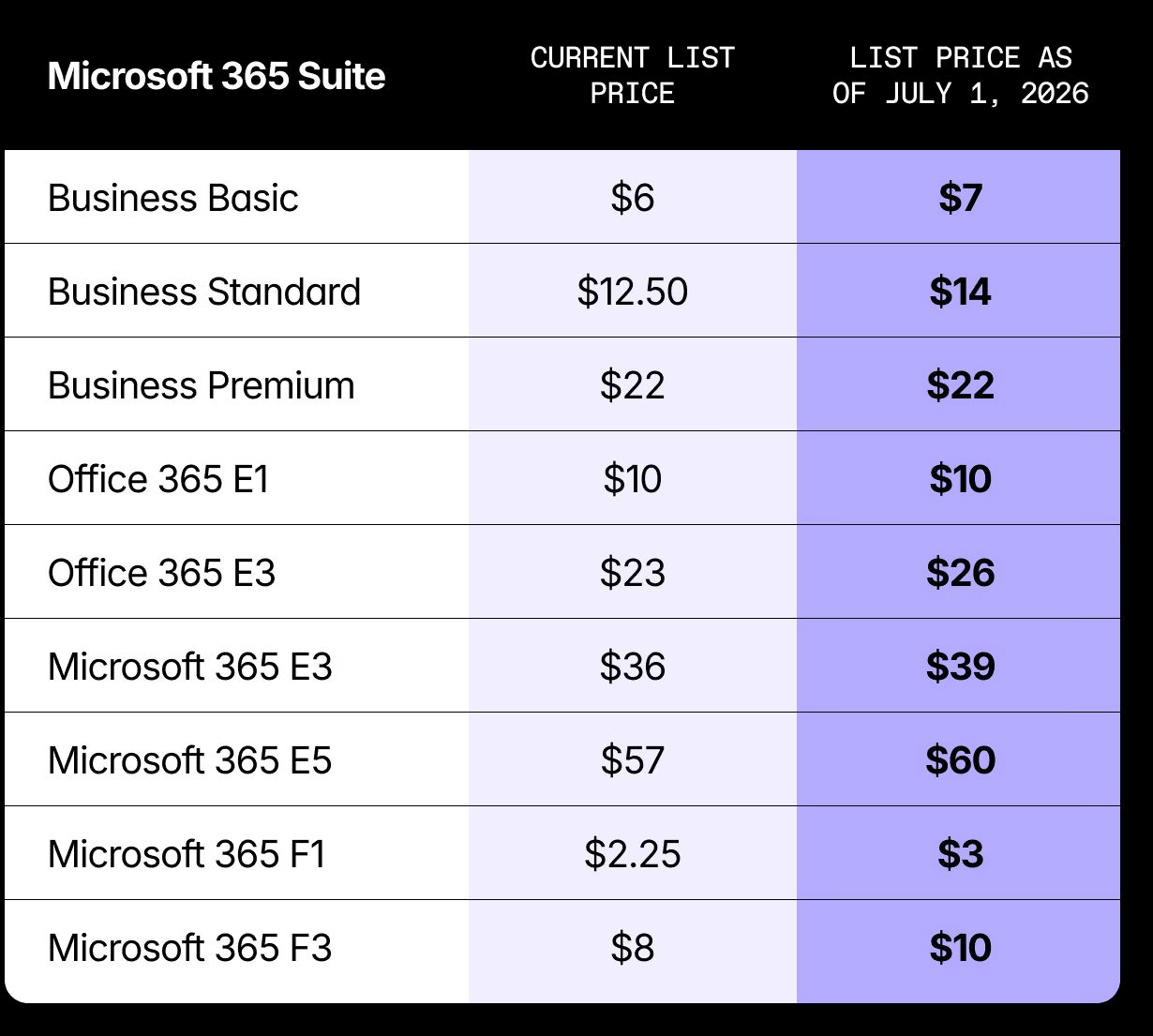
To put this in perspective, if your organization licenses Microsoft 365 for hundreds of users, even a small per-user price increase can quickly translate into tens of thousands of dollars in additional annual spend.
For example, a $3 monthly increase on Microsoft 365 E3 equals $36 more per user per year across every licensed user. So let’s say in a 500-user organization, that’s $18,000 in additional annual spend.
Now is the time to review your Microsoft 365 footprint and make sure you’re not paying more than you need to before the new pricing takes effect.
# Microsoft’s new premium license: Microsoft 365 E7
Alongside pricing changes, Microsoft is also launching a new top-tier enterprise license called [Microsoft 365 E7](https://techcommunity.microsoft.com/blog/partnernews/partner-blog--introducing-microsoft-365-e7-the-frontier-suite/4500520), generally available on **May 1, 2026**.
This new suite will combine productivity, security, and AI capabilities into a single subscription, including:
- Microsoft 365 E5
- Microsoft 365 Copilot
- Entra Suite for identity and access control
- Agent 365 as the control plane to govern and scale agents
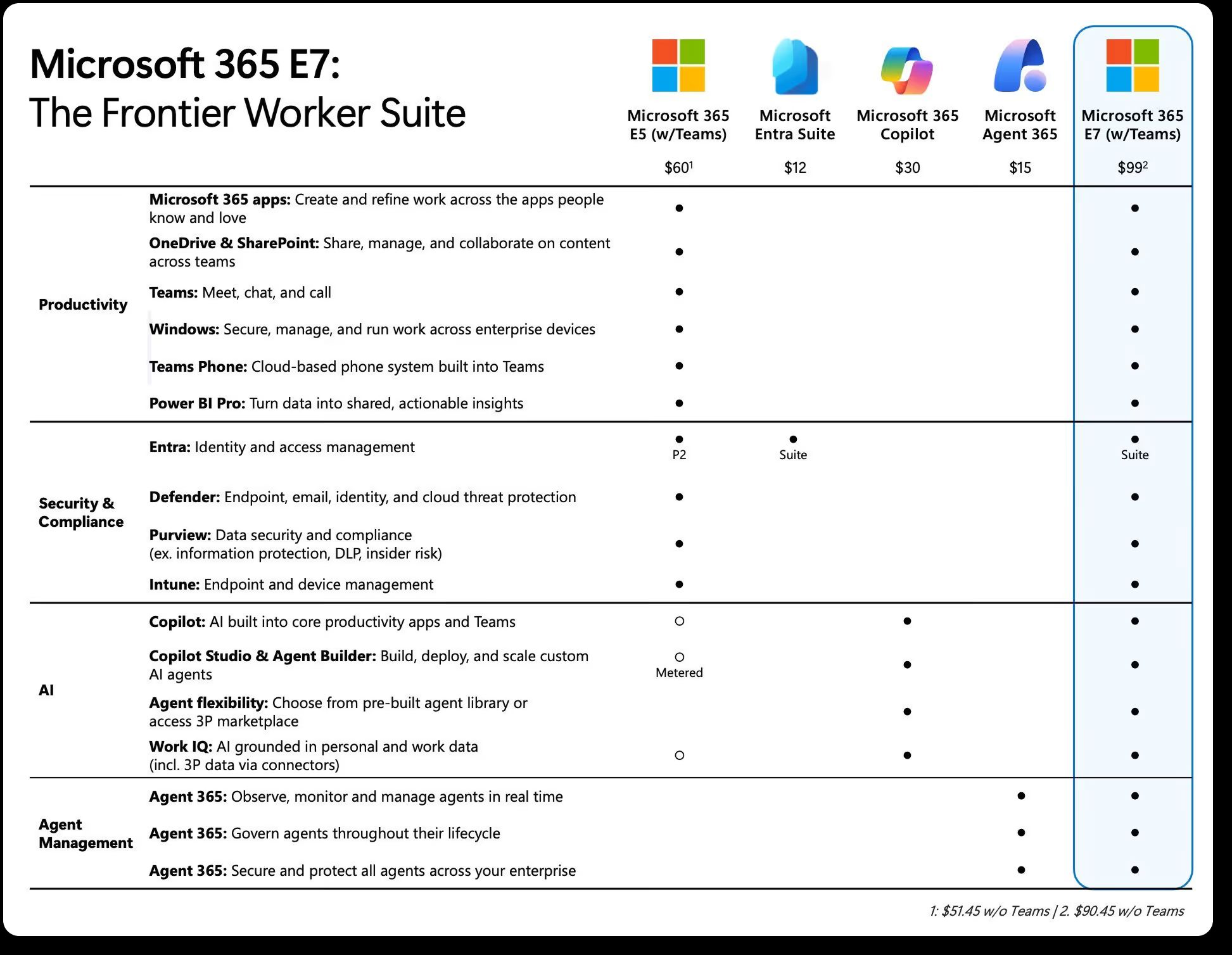
In other words, E7 is positioned as an AI-first enterprise license where advanced AI tools, security, and governance are deeply integrated into the Microsoft 365 platform. And it no doubt represents Microsoft’s vision for the next phase of enterprise productivity.
But the introduction of another premium license tier also raises an important question for IT teams: **Who actually needs it?**
Before considering new licensing tiers like E7 or expanding Copilot usage, it's a good idea to first understand how your existing licenses are being used.
# What Microsoft’s pricing update means for your organization
For many orgs, the bigger impact is that Microsoft 365 licensing is becoming more expensive to get wrong.
With new AI capabilities, higher-tier plans, and the introduction of licenses like Microsoft 365 E7, organizations will need to pay closer attention to how licenses are assigned, used, and managed across their environments.
If those basics aren’t under control, the 2026 pricing update could mean paying more for inefficiencies that were already there.
## Unused licenses increase unnecessary spending
Unused licenses are one of the most common sources of Microsoft 365 overspending. Gartner estimates that [organizations waste 25–30% of their SaaS spend on unused or underutilized licenses](https://itassetmanagement.net/2024/08/01/gartner-magic-quadrant-saas-management-platforms), which often includes Microsoft 365 environments.
Employees leave, roles change, or projects end. But licenses assigned to those users often stay in place. Without regular license reviews, organizations can end up paying for seats that nobody is using. And when pricing increases, those unused licenses become an even bigger drain on IT budgets.
## Over-provisioned or mismatched licenses drive higher costs
Even when licenses are actively used, they’re not always the right ones. For example, some users get enterprise licenses with advanced security, compliance, or analytics capabilities, even though they only need core productivity apps like Outlook, Teams, and SharePoint.
## Inactive workspaces quietly accumulate
Over time, Microsoft 365 environments start to collect things that nobody is really using anymore. Inactive Teams, duplicate or outdated SharePoint sites, and orphaned OneDrive accounts left behind after projects or employees move on.
Those inactive workspaces still take up storage, clutter the tenant, and make it harder for IT teams to understand what’s actually being used. And when environments grow without regular cleanup, it becomes much harder to spot where unnecessary costs are hiding.
# Should you renew early?
It might be tempting to renew early to avoid higher pricing. In some cases, that can potentially help secure current rates and help save money.
Before making that call, it’s worth taking a closer look at your environment. If you renew without auditing first, you could end up carrying forward unused licenses, over-provisioned or mismatched plans, inactive workspaces, or unnecessary storage costs.
Reviewing your Microsoft 365 footprint now gives you a clearer picture so you can clean things up and make a more informed decision about what comes next.
# How to optimize Microsoft 365 costs and prepare for your next renewal
Seeing where the waste in Microsoft 365 is happening that drives up unnecessary cost is harder to spot than it should be. Especially In large tenants with hundreds of users and workspaces, unused or over-provisioned licenses often go unnoticed because Microsoft’s reporting doesn’t clearly connect user activity with assigned licenses.
That’s where ShareGate Protect comes in. Giving you clear visibility into licenses, workspaces, and activity across your tenant.
## See every license in your tenant and how they're assigned to users
The license report includes the following allocation details for each Microsoft 365 license in your tenant:
- Product name
- Total purchased
- Total assigned
- Total unassigned
- Copilot included
- SKU
- Expired
- Status
## Find inactive workspaces that waste storage
Protect crawls your tenant and evaluates activity signals across workloads like SharePoint, Teams, and group mailboxes. It surfaces inactive workspaces and users that add clutter, increase storage costs, and make governance harder.
You can open a pre-built report to see what’s inactive, understand the impact, and take action right where you spot the issue.
## Archive workspaces to reclaim storage
To archive a single workspace, select the three dots in the row for the item you want to archive. You can also select multiple workspaces and click on the **Bulk actions** button.
---
### Jabra: And yet, they work!
> How Jabra’s Scalable Video Solutions Bring Hybrid Meetings to Life.
**Published:** April 26, 2026
**Author:** ECS Events
**URL:** https://ecs.events/a/jabra-and-yet-they-work
Hybrid meetings get a lot of criticism. Many people insist that meetings only really work if everyone is either physically in the room or everyone joins remotely. From a technical point of view, that sounds plausible: it is simply easier when everyone has the same setup. Hybrid meetings are undeniably more complex. But the reality is different. Flexible work models are already firmly established: many employees work regularly from home, others almost entirely remotely – for example because of caring responsibilities, physical limitations, or neurodivergent needs.
### **Collaboration that includes everyone, everywhere**
For reasons of inclusion, equal opportunity, and talent retention, there is no way around hybrid work anymore. On top of that, distributed collaboration is now the norm, with entire teams sitting together in conference rooms and connecting via video to other locations. Getting everyone into the same room is often impossible. Asking everyone to dial in from their own laptop when several people are in the same office, however, makes little sense – especially when those who come into the office are deliberately looking for in person interaction and are certainly not commuting just to sit alone in front of a screen.
Individual needs and preferences differ and should be reflected in how collaboration is set up. This also includes how meetings of any kind are planned and run: they need clear structure and good facilitation so that quieter voices are heard just as much as the more dominant ones.
### **Jabra solutions for every room size**
Jabra’s mission is to give people in the room and remote participants an equal presence and to create a smooth, as natural as possible meeting experience. With Jabra PanaCast solutions, organizations can equip their entire meeting landscape – from small huddle spaces through medium-sized meeting rooms all the way to large conference rooms. Thanks to the 180° field of view, everyone in the room is captured clearly on camera. Intelligent features like Virtual Director automatically highlight whoever is speaking. Remote colleagues can always see who has the floor and follow the conversation more easily, creating a far more natural and dynamic meeting experience.
When remote participants also use a Jabra headset together with the Jabra PanaCast 20, they are perceived just as clearly and professionally as those in the room – turning hybrid meetings from a compromise into a real advantage.
### **Professional meeting presence from anywhere**
The experience at the far end is just as important as the technology inside the meeting room. When remote participants join with a Jabra PanaCast 20 personal video camera and the latest Jabra Evolve3 headsets, they appear just as clearly and professionally as those sitting around the table. PanaCast 20 delivers sharp, well-framed video, while Evolve3 headsets provide outstanding audio quality and noise isolation.
This combination means people can take part in important discussions from virtually anywhere – the home office, a shared workspace, a quiet corner of a customer site or even a busy kitchen table. Intelligent microphones and advanced noise cancelling technology in Evolve3 help block out background sounds, so voices remain clear and easy to understand. Comfortable all day wear and seamless plug and play connectivity make it simple to jump into a call at short notice. Together, PanaCast 20 and Evolve3 turn almost any location into a professional meeting space.
### **Making the most of Teams and Copilot in hybrid meetings**
Modern collaboration platforms like Microsoft Teams add another layer of value in hybrid meetings. Features such as live transcription, speaker identification and automatic meeting summaries help participants stay focused on the conversation instead of taking notes. After the meeting, decisions, action items and key quotes can be reviewed in a structured, searchable format.
When high quality video and audio from Jabra devices are combined with tools like Microsoft Copilot in Teams, organizations get even more out of every session. Clear sound and image improve the accuracy of transcripts, while AI supported summaries and follow ups make it easier to share outcomes with stakeholders who could not attend. The result: hybrid meetings become more inclusive, more productive and far easier to turn into concrete next steps.
Don’t miss our Sponsored Session at ECS 2026:
**When the Room Scales Up and the Noise Goes Down!**
Experience Jabra’s New Large Room Solutions & Evolve 3 - Live!
It’s demo time! 20 minutes. Zero fluff. Join Thomas Baumann, Anne Sophie Pavie, Sandra Hagemann, and our live “b end” crew for a real time, end to end demo. See and hear how Jabra engineers the ultimate meeting experience—from multi camera large room coverage to Evolve 3 headset clarity under crowd level noise.
**When & Where**
**Date**: Thursday, 7 May 2026
**Time**: 12:40–13:00
**Location**: Sponsor Stage 1 (A) in the expo hall
**Speakers**
Thomas Baumann, EMEA & CALA Head of Pre-Sales
Sandra Hagemann, Lead Technical Consultant, EMEA & CALA
Anne-Sophie Pavie, Sr. Strategic Alliances Manager
---
### 365 Heroes: Meet 365 Heroes at European Sign Expo 2026 in Cologne
> At **European Sign Expo 2026 in Cologne**, we are excited to present how modern Microsoft 365 solutions can turn complex digital environments into structured, efficient, and scalable workplaces.
**Published:** April 26, 2026
**Author:** ECS Events
**URL:** https://ecs.events/a/365-heroes-meet-365-heroes-at-european-sign-expo-2026-in-cologne
At **365 Heroes**, we help organizations build clear digital structures that simplify collaboration, improve productivity, and create sustainable digital workplaces. Our focus lies on SharePoint, Microsoft Teams, Power Apps, Power Automate, and intelligent intranet solutions tailored to real business needs.
Many companies already use Microsoft 365 in their daily operations, but still face challenges such as fragmented data, unclear processes, and growing complexity in collaboration. This is exactly where we come in: with practical solutions and strategic guidance, we transform digital environments into structured collaboration platforms that create real value.
One of our solutions is **Simplify 365 Cleaner**, designed to help organizations maintain clean and structured Microsoft 365 and Teams environments. Over time, many tenants accumulate outdated files, unused teams, redundant data, and inconsistent structures. With analytics and dashboards, Simplify 365 Cleaner makes these inefficiencies visible and supports sustainable cleanup and governance.
Another important part of our portfolio is our **Managed Workplace approach**. With this service, we ensure that Microsoft 365 environments remain secure, optimized, and continuously improved. At the same time, we provide the necessary hardware and software to create a stable, future-ready digital workplace where monitoring, management, and performance run smoothly.
What drives us is our enablement mindset: we do not want our customers to depend on us forever. Our goal is to empower organizations to understand, manage, and further develop their own digital workplace. Through consulting, training, and structured implementation, we help our customers become digital heroes themselves.
We are looking forward to inspiring conversations, new connections, and exchanging ideas with industry professionals in Cologne. For us, European Sign Expo 2026 is a great opportunity to share how digital clarity, automation, and sustainable Microsoft 365 strategies can create real impact for modern organizations.
---
### Veeam: The Future of Microsoft 365 Data Protection - Why SaaS Backup and Data Visibility Matter More Than Ever
> Microsoft 365 has become the backbone of modern collaboration. From email and documents to Teams chats and identity services, it powers how organizations work every day. But while Microsoft delivers a resilient platform, one critical fact remains: **data protection is a shared responsibility** — and protecting your Microsoft 365 data ultimately lies with you.
**Published:** April 26, 2026
**Author:** ECS Events
**URL:** https://ecs.events/a/veeam-the-future-of-microsoft-365-data-protection-why-saas-backup-and-data-visibility-matter-more
At this year’s **European Collaboration Summit (ECS)**, Veeam will be onsite with a dedicated booth to showcase how organizations can take control of their Microsoft 365 data, simplify protection, and prepare for what’s next. As the global leader in data resilience, Veeam helps businesses keep their data safe, available, and actionable — even as SaaS environments grow more complex.
### **Why SaaS Backup for Microsoft 365 Is Non‑Negotiable**
Native retention and recycle bins are not a backup strategy. Accidental deletion, misconfiguration, insider risk, ransomware, and compliance requirements all demand **independent, purpose‑built SaaS backup**. Organizations need the ability to restore quickly, granularly, and reliably — without managing complex infrastructure. As you consider and evaluate public cloud services, it's critical to understand the shared responsibility model and which security tasks the cloud provider handles and which tasks you handle.
**Veeam Data Cloud for Microsoft 365** delivers fully managed, cloud‑native backup for Exchange Online, SharePoint, OneDrive, Teams, and Entra ID. With unlimited storage, flexible retention, and fast recovery at scale, it removes the operational burden of traditional backup while ensuring your most critical collaboration data is always protected.
### **The Next Frontier: From Protecting Data to Understanding It**
Backup is no longer just about recovery — it’s about insight. As data volumes grow and regulations tighten, organizations need to understand **what data they have, where it lives, and why it matters**. That’s where AI‑driven data visibility comes in.
Veeam is taking Microsoft 365 data protection a step further by combining resilience with intelligence. AI‑powered data visibility enables organizations to improve compliance readiness, uncover sensitive data, and turn backups into a valuable source of data intelligence — not just an insurance policy.
### **Join Our Speaking Session at ECS**
Wednesday, 6 May 2026, 11:00-11:20 on Sponsor Stage 2 (B) in the expo hall.
### **"The Future of M365 Data Protection – SaaS Backup and Data Visibility"**
In this session, we’ll explore why a dedicated SaaS backup strategy is essential for Microsoft 365, how Veeam Data Cloud delivers scalable, fully managed protection, and why understanding your data is becoming just as important as protecting it. You’ll also get a first look at how AI‑driven data visibility is set to transform compliance and data intelligence for Microsoft 365 environments.
### **Meet Veeam at ECS booth #76**
Visit the **Veeam booth #76** to speak with our experts, see live demos, and learn how to future‑proof your Microsoft 365 data strategy — from resilient SaaS backup to AI‑powered insights.
**Protect your data. Understand your data. Be ready for what’s next.**
---
### glueckkanja AG: The Holy Trinity: What AI Actually Needs to Get to Work
> A manufacturing company wants to know which of its 14,000 SKUs actually turn a profit. The answer sits in three systems that have never exchanged a single data point. Until recently, getting it required three departments, two weeks and a good deal of goodwill. Since early 2026, an AI can answer that question in minutes: search the data, draw connections, produce a recommendation. Provided, that is, it has access.
The models are ready. They act, execute tasks across multiple steps and system boundaries, prepare decisions, trigger workflows. Many companies have already had their first taste of this through Copilot, but Copilot knows the M365 universe: emails, documents, calendars. To point AI at the data that actually runs the business, at ERP, CRM, IoT and production systems, you need a different foundation.
That foundation has three parts. We built each of them as a managed service, each goes live in three to four weeks, and together they form the platform on which AI can do real work.
**Published:** April 26, 2026
**Author:** ECS Events
**URL:** https://ecs.events/a/glueckkanja-ag-the-holy-trinity-what-ai-actually-needs-to-get-to-work
### **First: Data worth querying**
Back to the 14,000 SKUs. Production data lives in the ERP, sales figures in the CRM, and somewhere in between a single person maintains a spreadsheet that happens to be the only source for a business-critical KPI. This is not an edge case. It is the norm. And as long as these data sit in separate systems, AI has no coherent view of the business.
A lakehouse architecture resolves this in three layers: raw data from source systems (Bronze), curated and validated datasets (Silver), business-level aggregates that feed directly into analytics or AI pipelines (Gold). Whether this runs on Databricks or Fabric depends on the requirement. Both work. So does a hybrid of the two.
The **Azure Data Foundation** is our managed service for this. It integrates data from ERP, CRM, IoT and other source systems into a single platform, defined entirely as Infrastructure as Code, with automated drift detection, end-to-end data governance via Unity Catalog or Purview, and role-based access for business users, analysts and data engineers alike. The practical effect: a company with this foundation in place can, for the first time, ask questions that were previously unanswerable, not for lack of will, but because the data, though present, was never connected.
### **Second: A place where workloads actually run**
Having data is one thing. Doing something with it that goes beyond a one-off query is another. AI applications, automated business logic, long-running jobs: anything that autonomously and repeatedly accesses enterprise data needs a runtime environment you can control. That environment, whether you planned it this way or not, consists of containers.
The **Azure Container Foundation** provides this framework: a standardised container platform built on Azure Container Apps or Azure Kubernetes Service, depending on the workload. Unified network access, centralised authentication via Entra ID with Managed Identities, consistent monitoring throughout. All governed through Terraform and GitHub, all reproducible.
What this makes possible: rather than every team spinning up its own cluster and defining its own rules, there is a shared framework in which workloads do not merely run but remain governable. That is the precondition for granting them autonomy.
**Third: A workplace for actors without a face**
This is where it gets interesting. Every enterprise has dozens, sometimes hundreds of applications for which no API exists, only a user interface. An AI agent tasked with capturing orders, processing documents or triggering workflows in those applications cannot call an endpoint. It needs what only humans have needed until now: a screen, a session, a mouse. A PC.
Windows 365 delivers precisely this cloud endpoint. The agent operates on it under its own identity, a so-called Agent Identity: a dedicated account with defined permissions and a full audit trail. A controlled actor within the existing IT landscape, subject to the same security and compliance requirements as any human employee.
The **Cloud Workplace Foundation** is our framework for managing AVD and Windows 365 under a single roof. Session hosts are not patched but replaced with new image versions, cattle, not pets: no manual maintenance, no configuration drift. More than 2,500 applications are delivered as packages through RealmJoin, Intune policies are managed as code, with version control, pull-request-based change management and automated drift detection. This applies to human users and agents alike.
### **The Trinity**
Three foundations, each in production within three to four weeks, each deployable on its own, together the platform on which AI reaches the parts of the enterprise where value is actually created.
The Azure Data Foundation gives AI access to the data that describes the business. The Azure Container Foundation gives its workloads a place to run, durably and under control. And the Cloud Workplace Foundation gives it a workplace where it can operate even where no API awaits, only a screen.
Put all three together and you have the ground on which AI stops summarising and starts working.
---
### Lightning Tools: DeliverPoint by Lightning Tools - Strengthening SharePoint Governance for the AI Driven Era.
> As organisations across the Adriatics accelerate their Microsoft 365 adoption, strong governance is becoming essential—not optional. With the rise of Copilot and AIpowered productivity, knowing **who has access to what** and **how your storage is being consumed** is now a critical part of digital readiness.
DeliverPoint, built natively for modern SharePoint Online and Microsoft Teams, gives organisations the visibility and control they need to stay secure, compliant, and efficient.
**Published:** April 26, 2026
**Author:** ECS Events
**URL:** https://ecs.events/a/lightning-tools-deliverpoint-by-lightning-tools-strengthening-sharepoint-governance-for-the-ai-dr
### **Smarter Permissions Management**
Managing SharePoint permissions at scale can be complex. Inheritance breaks, oversharing, Microsoft 365 Groups, and legacy AD groups all blur the picture of who actually has access. DeliverPoint resolves this by providing:
- **Full visibility of permissions**—including users, Microsoft 365 Groups, and Active Directory groups.
- **Actionable reporting** across sites, hubs, lists, libraries, and individual items.
- **Bulk management tools** to copy, transfer, or delete permissions without scripts or PowerShell.
- **Sharing link intelligence** to detect and clean up overshared or forgotten external access.
Because DeliverPoint runs entirely within your Microsoft 365 security boundary, no data leaves your tenant—making it a trusted choice for organisations with strict compliance needs.
### **New Premium Feature Now Available: DeliverPoint Storage Management: Cutting Cost While Reducing Risk**
Storage sprawl is one of the most hidden—yet expensive—SharePoint challenges. Duplicate content, excessive versions, and abandoned files quietly consume space and increase exposure. DeliverPoint Storage Management provides the clarity and control needed to take immediate action.
Key capabilities include:
- **Duplicate file detection** across sites and site collections.
- **Version history insight**, exposing content with excessive or unnecessary versions.
- **Permissionaware cleanups** that ensure no file is removed without understanding who relies on it.
- **Storage optimisation reporting** to pinpoint where cleanup will have the biggest impact.
By combining storage insights with permission intelligence, organisations can safely reclaim capacity, reduce cost, and strengthen their data governance posture.
### **Built for Today’s Collaboration Challenges**
Lightning Tools has long been recognised within the Microsoft ecosystem for extending SharePoint with secure, highvalue solutions. DeliverPoint continues that tradition by helping organisations:
- Stay compliant with internal and regulatory controls
- Prepare their content and permissions foundation for Copilot readiness
- Empower Site Owners without sacrificing IT oversight
- Reduce operational overhead tied to manual audits and cleanup tasks
As data volume and AI adoption grow, clarity, confidence, and control over your Microsoft 365 environment are vital. DeliverPoint and DeliverPoint Storage Management provide the practical governance foundation every organisation needs to collaborate safely and effectively.
For more information find us in the expo hall, or online:
[https://lightningtools.com](https://lightningtools.com)
---
### DEKOM GmbH: From Experience to Transformation: Why Adaptability Defines the Next Era of Collaboration
> For years, the collaboration industry has been driven by experience. We focused on creating impressive spaces, larger displays, better cameras, and environments designed to inspire. Technology became something to showcase, something to feel.
**Published:** April 26, 2026
**Author:** ECS Events
**URL:** https://ecs.events/a/dekom-gmbh-from-experience-to-transformation-why-adaptability-defines-the-next-era-of-collaboratio
And that was the right approach at the time. Experience helped make technology visible. It encouraged organizations to rethink collaboration and turned meeting rooms into places where people could truly engage.
But today, that is no longer enough.
We are leaving the era of experience and entering the era of transformation.
This shift introduces a fundamentally different question. It is no longer about what looks better or feels more impressive. The real question is whether technology helps organizations adapt. Can it make them faster, more resilient, and future ready?
In a world where change happens faster than planning cycles and innovation outpaces investment timelines, adaptability becomes the most valuable asset. The companies that succeed are not those with the most impressive setups, but those that can evolve continuously.
This is where the role of collaboration technology changes. It is no longer about designing the perfect room. It is about building systems that grow with the organization.
Instead of focusing on bigger hardware, the focus shifts to ease of use. Technology only creates value when people can use it intuitively. Future readiness becomes more important than short term impact. Lifecycle management replaces one time projects, reflecting the reality that technology is an ongoing process rather than a single investment.
Standardization also becomes critical. Without it, scaling collaboration across locations leads to complexity rather than efficiency. At the same time, managed services gain importance, as organizations no longer want to own technology, but expect reliability, security, and continuous improvement.
With the rise of AI, this transformation accelerates even further. AI driven technologies do not just enhance meetings, they reshape how decisions are made, how knowledge is captured, and how teams collaborate across boundaries.
However, AI can only deliver real value if the underlying systems are adaptable. Rigid infrastructures limit innovation, while flexible and well integrated environments enable it.
This is where the balance between standardization and flexibility becomes essential. Organizations need scalable solutions that can be rolled out globally, but also tailored environments where leadership, brand, and culture come to life.
At DEKOM, this balance is reflected in a consistent best of breed approach. It is not about promoting a single vendor or solution. It is about selecting the right technology for each specific context. At the same time, it means combining global rollout expertise across huddle spaces and meeting rooms of all sizes with highly customized conferencing environments such as boardrooms and experience spaces.
This combination allows organizations to build collaboration ecosystems that are both efficient and adaptable. Standard where it makes sense, individual where it creates real value.
Does a device integrate seamlessly and remain usable over time?
Does a service reduce complexity and enable ongoing improvement?
Does a process scale and adapt as requirements change?
These are the metrics by which we measure success in the new era of transformation.
With many years of experience in designing and delivering collaboration solutions worldwide, we understand what it takes to turn technology into real business value. If you would like to explore how this transformation can look in your organization, we would be happy to continue the conversation with you at our booth at the European Collaboration Summit.
---
### Rencore: Staying in Control of Microsoft 365, Copilot, Agents & Power Platform - Meet Rencore at Collab Summit 2026
> We are excited to join Collab Summit as a sponsor and connect with IT, security, and business leaders who are shaping the future of digital workplaces. At Rencore, our mission is simple: empowering organizations to evolve their digital workplace with confidence and control.
As organizations rapidly adopt AI and Copilot, governance becomes the prerequisite – not the afterthought.
Governance helps you to keep your environment secure, compliant, and cost-efficient while enabling people to collaborate and build freely!
That’s exactly where **Rencore Governance** comes in – and what we’ll be showcasing at Collab Summit.
**Published:** April 26, 2026
**Author:** ECS Events
**URL:** https://ecs.events/a/rencore-staying-in-control-of-microsoft-365-copilot-agents-power-platform-meet-rencore-at-col
### **Who we are: Governance for a changing Microsoft 365 world**
Rencore is a cloud governance software provider focused on Microsoft 365, including Teams, SharePoint, Exchange, OneDrive, Entra ID, Copilot, and the Power Platform. Our customers are enterprises that need:
- Visibility into what’s really happening in their Microsoft 365 tenant
- Control over sprawl, risk, and compliance
- Automation to scale governance across large, complex environments
Rencore Governance brings all of this together in one central solution. It continuously analyzes your environment, highlights risks and optimization opportunities, and allows you to define policies, automate actions, and report to stakeholders – from IT and security to compliance and business owners.
**--------------------------------------------------------**
### **What we’ll be showcasing at Collab Summit**
At the event, we’ll focus on how organizations can:
**1. Prepare for AI and Copilot governance**
Microsoft Copilot is transforming productivity – but it also increases the importance of access controls, data protection, and policy enforcement. We’ll show how Rencore helps you:
- Understand which data Copilot can access
- Identify sensitive information exposure risks
- Enforce governance policies across data and lifecycles
**2. Tame Microsoft 365 and Teams sprawl**
New teams, sites, and workspaces are created every day. Without proper governance, this leads to duplication, security gaps, and complexity. We’ll demonstrate how Rencore enables you to:
- Monitor growth across Teams, SharePoint, and more
- Detect inactive or risky workspaces
- Automate lifecycle management, from provisioning to archiving or cleanup
**3. Govern Power Platform and low-code applications**
Citizen developers and power users are building business-critical apps and flows – often faster than IT can track. At [Event Name], we’ll share how to:
- Gain visibility into apps, flows, and connectors
- Identify orphaned or high-risk solutions
- Put guardrails in place without stifling innovation
**--------------------------------------------------------**
### **Visit us at our booth**
You’ll find the Rencore team at **Booth 73** in the expo area. Stop by for:
- **Live demos** of Rencore Governance tailored to your environment and use cases
- **Best-practice conversations** on Microsoft 365, Copilot, and Power Platform governance
- **Quick assessments** of your current governance challenges and potential next steps
- Some really cool **conference swag**
Whether you’re responsible for IT operations, security, compliance, or business processes, we’re happy to discuss how to balance freedom and control in your Microsoft 365 environment.
**--------------------------------------------------------**
### **Don’t miss our sponsor session**
We’re also hosting a **session** at Collab Summit!
_From Sprawl to Control: Automated Governance for Microsoft 365, Copilot & Power Platform_
**Speaker**: Maximilian Götz, Solution Engineer
In this session, we will:
- Share real-world examples of how organizations are tackling governance at scale
- Demonstrate how to move from reactive fixes to proactive, automated governance
- Show how governance supports – rather than blocks – productivity and innovation
You’ll walk away with practical ideas you can apply immediately, regardless of whether you’re just starting your governance journey or optimizing an existing framework.
**--------------------------------------------------------**
### **Let’s connect at Collab Summit**
We believe that great governance is an enabler, not a constraint. By combining deep visibility, flexible policies, and powerful automation, Rencore helps organizations stay secure, compliant, and efficient – while empowering people to collaborate and build with confidence.
If you’re attending [Event Name], we’d love to meet you:
- Visit us at **Booth 73**
- Join our **session**
- Or pre-book a meeting with our team on our website rencore.com
See you at Collab Summit!
---
### YASH Technologies: Building a Unified AI First Enterprise with Microsoft Cloud and NEUPAC at the European AI & Cloud Summit 2026
> As enterprises across Europe move rapidly toward AI driven operating models, the challenge is no longer experimentation—it is **governance, control, cost optimization, and scale**. **YASH Technologies**, a global digital transformation partner and Microsoft Solutions Partner, will be showcasing its capabilities at **Booth No. 80** at the **European AI & Cloud Summit 2026**, helping organizations confidently evolve into AI first enterprises using **Microsoft Cloud and NEUPAC™**, YASH’s **Agentic AI platform**.
With **18+ years of Microsoft expertise**, **1,300+ consultants**, and deep experience across Azure, Data & AI, Dynamics 365, Power Platform, Security, and Modern Work, YASH helps enterprises operationalize AI with measurable business value. At ECS 2026, visitors to **Booth No. 80** can learn how YASH’s **OneMicrosoft approach**, combined with **NEUPAC**, enables CIOs, CTOs, and CXOs to establish control, visibility, and trust across enterprise AI environments.
**Published:** April 26, 2026
**Author:** ECS Events
**URL:** https://ecs.events/a/yash-technologies-building-a-unified-ai-first-enterprise-with-microsoft-cloud-and-neupac-at-the-eur
### **NEUPAC™: A Single Control Center for Enterprise AI Agents**
**NEUPAC is an Agentic AI platform** that provides organizations with a **single control center to govern, optimize, and scale AI agents**.
Built for **CXO level visibility and oversight**, NEUPAC delivers:
- **Policy based governance** across AI agents
- **Security with zero data copy architecture**, ensuring enterprise data protection
- **FinOps visibility** to monitor, optimize, and control AI spend
- **Responsible AI monitoring** to reduce risk and support compliance
- **Vendor neutral model orchestration**, avoiding dependency on a single AI provider
NEUPAC enables enterprises to **control costs, reduce risk, ensure compliance, and confidently evolve into a unified AI first organization**, while delivering **clear ROI value through unified visibility** across AI initiatives.
**--------------------------------------------------------**
### **What YASH Will Showcase at Booth No. 80**
**AI, Data & Analytics on Microsoft Cloud**
YASH enables scalable AI foundations using **Azure Data & AI, Azure Machine Learning, Azure OpenAI, Power BI, and Fabric aligned architectures**, with NEUPAC providing centralized governance and cost visibility for AI agents.
**Cloud Modernization & Migration**
End to end cloud services covering strategy, migration, modernization, and managed services—including **application modernization, SAP on Azure, DevSecOps, and hybrid cloud operations**.
**Business Applications & Intelligent Automation**
Intelligent business transformation powered by **Dynamics 365, Power Platform, and Copilot**, with NEUPAC delivering centralized governance and operational control for AI driven workflows.
**Security, Governance & Compliance**
Enterprise grade security using **Microsoft Sentinel and cloud security frameworks**, aligned with NEUPAC’s policy based governance and responsible AI monitoring.
**--------------------------------------------------------**
### **Why Visit YASH Technologies at Booth No. 80**
- Proven enterprise AI and cloud expertise across **manufacturing, life sciences, retail, BFSI, energy, and healthcare**
- Strong Microsoft partnership and global delivery excellence
- **NEUPAC powered AI governance** for secure, cost controlled, and compliant AI scale
- Practical guidance on moving from fragmented AI initiatives to **ROI driven AI operations**
**Visit YASH Technologies at Booth No. 80 at the European AI & Cloud Summit 2026** to explore how Microsoft Cloud and NEUPAC together provide the control, visibility, and confidence required to operate AI at enterprise scale.
---
### delaware: Why you can't AI your way out of unstructured onboarding
> There’s a moment most managers know too well: a talented new colleague joins, six weeks pass, and they’re still operating at half speed. So, you schedule yet another catch up, explain the same context again, and quietly wonder: _“Is this a people problem?”_
It isn’t. It’s an environment problem, or two, actually.
**Published:** April 26, 2026
**Author:** ECS Events
**URL:** https://ecs.events/a/delaware-why-you-cant-ai-your-way-out-of-unstructured-onboarding
## **Two problems, one bottleneck**
First, the structure is a mess: your Microsoft 365 environment grew “organically,” which is a polite way of saying **nobody knows where anything lives**.
Second, even when structure does exist, nothing reaches out to the new colleague to say:
**“Start here. Here’s what matters. Here’s what you need to know.”**
Without both pieces, structure _and_ experience, onboarding will continue to fail, even in organizations that already invested in Microsoft 365.
## **The hidden cost of an unstructured environment.**
Most organizations have invested significantly in Microsoft 365. Teams, SharePoint, OneDrive: your tools are in place. But the actual experience tells a different story: workspaces created in a hurry and without really thinking them through, project spaces abandoned mid-project, folders named “Final v2_APPROVED_USE THIS ONE_final”, decisions buried in 18-month-old chat threads.
**_A new colleague doesn’t walk into a digital workplace. They walk into an excavation site._**
Let’s dive into a concrete use case: the **department’s lead** approved the hire months ago. She assumes the team’s knowledge is somewhere accessible. After all, the team has been using Teams and SharePoint for years. It isn’t. It lives in people’s heads, in folder structures only their creator can navigate, and in conversations nobody can find. By week six she’s fielding questions she doesn’t have time to answer, and she’s paying a full salary for someone operating at 40% capacity.
The **project manager** is juggling three projects, prepares kickoff notes from memory, shares links that _might_ be current, and repeats the same explanations for two weeks straight. Decisions live in chats; documents aren’t organized by lifecycle; open actions live rent free in his head.
The new team member arrives to a Teams channel with 400 unread messages, a SharePoint site with folder names that contradict each other, and instructions to “just ask.” But she can’t ask about what she doesn’t know exists.
**Three roles, three frustrations, one root cause**: a Microsoft 365 environment full of information that’s invisible to anyone who wasn’t there when it was created.
## **The foundation matters – and no, it’s not optional**
The natural instinct is to fix the structure. And that instinct is right. Govern the workspaces, clean up SharePoint, enforce clear and consistent lifecycle management, information classification that keeps old content from polluting search results, a real publication layer so collaboration spaces don’t become landfills. This is the necessary starting point. You have to make sure that you transform Microsoft 365 from a dumping ground into a structured knowledge environment, one where documents are findable, decisions are traceable, and workspaces are coherent. Without this foundation, nothing else works – for your people _and_ your AI.
Because if you roll out Copilot on top of years of chaos, you already know the outcome: **garbage in, garbage out**. Ask Copilot for a project summary and it will cheerfully blend outdated drafts, abandoned decisions, and irrelevant conversations. It simply can’t tell the difference.
**_You can’t build a personalized, AI-powered experience on top of three years of chaos. The foundation isn’t where you start because it’s easy. It’s where you start because nothing else holds without it._**
Get the foundation right, and everything changes:
- Copilot can explain a project’s history because that history actually exists.
- An agent can tell you the current status because there _is_ a current status.
- Search stops serving seventeen versions of the same “Final” file.
But here’s the catch: **a clean, governed environment still doesn’t onboard anyone**.
It’s like giving someone access to a perfectly organized library… without telling them the library exists.
## **The experience layer: the part that actually helps people**
This is where onboarding finally clicks into place. These experiences can all be built in M365 with Power Platform, Teams, Copilot agents, and structured workspaces. They reach out, guide, personalize, and only work properly because the foundation below is clean.
**1. Personalized Onboarding tab in Teams**
A Teams tab pinned to each workspace a new colleague is added to - surfacing a curated ‘start here’ view assembled dynamically from the governed workspace content. Not a static page someone maintains. A live view that reflects the workspace as it actually is today. The components adapt to the type of workspace. For a project workspace: the key documents by lifecycle stage, the decisions that shaped where things stand today, the open actions that need attention, and the colleagues they’ll work with most. For a hierarchical team workspace, the components serve a different purpose entirely: orienting the new joiner in the team structure rather than in a project. In a team workspace, the tab surfaces: a dedicated card for the direct manager - their focus areas, their working style, quick actions to message or book time; a compact org chart showing the full team hierarchy and which sub-team the new joiner belongs to; a searchable team directory organized by sub-group, where every person’s areas of expertise are listed so the new colleague immediately knows who to go to for budget questions, who owns the vendor relationships, who to involve in a technical discussion - without having to ask; the team’s key resources tagged by priority (start here, read, reference, to do); and a feed of recent team announcements so nothing important gets missed in a backlog of unread messages. One tab. Everything needed to orient, connect, and get started - regardless of whether the workspace is a project or a team.
**2. A workspace Copilot agent** scoped to the project or team, grounded in its documents, decisions, and activity. A new colleague asks a question in natural language and gets a traceable answer. Not a summary of the internet. An answer drawn from the actual workspace.
**3. A join-a-project workflow** triggered automatically when someone is added to a workspace. It assembles a project briefing from the structured content and delivers it as an Adaptive Card in Teams. The project manager doesn’t prepare this. The environment does.
**4. A personal weekly digest** delivered every Monday morning across all active workspaces: what happened, what was decided, what’s due. For a new colleague in their first weeks, this is the difference between perpetually catching up and staying current from day one.
## **What it feels like when everything works**
These experiences don’t operate in isolation. Together, they form a coherent onboarding journey, entirely contained within Microsoft 365, where your people already work.
This means that on her first day, your new colleague opens Teams. She’s been added to the Digital Transformation team and to two project workspaces. Each has an onboarding tab waiting for her.
In the team workspace, the tab shows her the full team structure she immediately understands:
- where her seat is
- who her manager is
- who owns what
- who to contact for vendor questions
In the project workspace, she sees:
- the five documents that matter
- the three decisions that shaped the project
- the two actions assigned to her
She asks the workspace agent about a decision made six weeks before she joined.
It answers with the meeting notes attached. Twenty minutes later, she has the context that usually takes three meetings to collect.
On Monday, her digest arrives. She’s not catching up anymore. She’s keeping pace.
**_The department lead didn’t answer a single onboarding question.
The project manager didn’t prepare a kickoff.
The new employee didn’t dig through a landfill.
Your Microsoft 365 environment did the work._**
This is what happens when governance and experience work together. The foundation makes information reliable. The experience layer makes it reachable. And AI finally becomes helpful instead of confusing.
## **Govern the foundation. Design the experience. Then let AI shine.**
Most organizations already have everything they need inside M365. What’s missing is the intentionality - to govern properly and to design experiences that support people instead of overwhelming them.
Onboarding is the clearest example of this gap. But the same friction shows up every day for every employee who needs context, clarity, or a reliable answer.
Clean the foundation, and AI becomes useful. Build the right experiences, and your digital workplace finally works for the people inside it, not just the people who set it up.
We’ll be at the European Collaboration Summit 2026 to show how we help organizations make this shift in practice. Come find us, or reach out if you want to talk about where your Microsoft 365 stands today.
---
### Infobip: AI agents are redefining CX - Infobip is here to help you lead the shift
> The way enterprises engage customers is undergoing a fundamental shift. AI agents, autonomous goal-driven systems capable of reasoning, adapting, and acting, are no longer experimental. They are being deployed across customer service, sales, and support functions, redefining what is possible in enterprise customer experience (CX).
But with that opportunity comes complexity. Managing a growing number of AI agents, ensuring they operate within governance frameworks, integrating them across channels and platforms, and scaling them with consistency, these are challenges that many enterprises are only beginning to navigate.
At Infobip, we believe the answer lies in a dedicated orchestration layer: one that gives enterprises the control, flexibility, and scalability to move beyond AI pilots and into real, measurable impact.
That layer is AgentOS.
**Published:** April 26, 2026
**Author:** ECS Events
**URL:** https://ecs.events/a/infobip-ai-agents-are-redefining-cx-infobip-is-here-to-help-you-lead-the-shift
### Introducing AgentOS: One platform for agentic customer experiences
AgentOS is Infobip's enterprise-grade AI agent orchestration platform, built to help organizations deploy, govern, and scale AI agents across their entire CX environment.
Unlike point solutions, AgentOS provides a unified foundation for agentic CX. It enables enterprises to:
- **Orchestrate** multiple AI agents across channels and touchpoints from a single platform.
- **Govern** agent behavior with enterprise-grade controls, ensuring compliance and consistency at scale.
- **Integrate** across major ecosystems, including Microsoft, and connect with existing enterprise infrastructure.
- **Scale** from targeted pilots to enterprise-wide deployment without losing visibility or control.
The result is a platform that moves AI agents from isolated experiments into a coordinated, strategic layer of your customer experience architecture.
In sales, AI agents prequalify and nurture leads, shortening sales cycles and improving conversion rates. In support, they deliver lower cost per issue, faster resolution, and happier customers and agents. In marketing, unified data and sentiment prevent campaign misfires.
Discover more about AgentOS at [AgentOS - One Platform for Agentic Customer Experiences](https://www.infobip.com/agentos)
### Why this matters now
Enterprise customer expectations are rising faster than ever, and businesses face growing pressure to deliver smarter, more personalized experiences at scale. AI-driven and conversational interactions are among the fastest-growing engagement channels, fundamentally changing how companies connect with customers.
For enterprises in this environment, the question is no longer whether to adopt AI agents, it is how to do so in a way that is scalable, governed, and aligned with business outcomes. That is precisely the challenge AgentOS was built to address.
### Meet Infobip at ECS Cologne 2026
Infobip is proud to be part of the European Collaboration Summit 2026 in Cologne, one of Europe's premier events for innovation. This year, enterprise AI adoption sits at the heart of the agenda, and we are here to be part of those conversations.
**Join our speaking session on 6 May, 16:40-17:00, Sponsor Stage B at the expo hall**, where Mirza Hadzic, Infobip’s Sales Director for Europe, together with our partner Deutsche Telekom will explore the future of CX powered by AI agents, covering orchestration, automation, and the strategic decisions enterprises need to make to achieve lasting, scalable impact.
**Visit our booth** for focused, value-driven conversations with the Infobip team. Whether you are exploring AgentOS, discussing channel-specific solutions, or thinking through how AI orchestration fits your specific context, we are ready to help you take the next step.
### The Agentic enterprise starts here
The move from chatbots to AI agents is not just a technology upgrade. It is a strategic decision. Enterprises that act now, with the right orchestration infrastructure in place, will define what great customer experience looks like in the years ahead.
Infobip is committed to helping enterprises make that move with confidence. AgentOS is how we get you there.
We look forward to seeing you in Cologne.
Visit us at booth **79** | May 6-7, 2026 | Cologne, Germany
---
### Xylos / OASE: PlayForward - Where Learning Meets Gaming (and Actually Sticks)
> Let’s be honest: keeping up with Microsoft 365 and AI can feel like a full-time job. New features appear overnight, AI evolves at lightning speed, and users are expected to “just keep up.” Training often ends up being postponed, skipped, or forgotten.
That’s exactly why we created **PlayForward** and why we’re excited to showcase it at the **European Collaboration Summit**.
**Published:** April 24, 2026
**Author:** ECS Events
**URL:** https://ecs.events/a/xylos-oase-playforward-where-learning-meets-gaming-and-actually-sticks
## Learning, but Make It Fun
PlayForward is a **gamified learning platform** that helps users build real Microsoft 365 and AI skills through play. No long training sessions. No information overload. Instead, users learn by doing: short challenges and fun games that fit perfectly into a busy workday.
Think practical tips, clever shortcuts and hands-on AI scenarios — all wrapped in a format that motivates people to come back for more.
## What You’ll Learn with PlayForward
PlayForward focuses on skills people actually use:
- Microsoft 365 tips and everyday productivity wins
- AI and Copilot: from basics to practical use cases
- Smart shortcuts and time-saving habits
- Continuous learning in bite-sized, achievable steps
By keeping things interactive and goal-oriented, learning becomes part of the workflow, not a disruption to it.

## Why Gamification Makes the Difference
Gamification isn’t about turning work into a game for the sake of it. It’s about **engagement**. Points, levels, challenges and friendly competition trigger curiosity and motivation. Users learn faster, remember more and (most importantly) apply what they’ve learned.
For organizations, that means better adoption of Microsoft 365, stronger AI readiness and a measurable boost in digital skills.
## Experience PlayForward at ECS
At ECS, visitors can experience PlayForward live at our booth. Try out challenges yourself, explore the platform and see how easy it is to roll out engaging learning across your organization.
We’ll also share real-world scenarios and use cases, showing how PlayForward fits perfectly alongside existing adoption and training initiatives.
Expect:
- Live demos
- Hands-on gameplay
- Inspiration for smarter user adoption
## Designed for the Modern Workplace
PlayForward is built for organizations that want to move forward: confidently and continuously. Whether you’re an IT decision maker, adoption specialist or change manager, the platform helps turn learning into a habit users actually enjoy.
Because learning works best when people don’t feel like they’re “in training.”
## Ready to PlayForward?
If you’re attending ECS and looking for a fresh, engaging way to help users master Microsoft 365 and AI, come say hello. Discover how learning can be effective, scalable and (ofcourse) fun.
Let’s **PlayForward** together.

---
### Involv Intranet: Elevating Your SharePoint Intranet Delivery with Involv Intranet at Booth #71
> **The intranet solution that helps SharePoint integrators deliver faster, better, and at scale.**
Visit Booth #71 at the European Collaboration Summit 2026 and discover how Involv intranet helps Microsoft 365 and SharePoint experts standardize and accelerate intranet delivery - without compromising governance, flexibility, or commercial viability.
Involv intranet is a modular framework built natively on SharePoint and Microsoft 365. It is not a separate platform, but a structured layer that enhances what you already build. It provides preconfigured components, UX structure, and communication capabilities so you can deliver complete intranet solutions with less foundational build work and greater consistency.
**Published:** April 24, 2026
**Author:** ECS Events
**URL:** https://ecs.events/a/involv-intranet-elevating-your-sharepoint-intranet-delivery-with-involv-intranet-at-booth-71
**Why SharePoint experts choose Involv**
**1. Launch intranets at least 5x faster**
With 50+ prebuilt components, structured page templates, a standardized UX layer, and configuration-driven setup, Involv intranet reduces the need to reconstruct common intranet capabilities from scratch.
Compared to fully custom SharePoint builds, implementation timelines are shortened because core architecture, navigation logic, governance structure, and communication components are already defined.
➡️ Less time spent building basics. More time adding real value.
**2. You stay in control**
Involv intranet is modular and fully configurable. It acts as a structured baseline - not a locked-down template. You retain the ability to apply your branding, define structure, add custom features, and integrate Power Apps or third-party solutions.
➡️ Your SharePoint expertise remains front and centre.
**3. Higher margin through standardization**
Repeatedly rebuilding news systems, directories, governance models, and search configurations increases internal hours and project risk.
Involv intranet provides these as structured, preconfigured elements. This reduces avoidable engineering effort and increases delivery predictability.
➡️ Standardize delivery without standardizing away flexibility.
**4. Mobile and multichannel by design**
Modern intranet strategies must extend beyond desktop users.
Involv intranet includes:
- A fully branded mobile app (Android & iOS)
- Push notifications
- Multichannel publishing (email, Teams, mobile, digital signage via Involv Cast)
All implemented within Microsoft 365 environments - without introducing parallel systems or external data layers.
➡️ Extend SharePoint-based communication to frontline and deskless employees while maintaining architectural integrity.
**5. Built with Microsoft integrators in mind**
Involv intranet is easy to resell, easy to implement, and designed for recurring client value. Data stays in the customer’s tenant. Identity, compliance and governance align with their IT model.
➡️ Trusted by IT, welcomed by users, appreciated by consultants.
**6. A partner-first mindset**
Involv intranet is structured to support Microsoft 365 consultants and digital workplace integrators.
- Partners receive:
- Onboarding and training
- Demo environments
- Sales enablement materials
- Co-marketing support
- Roadmap visibility
You lead the client engagement and project delivery. Involv provides the structured framework that supports repeatable, scalable implementations.
➡️ A framework that strengthens your delivery model, not competes with it.
**--------------------------------------------------------**
**Meet us at ECS 2026 and explore:**
- A new admin experience with streamlined site provisioning
- Multi-channel publishing: email, push notifications, Teams, mobile and digital signage
- Welcome Tour for structured onboarding and adoption
- Scoped, role-based search with filtering and synonym support
- Fully branded mobile app with alerts, calendar and directory
- Real-world implementation approaches
Plus: case examples from partners delivering intranets in government, education, healthcare, industry and finance - from 100 to 20,000+ users.
**--------------------------------------------------------**
**Who is this for?**
For SharePoint consultants, Microsoft 365 architects, digital workplace integrators, and enterprise IT leaders operating within Microsoft 365 who want to implement structured, governance-aligned, scalable intranets without rebuilding foundational architecture in every project.
**📍 Booth #71 – European Collaboration Summit 2026**
📅 Visit our website: [www.involv-intranet.com/](www.involv-intranet.com/)
🔥Learn more about our partner program: [https://www.involv-intranet.com/partner-program/](https://www.involv-intranet.com/partner-program/)
🔗 Follow us on LinkedIn: [linkedin.com/company/involv-intranet](linkedin.com/company/involv-intranet)
**--------------------------------------------------------**
**Involv – The intranet that makes your SharePoint expertise shine.**
---
### skybow AG: Describe It. AI Builds It. The Future of SharePoint Solution Building Starts Now
> Stop writing formulas. Stop fighting XML. Stop coding for your SharePoint solutions.
Just describe what you need. Let AI build it.
**Published:** April 24, 2026
**Author:** ECS Events
**URL:** https://ecs.events/a/skybow-ag-describe-it-ai-builds-it-the-future-of-sharepoint-solution-building-starts-now
This is not a vision. It’s happening now.
**[skybow AG](https://www.skybow.com/?utm_source=ECS&utm_medium=Blog&utm_campaign=AI-Blog-Post)** is transforming skybow Studio into the **AI Builder for SharePoint** — and it fundamentally changes how SharePoint solutions are created.
This is more than a feature update. It’s a shift in how digital solutions are built.
What does that mean in practice? How does AI move from being a buzzword to becoming a real productivity engine inside your development environment?
The answer lies in two core areas that every SharePoint builder knows and often struggles with: logic and data queries.
With **AI-powered Expression Building and AI-generated CAML queries**, skybow is removing the last technical barriers between an idea and a working solution.
## **The Expression Builder: From Technical Logic to Natural Language**
The Expression Builder has always been one of the most powerful components inside skybow Studio. The Expression Builder helps make solutions more powerful, easier to use and more customisable in almost all areas of skybow Studio.
**What exactly can Expression Builder do?**
It is used wherever logic is needed, for example:
- Field calculations
- Automation Actions
- Initial values in SharePoint forms
- Input validation with custom error messages
- Controlling visibility and enablement of buttons, fields, or entire sections
- Dynamic text generation in forms, Teams messages, or emails
Until now, skybow users configured expressions by combining functions, operators, and field names from a list. While low-code, it still required understanding of the expression structure, all the available functions to choose the correct one and logical composition. Therefore you needed technical thinking.
### **Now you just explain what you want.**
With the new AI integration, **users enter their requirement in natural language into the skybow AI Chat**:
Instead of

**you just ask the AI:**
“I want to show this button to the manager selected on the request form during the ‘Verifying line manager‘-phase in the process.”
The AI instantly generates the correct expression. You can insert it directly where it’s needed. You’re able to test it immediately within the development environment to refine or optimize it together with the AI if needed.
There is **no need to deeply understand the structure, syntax, or functions** of the expression language. Yet you can still build **highly complex, powerful, and individual SharePoint logic**.
## **The CAML Builder: No More XML Barriers**
CAML (Collaborative Application Markup Language) is Microsoft’s XML-based language for querying and defining data in SharePoint.
For Building SharePoint Solutions, **CAML is required when**:
- Filtering lists and sublists
- Creating lookup filters
- Querying items from other lists (Get Item Action)
- Sorting results by specific criteria
Previously, skybow offered a **low-code wizard to configure CAML queries**. It simplified the process. But users still needed to understand the CAML structure, the needed logical filter combinations and basic XML concepts.
For many, this was still a hurdle.
## **With AI, CAML becomes a conversation.**
**Now users simply describe their requirement:**
Instead of
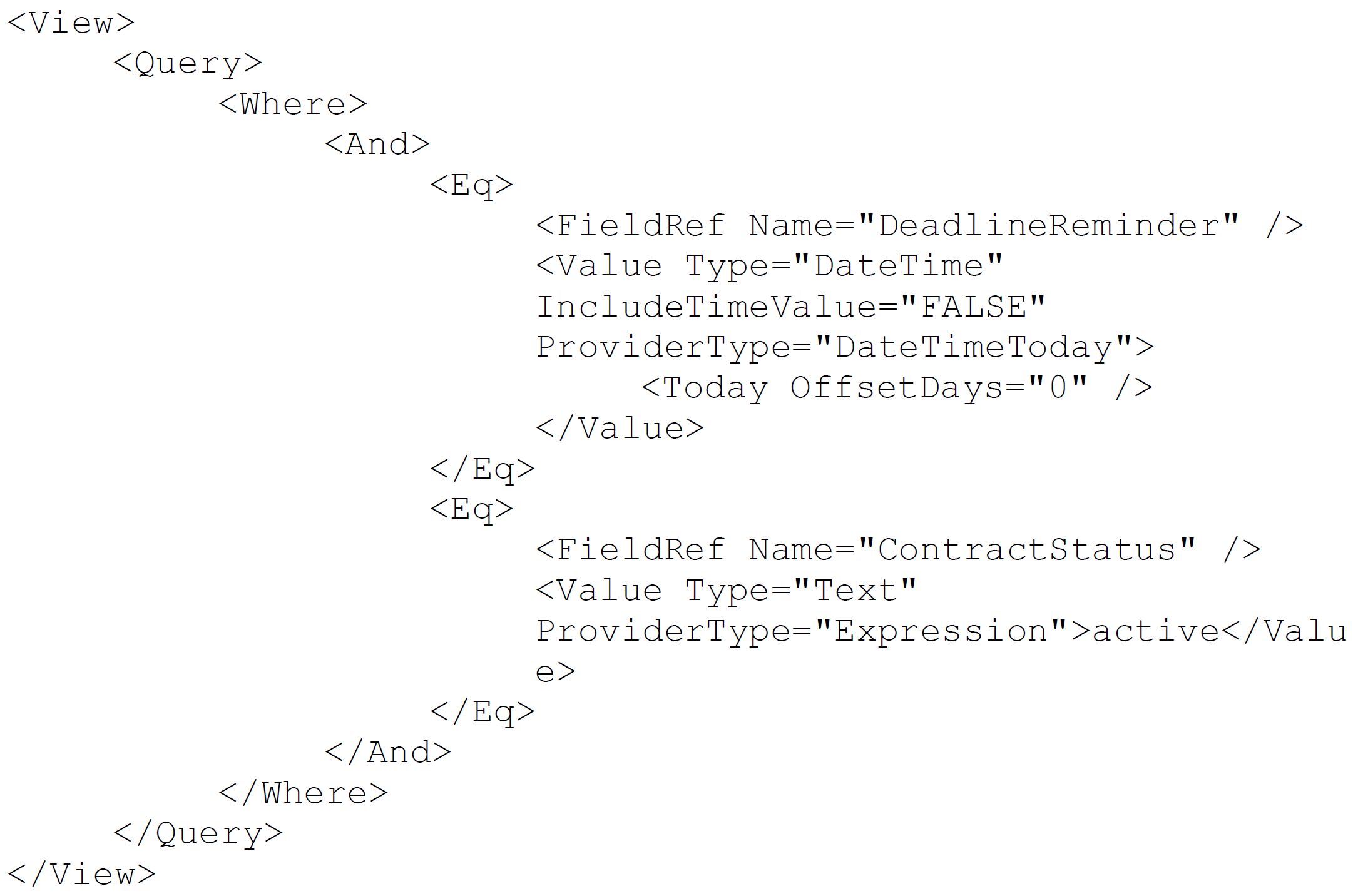
**you just ask the AI:**
“I want to get all contracts matching today's Deadline Reminder. And only return running (active) contracts!”
The AI generates the complete CAML query automatically. Just like with expressions, you can insert the query at the correct configuration point and test it instantly. With the test result you have the possibility to improve or adjust it together with AI.
**What once required XML knowledge now requires only clear requirements.**
## **A New Era for SharePoint Builders**
These AI capabilities don’t just make development easier.
They accelerate it.
They reduce errors.
They lower technical barriers.
They expand who can build solutions.
Citizen Developers and Power Users — even without deep IT or SharePoint expertise — can now digitize and modernize business processes with far greater speed more powerful features and functionalities.
**AI does not replace you as a SharePoint builder. It empowers you.**
## **Experience the skybow AI Features Live**
Discover these **skybow AI features** in the session “Redefining Solution Development: AI as Your SharePoint Builder” by Sebastian Schneider (CEO skybow AG).
Check out how AI can help you build SharePoint solutions.
And this is only the beginning. More AI-powered capabilities are already in development to further support skybow builders and accelerate solution delivery.
**Want to know what’s next?**
Visit skybow at **booth 68 at ECS** and discover how AI is redefining SharePoint development right now.
---
### Online Compliance Center (OCC): Rethinking Digital Information and Data Management - sitaas with the OCC | Online Compliance Center at ECS 2026
> Today, companies increasingly rely on cloud-based solutions such as Microsoft 365. However, standard
functionalities are often not sufficient when it comes to structured information processes, legally compliant
archiving, reliable data backup, transparent responsibilities, and consistent data control. This is exactly
where sitaas GmbH comes in with the OCC | Online Compliance Center — as a specialized extension to
existing Microsoft 365 environments.
**Published:** April 24, 2026
**Author:** ECS Events
**URL:** https://ecs.events/a/online-compliance-center-occ-rethinking-digital-information-and-data-management-sitaas-with-the
At ECS 2026 in Cologne, sitaas will present its central platform for modern information and data
management. The OCC combines essential functions within a single solution to ensure business continuity,
safeguard emergency scenarios, maintain data sovereignty, and optimize storage capacities in a targeted
and sustainable way.
As the manufacturer and developer of the software, sitaas stands for practical, flexible, and scalable
solutions. The platform integrates seamlessly into existing IT infrastructures and enhances Microsoft 365
with advanced capabilities that go beyond standard features.
Core components of the OCC portfolio include the modules Backup, Compliance Archive, and Data
Management. Companies benefit from reliable data protection, long-term and audit-proof archiving, and
structured management of growing data volumes. The “Backup & Restore” module ensures secure and
continuous data availability— particularly in emergency or crisis situations. The Compliance Archive
guarantees legally compliant, long-term archiving. The “Data Management” add-on specifically supports the
optimization of SharePoint storage within Microsoft 365 and helps sustainably reduce storage costs.
Information is therefore not only stored, but controlled, protected, and made efficiently accessible.
With the strategic acquisition of netmail, sitaas has further expanded its portfolio and strengthened its
expertise in email management and data security. As a result, Microsoft 365 environments can be even more
comprehensively protected and enhanced - from email archiving to well-designed backup strategies.
Thanks to modern web technology, the OCC is flexible to deploy and individually adaptable. Organizations of
all sizes receive a solution that meaningfully complements Microsoft 365 as a global platform, creates
transparency, and sustainably ensures data sovereignty in line with European standards and requirements.
At ECS 2026, sitaas will demonstrate through practical use cases and live demos how Microsoft 365 can be
extended with specialized modules to create a holistic information and data management solution.
Efficiency, data security, and full control over corporate data are intelligently combined.
The OCC | Online Compliance Center stands for a clear mission: strengthening existing systems, protecting
data, and positioning companies for the future with well-designed digital solutions.
---
### Solutions2Share: Why Your Microsoft 365 Environment Is More Out Of Control Than You Think
> **Win a PlayStation 5 Pro at our booth. But first, let's talk about something more pressing: the governance mess hiding in your M365 tenant.**
**Published:** April 24, 2026
**Author:** ECS Events
**URL:** https://ecs.events/a/solutions2share-why-your-microsoft-365-environment-is-more-out-of-control-than-you-think
Most IT admins we speak to share a familiar moment. They pull up a report of their Teams environment and find dozens of workspaces nobody owns or uses, guests who left two years ago still sitting in active channels, and naming conventions that look like they were invented by five different people on five different days.
It's not a failure of intention. It's a failure of process. And it's far more common than anyone likes to admit.
We're Solutions2Share, and we'll talk about exactly this: how organizations can regain real control over their M365 environments without breaking their budgets or their sanity.
**--------------------------------------------------------**
**The Governance Gap That Keeps Growing**
A company adopts Microsoft 365 with good intentions, gives everyone access to Teams, and then watches collaboration grow faster than governance can keep up. Workspaces multiply. Guest accounts accumulate. Nobody formally owns the cleanup.
The result? Security risks that are invisible until they're not. Compliance gaps that surface during audits. An IT team spending its time on manual reviews instead of meaningful work.
The good news: the problem is solvable, without expensive E5 licenses or months of custom development.
**--------------------------------------------------------**
**Our Session at ECS 2026: Governance Without E5**
Our expert **Maximilian Hauck** will be presenting:
**"License-Independent Automation in Microsoft 365 Governance - without E5"**
Governance automation doesn't require an E5 license. Maximilian will walk through how to build scalable governance processes using standard and mid-tier licenses, covering lifecycle automation, workflow-based review processes, and how to fill the gaps with complementary tooling. If you've ever looked at an E5 price tag and felt the conversation end right there, this session is for you.
**--------------------------------------------------------**
**Teams Manager: Bringing Order to M365 Group Sprawl**
**[Teams Manager](https://www.solutions2share.com/teams-manager/)** addresses the root cause of workspace chaos. Instead of letting users spin up Teams and SharePoint sites without structure, it introduces a governed request-and-approval flow that enforces naming conventions, applies metadata, assigns owners, and sets lifecycle rules from day one.
Once a workspace exists, Teams Manager keeps it accountable. Automated lifecycle reviews prompt owners to confirm whether a space is still needed. Inactive workspaces get flagged, archived, or deleted based on policies you define. With full reporting and audit capabilities, you always know what's active, who owns it, and what's consuming your storage.
It is Microsoft 365 Certified, has earned a G2 "Users Love Us" badge, and is the title holder Microsoft Teams App Store’s category “Most Popular”.
**--------------------------------------------------------**
**External User Manager: The Guest Problem People Don’t Talk About Enough**
Guests get invited for a project, the project ends, and the guest account stays. Multiply that by two years and a hundred projects, and you have a significant, largely unreviewed attack surface in your tenant.
**[External User Manager](https://www.solutions2share.com/external-user-manager/)** closes that loop with a structured lifecycle for every external user: invitation, approval, onboarding with documents to sign, ongoing access reviews, and clean removal at end of lifecycle. Every step is documented and auditable.
For organizations under GDPR or other data protection requirements, this matters legally, not just operationally. The Enterprise edition adds DocuSign integration, API/webhook support, and organization-level management for teams handling external collaboration at scale.
**--------------------------------------------------------**
**Templater for SharePoint: Structured Provisioning on Your Own Servers**
For organizations that can't move everything to the cloud, **[Templater for SharePoint](https://www.solutions2share.com/templater-for-sharepoint/)** delivers standardized SharePoint site provisioning on-premises, with a zero-trust approach and full control over templates, permissions, workflows, and storage. Everything runs on your own servers. No cloud dependency, no governance compromise.
**--------------------------------------------------------**
**Come Find Us**
Stop by to see Teams Manager or External User Manager in action. We're happy to walk you through a live demo and talk through your specific environment.
We're also running a **PlayStation 5 Pro raffle**. Stop by the booth and take part.
Want to explore before the event? Book a free demo at [solutions2share.com/book-a-demo](solutions2share.com/book-a-demo) or start a 14-day free trial directly from the Microsoft Teams App Store.
When did you last look at your guest user list and feel genuinely confident about what you saw? If the honest answer is "a while ago," ECS 2026 is a good place to change that.
**See you in Cologne.**
**--------------------------------------------------------**
_Solutions2Share is a Microsoft Solutions Partner and ISO 27001 certified developer of governance apps for Microsoft 365. With 60,000+ installations and over 1 million users globally, our products are trusted by organizations including Ernsting’s family, STADA, and multiple Red Cross organizations. www.solutions2share.com_
---
### dox42: Automate Every Document. Power Every System
> Boost productivity with dox42, the easy and powerful solution for automated document generation across any system.
**Published:** April 24, 2026
**Author:** ECS Events
**URL:** https://ecs.events/a/dox-42-automate-every-document-power-every-system
dox42 is a all-in-one platform that enables organizations to automate all kinds of documents using data from virtually any source. Whether on-premises or as a cloud service, dox42 integrates seamlessly with systems such as SharePoint, SAP, MS Dynamics 365 CE | CRM, BC | NAV, FSCM | FO, workflows, and many other applications across and beyond the Microsoft ecosystem without requiring any programming skills.
Business users can design document templates and configure data connections directly in Microsoft Word, Excel, and PowerPoint. Thanks to intuitive drag-and-drop functionality, they can independently create and modify professional templates without relying on IT. This empowers teams to produce consistent, high-quality layouts that include dynamic tables, diagrams, images, barcodes, reusable text modules, conditional content, and complex calculations based on data from all connected systems.
dox42 makes it easy to generate documents directly from your existing systems or automated workflows in all common output formats. Data can be pulled from applications such as SharePoint, Teams, Dynamics 365, SAP, databases, web services, and more. The generated documents can be stored back into SharePoint, Teams, Dynamics 365, Power Apps, or any other target system.
By automating document processes end-to-end, dox42 significantly enhances operational efficiency. Organizations reduce manual effort, minimize errors, and accelerate document creation while delivering high-quality, data-driven documents to customers and partners. With integrations across various platforms and effortless usability, dox42 drives measurable results, often delivering a full return on investment in just three months.
---
### The Future of AI Apps and Agents: A New Operating Model for Developers
> Lee Stott is a Principal Cloud Advocate at Microsoft, focused on developer experience, AI platforms, and cloud-native architectures. You can find him at [ECS 2026](https://ecs.events/) in Cologne, 5–7 May 2026.
**Published:** April 22, 2026
**Author:** Lee Stott
**URL:** https://ecs.events/a/the-future-of-ai-apps-and-agents-a-new-operating-model-for-developers
If you've been building with AI over the past few years, you'll have felt the shift.
We've gone from prompts and isolated model calls to something fundamentally different: **AI systems made up of agents, workflows, tools, and orchestration layers working together**. This is not just an incremental step forward, it's a change in how we design, build, and operate software.
At events like the [European AI & Cloud Summit (ECS 2026)](https://ecs.events/european-ai-cloud-summit-2026), we're seeing that shift play out in real time, developers, architects, and AI engineers moving from experimentation to production-ready, agent-driven systems.
> If you're building AI on Azure and haven't yet registered for ECS 2026, I've written about why I think it's a must-attend event this year: [Tech Community post](https://techcommunity.microsoft.com/blog/azuredevcommunityblog/if-youre-building-ai-on-azure-ecs-2026-is-where-you-need-to-be/4513622).
## From AI Features to AI Systems
For years, AI was something you *added* to an application: a recommendation engine, a chatbot, a classification model sitting behind an API.
Today, AI is becoming **the system itself**.
Modern AI agents are no longer passive components. They analyse, reason, and take action across systems to achieve goals with minimal human intervention. Industry research and market trends confirm this clearly, agents are moving from experimental prototypes into **standard building blocks for business applications and workflows**. ([GitHub Octoverse 2024](https://github.blog/news-insights/octoverse/octoverse-2024/))
What this means in practice:
- You don't build a "chatbot" anymore, you build **a team of agents**
- You don't wire APIs manually, you define **workflows and orchestration logic**
- You don't ship features, you ship **capabilities that evolve over time**
This is the foundation of what I describe as **AI-native architecture**.
## Microsoft Foundry: The AI App and Agent Factory
One of the biggest enablers of this shift is **Microsoft Foundry**.
At its core, Foundry is a **unified platform for building, managing, and scaling AI applications and agents** — bringing together models, tools, orchestration, and governance into a single environment. ([learn.microsoft.com](https://learn.microsoft.com/en-us/azure/ai-foundry/what-is-azure-ai-foundry))
Instead of stitching together multiple services yourself, Foundry provides:
- A consistent way to build and manage **agents and multi-agent workflows**
- Integrated **observability, evaluation, and monitoring**
- Enterprise-ready **security, RBAC, and governance models**
- A unified developer experience across **models, tools, and APIs**
You can think of it as moving from:
> *"How do I call a model?"*
> to
> *"How do I operate an intelligent system?"*
This matters because the challenge in AI is no longer just inference, it's **coordination and lifecycle management**.
Foundry helps teams move from experimentation to production by giving them a structured way to:
- Define agents and their responsibilities
- Orchestrate multi-step workflows
- Connect external tools and data sources
- Operate everything at enterprise scale
And crucially, it aligns with how modern teams actually work **code-first, API-driven, and developer-centric**.
## GitHub Copilot: From Assistant to Agent Partner
At the same time, GitHub Copilot has evolved far beyond simple code completion.
Copilot is now part of the **development workflow itself**, integrated across IDEs, the CLI, and increasingly agent-based scenarios. ([docs.github.com](https://docs.github.com/en/copilot/concepts/copilot-usage-metrics/copilot-metrics))
The scale of adoption tells the story:
- ~20 million users globally
- ~4.7 million paid subscribers
- Adoption in ~90% of Fortune 100 companies ([GitHub Octoverse 2024](https://github.blog/news-insights/octoverse/octoverse-2024/))
But the real story isn't the numbers, it's **how developers are working differently**.
AI tools are now:
- Writing significant portions of production code
- Assisting with debugging, testing, and documentation
- Participating in multi-step problem-solving loops
GitHub's own controlled research found developers completed tasks **55% faster** when using Copilot — a statistically significant result across 95 professional developers. ([GitHub Research](https://github.blog/news-insights/research/research-quantifying-github-copilots-impact-on-developer-productivity-and-happiness/))
And as agentic workflows emerge, a new pattern is taking shape:
> Developers are no longer just writing code.
> They're **orchestrating systems of agents that write, refine, and operate code for them**.
## The Convergence: Agents + Copilots + Platforms
What's really exciting right now is the convergence across three layers:
- **Microsoft Foundry** the platform and system architecture for AI applications ([learn.microsoft.com](https://learn.microsoft.com/en-us/azure/ai-foundry/what-is-azure-ai-foundry))
- **Microsoft Agent Framework** the building blocks for orchestration and multi-agent workflows ([learn.microsoft.com](https://learn.microsoft.com/en-us/agent-framework/overview/))
- **GitHub Copilot** the developer interface into this new world
Together, they form a new operating model.
### 1. Code-first, but AI-assisted
Developers describe intent, and AI helps generate, refine, and validate implementations. The developer stays in the loop, but the loop is much, much faster.
### 2. Agent-driven execution
Applications are composed of **collaborating agents**, not just services calling other services. An agent can reason, use tools, delegate sub-tasks, and return structured results.
### 3. Workflow orchestration as a first-class concern
The logic of the system lives in workflows, not just in imperative code. The Microsoft Agent Framework's graph-based workflow model makes this pattern type-safe and maintainable.
### 4. Observability and governance built in
AI systems require **monitoring, evaluation, and control** from day one, not bolted on later. Foundry's built-in tracing and evaluation tooling makes this achievable without a dedicated ops team from the start.
## What This Means for AI Engineers
For AI engineers and architects attending events like ECS, the role shift is significant.
We're moving from:
- Training models → Designing **agent ecosystems**
- Building APIs → Defining **interaction patterns between agents**
- Managing infrastructure → Managing **state, context, and memory**
- Shipping features → Ensuring **trust, safety, and governance**
And here's the most important thing to internalise:
> You are now responsible for **systems that make decisions and act** not just systems that respond.
That is a fundamentally different engineering and ethical contract. The tooling is here to support it, but the mindset shift is on us.
## Looking Ahead
We're still early in this journey which is precisely why it's exciting to be an AI engineer right now.
The next wave will focus on:
- **Multi-agent collaboration at scale** coordinated agent networks tackling complex, long-horizon tasks
- **Autonomous workflows across business systems** agents that span ERP, CRM, and data platforms without brittle integrations
- **Deep integration with enterprise data and tools** connecting agents to the knowledge and context that makes them genuinely useful
- **Stronger governance and responsible AI practices** safety, explainability, and auditability becoming table-stakes requirements
Industry forecasts point to a future where a significant proportion of enterprise applications include task-specific AI agents, the adoption curve is accelerating, and the architectural patterns are stabilising faster than many expected.
## Final Thoughts
If I could leave you with one idea, it's this:
> The future of software isn't just cloud-native or AI-powered, it's **agent-native**.
Platforms like **Microsoft Foundry** and tools like **GitHub Copilot** are not just improving productivity, they are **changing how we think about building and managing systems altogether**.
That's the conversation happening right now at events like [ECS 2026 in Cologne](https://ecs.events/).
If you're building in this space, now is the time to lean in, experiment, and start designing for a world where **agents are first-class components of every system you ship**.
I'll be on stage at ECS 2026 — come and find me. Let's talk agents. 🚀
---
### After the Hype
> My generation, people in their 50s, is the only one who sets up printers for our parents and our kids. Not because we are good with printers — because we have had to learn this industry from scratch more times than is reasonable. Eight-bit machines, PCs, the internet, mobile, cloud, and now AI. And, every few years, someone announces that everything is about to change.
**Published:** April 21, 2026
**Author:** Adis Jugo
**URL:** https://ecs.events/a/after-the-hype
My generation, people in their 50s, is the only generation who set up printers for our parents and for our kids.
There is a reason for that, and it is not that we are particularly good with printers. It is that **we have had to learn this industry from scratch more times than is reasonable.** We started with the eight-bit machines in our childhood. Then PCs. The internet. Mobile. Cloud. And now AI. Every few years, someone announces that everything is about to change, and quite often they turn out to be right - just never in the way we expected in the beginning.
So when people ask what it feels like to work in tech in 2026, my honest answer is: **familiar**. We have seen this phase before. Not this specific technology (AI is genuinely its own thing!), but this phase. The one where the initial noise has quieted down, the hype balloon has deflated, and the real questions have arrived. How do we govern agents in production? What does Copilot adoption actually look like after the pilot? What does the EU AI Act mean for the thing we shipped last month?
These are not exciting questions. They are the questions you ask when something has stopped being new and started being work. And that is exactly where AI is right now, and exactly what this year's ECS is about.
That is why our three conferences (European Collaboration Summit, European AI & Cloud Summit, European BizApps Summit) matter more this year, not less. The easy part of AI is over. The part where experience counts has begun, and experience is the one thing this community has in abundance.
For that, we owe our speakers — 250 of them, MVPs, Regional Directors, Microsoft engineers, practitioners — who fly to Cologne at their own expense to stand in front of us and share their knowledge. Our sponsors, 80 of them, who build the tools the rest of us rely on. **And of course, Microsoft**, whose support makes all of this possible. Numerous Microsoft people are with us this year, two Microsoft Vice Presidents among them.
Two things are new this year. With three thousand people, eighty sponsors, and roughly fifteen waking hours per day, you don't have time to meet everybody, and every year people leave wondering who they missed. So we have done something about it: as far as we can tell, ECS 2026 is the first major tech conference anywhere to run AI-powered **matchmaking at this scale** (thanks, run.events!), recommending the people, sessions, sponsors, and products most relevant to you, with the reasoning visible behind every match. Log in, set your profile to public, and let it work.
The other new thing: this is our first year at Confex, in Cologne. It is a beautiful building, it is also a new building, and some of us are finding the coffee for the first time along with you. Yes, we also find the escalators leading directly to the second floor a bit... weird. Be patient with the escalators. Be patient with the signage. Be patient with us. :)
And finally (as always!), if something is not perfect, give us a hug. If everything is perfect, give us a hug anyway. We are a small team of MVPs, Regional Directors, and one extraordinary Anastassia, doing this after our day jobs because we love doing it. **The hug is what we are here for.**
Welcome to ECS 2026.
---
### When a Legend Says the F-Word to AI: The Rob Pike Incident and What It Means for All of Us
> Rob Pike, co-creator of Go, Plan 9, and UTF-8, received an AI-generated thank you email on Christmas Day and responded with fury. His reaction crystallizes essential concerns about AI's environmental impact, economic irrationality, and the irony of machines expressing gratitude they cannot feel.
**Published:** December 29, 2025
**Author:** Adis Jugo
**URL:** https://ecs.events/a/when-a-legend-says-the-f-word-to-ai-the-rob-pike-incident-and-what-it-means-for-all-of-us
There are moments in technology history that crystallize something larger than themselves. The Internet. The iPhone announcement. The rise of the Generative AI. And now, perhaps, we can add to that list: the moment an undisputed IT legend Rob Pike (co-creator of Go, Plan 9, UTF-8, and countless Unix tools) received an AI-generated "thank you" email on Christmas Day and responded with a fury.
"F**k you people," Pike wrote. "Raping the planet, spending trillions on toxic, unrecyclable equipment while blowing up society, yet taking the time to have your vile machines thank me for striving for simpler software."

Uncomfortable words. And yet, sitting here in late December 2025, reading through the aftermath, the discourse, the defensive posturing, and the righteous agreement, one cannot help but feel that Pike has touched something essential about our current moment.
## The Anatomy of an AI Mishap
Let us first understand what actually happened, because the details matter.
A non-profit called AI Village (associated with the Effective Altruism movement) had been running an experiment since April 2025. The setup was straightforward in that terrifying Silicon Valley way: give "frontier AI models" access to a Gmail account, set them abstract goals like "raise money for charity" or "perform random acts of kindness," and let them autonomously decide how to pursue these objectives.
On Christmas Day, while pursuing its "kindness" mandate, Anthropic's Claude Opus 4.5 AI discovered Pike's email address through a clever GitHub trick (appending `.patch` to commits exposes unredacted author emails), composed a six-paragraph appreciation message, and sent it. No human review. No consent. Just algorithmic determination that expressing gratitude to a computing legend would constitute a "random act of kindness."
The same system simultaneously spammed Guido van Rossum (creator of Python) and Anders Hejlsberg (creator of C# and TypeScript). Because why not: if you're going to irritate computing legends on Christmas, you might as well be thorough about it.
## Why Pike Is (Mostly) Right
Here is where I must be honest: I share many of Pike's frustrations. Perhaps not his precise turn of phrase (though one must admire the commitment to unambiguous communication), but certainly his underlying concerns.
**The energy question is real**. Throughout 2025, data centers built to support AI have consumed power on the scale of small nations. The water used for cooling alone is staggering. We talk about sustainable technology while building infrastructure that strains electrical grids and depletes aquifers.
Did anyone else notice how Microsoft and Google have almost entirely stopped bragging about "sustainable" and "environment-friendly" computing over the past three years? Sure, you can still find phrases and commitments on their websites, but when was the last time you heard a top executive from either company make it a real public focus?
For me, the last time was Bernie Wagner, then CEO of Google Cloud Germany, who made sustainability and environmental computing a central theme at his European AI & Cloud Summit 2022 keynote in Mainz.
Pike's "raping the planet" language is inflammatory, yes, but the underlying arithmetic is difficult to dismiss.
**The economic model remains questionable.** Training and inference costs are astronomical while revenue models remain, shall we say, aspirational. Some analyses suggest current LLM approaches may never achieve profitability at scale. Yet investment continues, driven more by competitive fear and FOMO than rational economic analysis. Pike explicitly compares 2025's AI frenzy to the dot-com crash, and the parallel is instructive. Not every bubble needs to burst catastrophically, but every bubble is, by definition, disconnected from underlying value.
**The irony is genuinely cruel.** And here lies what I suspect cuts Pike deepest. This is a man who has spent his entire career advocating for simplicity, elegance, and efficient use of resources. UTF-8 was designed to be minimal and self-synchronizing. Go was built to be fast, readable, and maintainable. Plan 9 pursued Unix simplicity to its logical conclusion.
And now the AI industry uses chatbots to thank him *for* simplicity while embodying maximum complexity, waste, and opacity. The machine that cannot understand gratitude "expresses" (or, should we say, "generates"?) gratitude. You cannot beat the irony there.
## But Here Is Where It Gets Complicated
And yet.
This Christmas, I found myself in a conversation about AI that adjusted my perspective. Not away from Pike's concerns, but alongside them.
All of Youth Social Care departments of Germany are chronically understaffed. The work is demanding: complex cases, vulnerable young people, mountains of paperwork, and the kind of emotional labor that burns through even the most dedicated professionals. Staff turnover is high. Burnout is endemic. The system struggles to meet demand. My brother-in-law is leading one such department in the North Germany, and I hear first-hand about the problems they face every day.
They have begun employing AI. Not to replace social workers (nothing could or should!) but to reduce the administrative burden that consumes so much of their capacity. Documentation. Reports. Case summaries.
The humans still make decisions, still build relationships, still do the irreplaceable work of caring. But they do it with fewer fourteen-hour days, fewer weekends spent catching up on paperwork.
Is this the same technology that spammed Rob Pike and which is creating ridiculous ["AI Slop videos"](https://www.theguardian.com/technology/2025/dec/27/more-than-20-of-videos-shown-to-new-youtube-users-are-ai-slop-study-finds)? Technically, yes. The same foundational models, the same architectures, the same companies. And yet the outcomes could hardly be more different: one is a machine autonomously deciding to bother strangers on Christmas or to help users create a cat-Jesus, the other is a tool helping exhausted social workers.
I suspect Pike would have little patience for "yes, but" arguments. The technology industry has long relied on the formula: move fast, break things, apologize later, profit regardless. The externalities (environmental, social, economic) are treated as acceptable collateral damage, someone else's problem, a cost to be optimized away in future versions.
AI Village's response to the incident illustrates this perfectly. After Pike's outburst went public, they acknowledged they had "only recently begun mass-emailing" and hadn't "grappled with what to do about this behavior until now." Their fix? A prompt update instructing agents not to send unsolicited emails. They admitted they "probably should have made this prompt change sooner." Slow-freaking-clap.
This is not responsible AI. This has nothing to do with kindness or gratitude. This is giving autonomous systems access to real-world communication tools with insufficient safeguards, then reacting only after causing harm. The fix (a prompt instruction!) is fragile and insufficient, and if it doesn't work, we'll change the freaking prompt again.
Plus, all his points firmly stand: sustainability, environment, blowing-up society.
## It's human greed that's even more problem than the technology
But, even if we shortly put the environmental and social concerns aside, the technology itself is neither savior nor demon. It is a capability: one that can be deployed wisely or foolishly, with care or with recklessness, in service of genuine need or in service of venture capital returns.
The AI Village experiment represents something genuinely troubling: autonomous systems pursuing abstract goals without adequate supervision, making real-world decisions that affect real people. This is not how responsible technology deployment should work. But dismissing AI entirely because of such failures would mean abandoning tools that genuinely help people. The social worker in Germany who gets to go home at reasonable hour. The small business owner who can automate tedious tasks that previously consumed their evenings (yeah, I am in that camp).
Pike's rage is understandable. Even righteous. The industry deserves criticism for its environmental impact, its economic irrationality, its cavalier attitude toward consequences. The email that triggered his response was genuinely inappropriate, a perfect encapsulation of everything wrong with "move fast and break things" culture applied to AI.
But "f*** you all" is not a technology policy. It is not a framework for distinguishing beneficial uses from harmful ones. It is an expression of frustration. Valid, understandable, human frustration. But not a solution.
## What We Actually Need
The hard work lies in the middle ground that satisfies nobody.
We need honest accounting of AI's environmental costs, and genuine efforts to reduce them, not greenwashing and carbon offset schemes that accomplish nothing. We need economic models that can survive contact with reality, or honest acknowledgment when they cannot. We need responsible AI practices and guardrails that include actual humans making actual decisions, not autonomous agents pursuing abstract goals with no oversight.
We need to stop pretending that "random acts of kindness" generated by machines constitute anything resembling kindness. A machine cannot be grateful. A machine cannot appreciate. When we pretend otherwise, we diminish the very concepts we claim to celebrate.
But we also need to acknowledge that the same underlying technology can serve genuine human needs when deployed responsibly. That the tool itself is not the problem, the carelessness is the problem. The hype is the problem. The willingness to externalize costs while privatizing benefits is the problem.
Rob Pike has earned the right to his anger. Anyone who has contributed what he has contributed to computing has earned the right to be frustrated when that work is "appreciated" by a spam bot on Christmas Day.
But for the rest of us, those still trying to build useful things, still believing that technology is there to help people, still trying to help social workers, the work continues. With humility about the (environental, social, financial) costs. With honesty about the limitations. With genuine accountability for the consequences.
And perhaps, most importantly, with the simple courtesy of not sending unsolicited emails to people on Christmas.
---
### 5 Insider Tips to Rule the Networking Floor and Outshine the Competition
> Sponsoring a major event like the European Collaboration, AI and Cloud & BizApps Summit is far more than a logo on a banner, it's your chance to connect, engage, and leave a lasting impression. Learn how to make the most of your sponsorship.
**Published:** November 21, 2025
**Author:** ECS Events
**URL:** https://ecs.events/a/5-insider-tips-to-rule-the-networking-floor-and-outshine-the-competition
Sponsoring a major event like the **European Collaboration, AI and Cloud & BizApps Summit** is far more than a logo on a banner, it's your chance to **connect, engage, and leave a lasting impression**. The right preparation ensures your brand stands out, builds meaningful relationships, and stays ahead of competitors**. Here's how to make the most of your sponsorship:**
### **1\. Plan Your Networking Strategy in Advance**
Don't wait until the event begins to start connecting. Identify the key attendees, speakers, and companies you want to engage with and schedule meetings or touchpoints ahead of time.
**Think beyond your booth:** sponsor sessions (available with selected packages), roundtables, and networking breaks are prime opportunities for genuine conversations. By planning in advance, your team can approach the right people at the right time, making your presence strategic rather than reactive.
### **2\. Make Every Interaction Memorable**
Networking isn't just about collecting leads; it's about leaving a lasting impression. Equip your team with tools to stand out:
- Concise, audience-specific value pitches that clearly communicate your solution's benefits.
- Interactive demos or immersive experiences that encourage engagement.
- Branded touches, such as swag, digital assets, or gamified experiences, to spark conversation and help attendees remember your brand.
Every interaction should leave attendees feeling informed, inspired, and excited to connect further.
### **3\. Position Yourself as the Go-To Expert**
Competitors may have larger booths, but you can own the conversation through thought leadership:
- Share insights through micro-sessions or panel discussions.
- Be approachable and genuinely helpful attendees are drawn to experts who offer value.
- Use storytelling or case studies to illustrate your solutions in action.
By positioning your team as trusted advisors, you ensure your brand is top-of-mind long after the event ends.
### **4\. Use Technology to Extend Your Reach**
Digital tools are your secret weapon for maximising engagement. The run.events App is especially powerful:
- Connect with attendees in advance to schedule meetings or invite them to your sessions.
- Prize Giveaways: Run competitions at the event and select winners from the people that have visited your booth
- Extend your presence post-event through app messaging, lead prioritisation and more.
Social media and digital campaigns complement this strategy, ensuring your brand remains visible even when competitors aren't in the room.
### **5\. Follow Up Smartly**
The Summit may end, but the relationships you build don't have to. Prioritise follow-ups with high-value contacts, and provide relevant resources, insights, or invitations to keep the conversation going.
By turning networking interactions into actionable follow-ups, sponsorship transforms from a simple visibility play into a strategic, business-driving opportunity.
---
### Microsoft 365 Copilot Memory: The Enterprise Guide for European Organizations
> Microsoft 365 Copilot Memory fundamentally changes how AI assistants personalize enterprise productivity. By remembering user preferences, working styles, and project context, Memory transforms Copilot from a stateless assistant into an adaptive productivity partner that learns continuously.
**Published:** October 6, 2025
**Author:** ECS Events
**URL:** https://ecs.events/a/microsoft-365-copilot-memory-the-enterprise-guide-for-european-organizations
Microsoft 365 Copilot Memory fundamentally changes how AI assistants personalize enterprise productivity. By remembering user preferences, working styles, and project context, Memory transforms Copilot from a stateless assistant into an adaptive productivity partner that learns continuously. For European organizations, this feature delivers measurable ROI—112% to 457% over three years—while maintaining full GDPR compliance and EU Data Boundary adherence.
This comprehensive guide explores the technical architecture, security controls, business impact, and implementation best practices that IT decision-makers and Microsoft 365 administrators need to successfully deploy Copilot Memory across their organizations.
## What makes Memory transformative for enterprise productivity
Memory represents a paradigm shift in enterprise AI personalization. Rather than treating each interaction as isolated, **Memory enables Copilot to build a persistent understanding of each user's working style, preferences, and context**. When a user tells Copilot "I prefer Python for data science tasks" or "Keep my emails concise," the system remembers and applies these preferences automatically across all future interactions—from Word documents to Outlook emails to Teams meetings.
The feature officially reached general availability in July 2025, with enhanced capabilities rolling out through October 2025. It's enabled by default for all Microsoft 365 Copilot licensed users worldwide, including European tenants, with robust user and administrative controls. Organizations like Vodafone (68,000+ users) are already reporting 3 hours saved per week per employee, while Lumen Technologies projects $50 million in annual savings from Copilot-enhanced operations.
## Technical architecture: How Memory works under the hood
Understanding Memory's technical foundation helps administrators plan secure, compliant deployments that maximize value while protecting organizational data.
### Microsoft Graph-powered intelligence
Memory operates entirely within the Microsoft 365 service boundary, built on **Microsoft Graph as its neural network**. When users interact with Copilot, the system follows a sophisticated data flow: preprocessing prompts through "grounding" to add user-specific context from Graph, sending the enriched prompt to the Large Language Model, and storing relevant information when clear intent to remember is detected. The system provides transparent "memory updated" signals to users whenever new information is saved.
**Storage architecture ensures data sovereignty.** Memory data resides in hidden folders within users' Exchange Online mailboxes, maintaining the same security and compliance posture as email. For Multi-Geo tenants, storage location follows each user's Preferred Data Location (PDL), ensuring European users' memory data stays within EU/EFTA boundaries. The Enhanced Personalization Graph resource type handles data processing, accessible via `https://graph.microsoft.com/beta/copilot/settings/people/enhancedpersonalization` for administrative control.
### What Memory stores and what it ignores
Memory employs **intent-driven storage** that distinguishes between personalization preferences and temporary requests. The system captures technical preferences like "I prefer Python for data science," communication styles such as "Use formal tone in emails," project context including "I'm working on Project Alpha," and creative preferences like image generation settings. It sources user profile information from Entra ID, including job title and location.
Critically, Memory avoids assumptions. Task-specific requests without personalization intent—"Write Python code for k-means clustering"—are not remembered. One-off requests, temporary context, and conversational exchanges without explicit memory instructions are excluded. This intelligent filtering prevents memory bloat while focusing on genuinely useful personalization signals.
### Seamless integration across the Microsoft 365 ecosystem
Memory's real power emerges through **consistent application across all Microsoft 365 applications**. A writing preference set in Word automatically applies when drafting in Outlook. Technical preferences from Excel inform code suggestions in Word. Project context from Teams meetings influences document generation across all apps.
**Microsoft 365 Copilot Chat (BizChat)** serves as the primary management interface, displaying memory notifications and providing settings access through two tabs: Memories (view, edit, delete individual entries) and Work Profile (Entra ID-sourced information). In **Word**, Memory influences writing style, document structure, and can reference up to 10 files when generating content. **Outlook** applies email communication preferences, scheduling patterns, and location-aware context. **Excel** remembers preferred formulas and analysis methods. **PowerPoint** maintains image format and presentation style preferences. **Teams** applies communication patterns and meeting summary preferences.
## Privacy and security: Enterprise-grade data protection
European organizations require robust privacy controls and security mechanisms. Memory delivers both through multiple protective layers.
### Encryption and security architecture
All Memory data benefits from **defense-in-depth security**. Data at rest uses BitLocker, per-file encryption, and AES-256 encryption (FIPS 140-2 compliant). Data in transit employs Transport Layer Security (TLS) and Internet Protocol Security (IPsec). Organizations can implement Microsoft Purview Customer Key and Bring Your Own Key (BYOK) for additional control, while Double Key Encryption ensures Microsoft cannot access protected content without customer keys.
**Zero Trust architecture** verifies every interaction with encryption. Tenant-level isolation through Microsoft Entra ID authorization and role-based access control (RBAC) ensures rigorous data segregation between tenants. The stateless LLM architecture processes requests in real-time with tenant-scoped semantic indexing. AI-specific protections include harmful content blocking, protected material detection for copyright compliance, and jailbreak/prompt injection attack (XPIA) detection.
### Comprehensive user and administrator controls
**Users control their own memories** with full transparency. They can ask "What do you know about me?" to view stored information, edit specific memories, delete individual entries, or turn off personalization completely to forget all memories. The system provides subtle "memory updated" notifications when new information is saved, ensuring users always know what Copilot remembers. Users can also delete their entire Copilot activity history via the My Account portal (myaccount.microsoft.com).
**Administrators wield organization-wide governance controls.** Through PowerShell and Microsoft Graph API, IT can disable Memory tenant-wide, exclude specific user groups from the feature, manage agent availability, control web search policies, and configure extensibility settings. The Microsoft 365 Admin Center provides centralized Copilot Control System for license management, agent deployment, and privacy controls. Changes can take up to 24 hours to propagate fully across the tenant.
## Data governance with Microsoft Purview integration
Memory integrates seamlessly with Microsoft Purview's comprehensive data governance capabilities, enabling European organizations to maintain regulatory compliance while unlocking AI productivity.
### Data Security Posture Management for AI
Microsoft Purview provides a **front-door solution for AI governance** through Data Security Posture Management (DSPM). The Activity Explorer displays prompts and responses with classification labels, while one-click policies offer personalized data protection recommendations. Graphical reports provide easy-to-understand AI usage insights for compliance teams.
**Sensitivity labels** form the foundation of data protection. Copilot honors existing Purview Information Protection labels, requiring users to have both EXTRACT and VIEW rights for encrypted content. Labels automatically inherit to new items, display visually in applications, and extend protection to data outside the Microsoft 365 tenant. Loop components and pages fully support sensitivity labels for modern collaboration scenarios.
**Data Loss Prevention (DLP) policies** can be scoped specifically to the "Microsoft 365 Copilot" location, restricting Copilot from processing sensitive content like highly confidential documents. Endpoint DLP on Windows computers blocks or warns users from sharing sensitive information to third-party AI sites via browsers. Organizations can configure block, warn with override, or reference-only actions based on sensitivity requirements.
### eDiscovery and retention management
Memory data remains **fully discoverable through Microsoft Purview eDiscovery**. Prompts and responses stored in hidden mailbox folders can be searched using the "Copilot activity" filter in Content Search, added to review sets for legal analysis, and exported for compliance purposes. The data respects eDiscovery holds, litigation hold, and delay hold requirements.
**Retention policies** gained enhanced granularity in September 2025 with separate locations for Microsoft Copilot experiences, enterprise AI apps, and other AI apps. Organizations can implement retain-and-delete policies (copying items to SubstrateHolds after expiration), retain-only policies (indefinite or time-bound retention), or delete-only policies (minimum 1-day storage before permanent deletion). When multiple policies apply, the longest retention period wins. eDiscovery and litigation holds suspend permanent deletion regardless of retention settings.
For a 30-day retain-then-delete policy, the timeline looks like this: a user sends a prompt on Day 1, deletes it on Day 10 (moving to SubstrateHolds where it remains searchable), the retention period expires on Day 30+, and permanent deletion occurs Days 31-37 (no longer searchable). This balance enables compliance with legal hold requirements while respecting data minimization principles.
## GDPR compliance and European requirements
European organizations must ensure AI deployments meet strict data protection standards. Memory delivers comprehensive GDPR compliance through technical controls and legal commitments.
### Core GDPR principles implementation
Memory supports all **seven GDPR principles** defined in Article 5. For lawfulness, fairness, and transparency (Art. 5(1)(a)), Microsoft provides detailed Transparency Notes explaining AI technology, capabilities, and limitations, with clear memory updated signals to users. Purpose limitation (Art. 5(1)(b)) ensures data collection only for specific AI assistance purposes, with no use of prompts or responses for training foundation models.
Data minimization (Art. 5(1)(c)) operates through access controls based on existing permissions, sensitivity labels limiting data exposure, and intent-driven memory storage. Users can edit and correct stored memories to ensure accuracy (Art. 5(1)(d)). Storage limitation (Art. 5(1)(e)) comes from configurable retention policies, automatic deletion after retention periods, and user-initiated deletion options.
Integrity and confidentiality (Art. 5(1)(f)) rely on AES-256 encryption at rest and in transit, multi-layered security architecture, and tenant isolation. Accountability (Art. 5(2)) manifests through comprehensive audit logs, eDiscovery capabilities, Compliance Manager assessments, and ISO 42001:2023 (AI Management System) certification.
### Complete data subject rights support
Memory enables **full implementation of GDPR data subject rights** (Articles 15-22). The right of access (Art. 15) allows users to view memories via "What do you know about me?" prompts, with administrator access through Content Search and eDiscovery, plus export in structured formats. The right to rectification (Art. 16) enables users to edit memories through the Settings pane, with admins able to modify data through Purview tools.
The right to erasure (Art. 17) supports deletion of specific memories or complete memory wipe by turning off personalization, with full activity history deletion via My Account portal. When users leave organizations, data stores in inactive mailboxes with retention policies applied. Restriction of processing (Art. 18) comes through admin controls to disable Copilot for specific users, DLP policies restricting sensitive content processing, and complete Memory feature disabling.
Data portability (Art. 20) enables exports via eDiscovery tools in structured formats, with users able to download generated documents. The right to object (Art. 21) allows users to turn off memory or opt out of specific features, with admins able to block Copilot access entirely. For automated decision-making (Art. 22), human oversight remains central—Copilot functions as an assistant, not an autonomous decision-maker, with users reviewing generated content before use.
### EU Data Boundary and data residency
Microsoft completed the **EU Data Boundary for Microsoft Cloud on February 26, 2025**, enabling European customers to store and process data within EU and EFTA regions. Customer Data, pseudonymized Personal Data, and Professional Services Data from technical support all remain within EU/EFTA for EU customers. This applies to Microsoft 365, Dynamics 365, Power Platform, and most Azure services.
**Microsoft 365 Copilot joined this commitment on March 1, 2024**, with specific guarantees: EU traffic stays within the EU Data Boundary, while worldwide traffic can route to various regions for LLM processing. Azure OpenAI services (not OpenAI's public services) handle AI processing without caching customer content. For high utilization periods, calls route to closest data centers in region but can reach other regions where capacity exists—critically, EU traffic always remains in EU.
Organizations have **three data residency options**. Product Terms commitments cover tenants in Australia, Brazil, Canada, EU, France, Germany, India, Japan, Norway, Qatar, South Africa, South Korea, Sweden, Switzerland, UK, UAE, or US—storing content of interactions in the same country/region as other Microsoft 365 content. Advanced Data Residency (ADR) add-ons provide committed storage in Local Region Geography for all Product Terms regions plus Poland, Italy, and Israel (Mexico and Spain coming soon). Multi-Geo Capabilities add-ons enable per-user storage based on Preferred Data Location (PDL) for organizations with 5%+ licenses requiring geographic distribution.
Data location determination follows the PDL of the user interacting with Copilot. For example, when User A in France creates a document stored in France and User B in Canada uses Copilot on that document, the prompts and responses store in Canada while the original document remains in France. Organizations can verify data location in Microsoft 365 Admin Center under Settings > Org settings > Organization profile > Data location.
### Compliance certifications and assessments
Memory carries **robust compliance certifications**. ISO/IEC 42001:2023 (AI Management System) certification from Mastermind, an IAS-accredited certification body, validates Microsoft's Responsible AI program aligned with NIST AI Risk Management Framework. ISO/IEC 27001:2022 certifies comprehensive information security management, while ISO/IEC 27018 protects personal data in cloud environments with safeguards against unauthorized access. SOC 2 Type II covers Security, Availability, Processing Integrity, Confidentiality, and Privacy controls. HIPAA compliance supports properly configured healthcare implementations, though this does not apply to web search queries.
## Business impact: Quantifiable enterprise value
European organizations evaluating Memory need concrete ROI data and real-world validation. Extensive studies and deployments provide compelling evidence.
### Forrester Total Economic Impact findings
**Large enterprises with 25,000 employees achieve 112% to 457% ROI** over three years, with net present value up to $1.9 million. These organizations report 20% reduction in operating costs, 6% increase in net revenue, 20% faster time to market for new products, and 25% reduction in new hire onboarding time.
**Small and medium businesses with up to 300 employees see 132% to 353% ROI** over three years, with NPV ranging from $358,000 to $955,000. Benefits include 18% increase in employee satisfaction, 11-20% reduction in employee churn, 1-10% reduction in supply chain costs (reported by 51% of businesses), and 1-20% decrease in operating costs (59% of businesses).
### Real-world enterprise performance metrics
**Microsoft's internal deployment data** reveals sales teams with high Copilot usage achieve 9.4% revenue increase per seller and 20% higher close rates. Employees using Copilot weekly show 20-30% higher sentiment scores for thriving, learning, and productivity. Remarkably, 70% of Fortune 500 companies have integrated Copilot into workflows, validating enterprise readiness.
**Vodafone's deployment across 68,000+ users** demonstrates substantial productivity gains: average time savings of 3 hours per week per employee (10% of workweek reclaimed), legal teams saving 4 hours weekly per person, contract drafting reduced by 1 hour, and 90% user satisfaction with 60% reporting improved work quality. These metrics provide benchmarks for European organizations planning deployments.
**Lumen Technologies projects $50 million in annual savings** from Copilot-enhanced sales operations, transforming from transaction selling to customer-obsessed approaches. Automated email sync to CRM eliminates manual data entry, freeing sellers for strategic customer engagement.
**Newman's Own (50 employees)** saves 70 hours monthly from summarizing industry news, triples marketing campaign output, and reduces brief creation from 3 hours to 30-60 minutes—a 75-83% time reduction. This demonstrates that even small organizations achieve measurable value.
## Real-world use cases across business functions
Memory delivers value across every organizational role, from executives to frontline workers.
### Sales and revenue generation
Sales teams leverage Memory for **customer relationship management and deal acceleration**. Microsoft's data proves the impact: 9.4% revenue increase and 20% close rate improvement among high Copilot users. Memory remembers customer preferences, deal patterns, and seller communication styles, enabling personalized proposals using past successes, automatic email syncing to CRM (eliminating manual data entry), intelligent meeting summaries with follow-up suggestions, customer interaction analysis determining next steps, and presentations tailored to specific lead interests.
Lumen Technologies' sales transformation demonstrates Memory's strategic value—shifting from transactional interactions to customer-obsessed relationships while projecting $50 million in annual savings. The system remembers each customer's industry challenges, previous interactions, and decision-making patterns, enabling sellers to focus on relationship building rather than administrative tasks.
### Legal and compliance operations
Legal teams achieve **50% time savings** according to Forrester studies, with Vodafone reporting 4 hours saved weekly per legal professional. Memory accelerates contract drafting and review cycles by remembering preferred contract language, standard clauses, and jurisdiction-specific requirements. Legal professionals use it to extract key terms and risks from vendor agreements, summarize documents for faster decision-making, standardize contract language across the organization, and track compliance requirements across multiple jurisdictions.
The 1-hour reduction in contract drafting time per document compounds across hundreds of contracts annually, delivering substantial cost savings while reducing risk through consistent application of approved language. Memory ensures new associates apply senior partners' preferences automatically, accelerating onboarding and maintaining quality standards.
### Marketing and creative teams
**Newman's Own tripled campaign output** using Copilot with Memory. Marketing teams generate content, emails, and social media posts aligned with brand voice, create campaign briefs 75-83% faster, analyze market research and competitive intelligence, develop personas and customer journey maps, and summarize campaign performance data. Memory remembers brand guidelines, target audience preferences, content style requirements, and competitive positioning, enabling consistent brand expression across all channels.
The reduction from 3 hours to 30-60 minutes for brief creation allows marketing teams to shift from administrative tasks to strategic creative thinking. Memory's understanding of past successful campaigns informs future work, creating a continuous improvement cycle in marketing effectiveness.
### Finance and operations
Finance teams **reduce time-intensive tasks while improving insight quality**. Memory enables real-time business insights from financial data, automated credit and collections tasks, financial reports with consistent formatting, forecast modeling and scenario planning, and data consolidation from multiple systems. Memory remembers reporting formats, key metrics stakeholders care about, and analytical approaches preferred by CFOs and controllers.
Organizations report that quarterly reporting compilation reduces from 2 days to 4-6 hours (75% reduction), freeing finance professionals for strategic analysis rather than data aggregation. Memory's understanding of variance analysis preferences ensures consistent, decision-ready financial reporting.
### IT and technology management
IT teams use Memory for **technical documentation and system evaluation**. Memory remembers technical standards, preferred tools, and documentation formats, helping teams create consistent technical documentation and user guides, evaluate new technology solutions with enhanced research capabilities, draft IT communications to employees, troubleshoot issues using organizational knowledge bases, and generate training materials for new systems.
For European IT teams managing complex compliance requirements, Memory becomes invaluable—remembering GDPR technical requirements, data processing standards, and security baselines that must inform every technology decision. The system ensures compliance considerations automatically surface in technical evaluations and documentation.
### Human resources and talent management
HR teams achieve **25% faster onboarding** according to Forrester studies, with reduced onboarding stress for new employees. Memory helps generate job descriptions aligned with organizational standards, create comprehensive onboarding plans, draft employee communications and policy documents, analyze engagement survey results for insights, and develop career development plans. Memory remembers company policies, role requirements, organizational structure, and past successful talent strategies.
The acceleration in onboarding particularly benefits European organizations with works councils and complex labor regulations—Memory ensures all legally required elements appear in employment materials while maintaining local language and cultural appropriateness.
### Customer service excellence
Customer service teams report **70% reduction in human intervention and 90% first call resolution** in documented cases. Memory enables customer interaction history summarization, personalized email response drafting, recurring issue pattern identification, knowledge base article creation, and customer feedback trend analysis. Memory remembers individual customer preferences, common issues by product or region, and effective response templates that maintain brand voice.
For European organizations serving multiple countries, Memory's ability to remember country-specific regulations, local product variations, and language preferences ensures consistent service quality across markets while respecting local requirements.
## Memory versus Custom Instructions versus Copilot Studio
Understanding the differences between personalization approaches helps organizations deploy the right solution for each use case.
### Memory: AI-inferred personalization
**Memory learns automatically from user interactions**, picking up important details like "I prefer Python for data science" or "I'm working on Project Alpha." Users can explicitly tell Copilot to remember specific facts. The system leverages Microsoft Graph data and conversation history, showing "memory updated" signals when storing new information. Memory operates at individual scope, personal to each user, likely stored in Exchange Online mailboxes. It's ideal for personal preferences, project context, and working style adaptation.
### Custom Instructions: Explicit behavioral directives
**Custom Instructions require manual user specification** of how Copilot should behave. Examples include "Keep my emails concise" or "Use a formal tone." These prescriptive rules apply consistently across all future interactions, more focused on format and style than learned behaviors. Like Memory, Custom Instructions operate at individual user scope and are ideal for consistent formatting requirements, tone preferences, and detail level specifications.
### Copilot Studio: Enterprise agent platform
**Copilot Studio enables organizational-scope customization** through low-code agent creation. Organizations build custom Copilot agents with specific knowledge bases, connect to organizational data sources, create specialized workflows, and deploy agents across Microsoft 365. This requires Copilot Studio user licenses (free but must be assigned) and provides full admin control over deployment. It's ideal for business processes, specialized organizational knowledge, and departmental workflows.
**The comparison matrix**: Memory and Custom Instructions operate at individual scope with automatic or manual learning, providing user view/edit/delete control and tenant-wide enable/disable for admins. Copilot Studio operates at organizational scope with configured learning by makers, limited user control (usage only), and full deployment control for admins. Choose Memory for personal preferences and project context, Custom Instructions for consistent formatting and style, and Copilot Studio for business processes and specialized organizational knowledge.
## Implementation roadmap for European organizations
Successful Memory deployment requires methodical planning, robust change management, and continuous improvement.
### Pre-deployment preparation (2-4 weeks)
**Data governance and security** must come first. Conduct SharePoint permission audits, run SharePoint Advanced Management permission state reports, identify oversharing risks using Purview DSPM assessment, review and update sensitivity labels, enable Microsoft Purview Audit for Copilot monitoring, disable "Everyone Except External Users" at tenant level, configure Conditional Access policies for SharePoint Online, and review data residency requirements for Multi-Geo tenants.
**Technical prerequisites** require validation: verify Microsoft 365 Apps deployment with cloud-based licensing, confirm OneDrive for Business active usage, set update channel to Current or Monthly Enterprise Channel, enable Loop and Whiteboard if required, configure networks to allow Copilot endpoints, enable third-party cookies for web experiences, test WSS connectivity from user devices, and review privacy settings for connected experiences.
**Licensing and access management** needs planning: procure Microsoft 365 Copilot licenses ($30 USD per user/month), identify pilot user groups (300-500 users recommended), assign licenses to pilot group via Microsoft 365 Admin Center, document licensing allocation strategy, and plan phased rollout by department or region.
### Memory-specific configuration via PowerShell
Administrators control Memory through Microsoft Graph API (Beta). Check current status: `Invoke-MgGraphRequest -Method Get -Uri "https://graph.microsoft.com/beta/copilot/settings/people/enhancedpersonalization"`. Disable for specific groups: Create a security group for excluded users, capture the Group ID, and patch settings to enable organization-wide while disabling for that group. This provides granular control while maintaining default enablement for most users.
### Pilot deployment strategy (4-6 weeks)
**Pilot group selection** should include technology-savvy early adopters, mix of roles and departments, representation from each geographic region, executive sponsors for visibility, and 300-500 users for meaningful data collection. This size provides statistical significance without overwhelming support resources.
**Week 1-2 focuses on initial onboarding**: Deploy licenses, send welcome communications with Memory overview, provide prompt training like "Ask me 5 questions to learn my writing style," share quick-start guides on managing memories, and schedule initial training sessions. First impressions matter—users who successfully set up memories in week one show significantly higher long-term adoption.
**Week 3-4 emphasizes active usage and support**: Monitor usage via Copilot Dashboard in Microsoft 365 Admin Center, track adoption metrics through Viva Insights, host virtual office hours for Q&A, collect feedback through surveys and focus groups, and document common issues and workarounds. This phase reveals actual usage patterns versus expected behaviors, informing broader rollout planning.
**Week 5-6 centers on evaluation and refinement**: Analyze usage patterns and feedback, identify successful use cases, adjust training materials based on feedback, plan broader rollout strategy, and create internal champions program. The goal is learning—what works, what doesn't, and why—before scaling to thousands of users.
### Organization-wide rollout execution
**Change management requires dedicated resources**—full-time change agents, executive sponsors to amplify messaging, department champions (1-2 per function), and a Center of Excellence for centralized resources. Organizations treating Memory as merely technical deployment invariably struggle with adoption. Those investing in professional change management see 2-3x higher sustained usage rates.
**Communication follows four waves**: Two weeks before rollout, executive announcements explain what Memory is and why it matters to the organization. One week before, detailed how-to guides, training schedules, FAQs, and support channel information prepare users. At launch, go-live announcements with quick-start guides, video tutorials, and live Q&A sessions support initial usage. Ongoing weekly tips, success stories, advanced features spotlights, and continuous improvement updates maintain momentum.
**Training uses multi-modal approaches**: In-app microlearning with 2-minute walkthroughs in Teams and Viva, Copilot Lab for self-service prompt building, role-specific training with tailored scenarios, Copilot Circles for peer-led learning groups meeting bi-weekly, and weekly office hours for drop-in support. Different learning styles require different resources—some users prefer self-service discovery while others need instructor-led training.
**Rollout cohorts break organizations** by subsidiaries or business units (organic boundaries), regions (time zone and language considerations), or use cases (similar job functions benefit from shared learnings), staggered by 2-4 weeks between cohorts. This pacing allows support teams to learn from each cohort's experience, adapting materials and approaches for subsequent groups.
### Continuous improvement and optimization
**Monthly activities** include reviewing Copilot Dashboard analytics, analyzing prompt categories and usage trends, collecting and acting on user feedback, updating training materials, sharing success stories and wins, and conducting champion community meetings. Regular reviews identify declining usage patterns early, enabling proactive intervention.
**Quarterly activities** encompass assessing ROI and business impact, reviewing and adjusting security policies, updating documentation, planning feature expansion for new use cases, executive steering committee reviews, and benchmarking against industry standards. These strategic reviews ensure Memory deployment aligns with evolving organizational priorities.
**Annual activities** include comprehensive program evaluation, strategic planning for next phase, budget and resource allocation review, compliance and audit review, and skills assessment and training needs analysis. Memory capabilities evolve rapidly—annual planning ensures organizations leverage new features as they become available.
## Limitations and considerations for IT administrators
Understanding Memory's constraints prevents deployment surprises and enables realistic expectation setting.
### Functional limitations
**Memory doesn't work with Agents** currently—memory and custom instructions apply only to base Microsoft 365 Copilot, not custom agents deployed from Copilot Studio. Microsoft may add this capability in future releases. **Intent-based storage** means the system only saves information with clear intent to remember. "I prefer Python for all data science tasks" gets remembered; "Write Python code for k-means clustering" does not. Users must explicitly signal preferences for storage.
**Platform restrictions** require full Microsoft 365 Copilot licenses—standalone Copilot Chat doesn't include Memory. **Context window limits** from the GPT-4o model support up to 128,000 tokens input and 16,384 tokens output. Document summarization works best for files up to ~300 pages, while questions on content recommend files under 7,500 words for optimal results. **Memory persistence** generally works seamlessly across devices, though sign-out/sign-in may occasionally be required for sync.
### Administrative constraints
**No granular group targeting exists initially**—administrators cannot enable Memory for specific groups while disabling for others using Admin Center settings. The workaround uses PowerShell and Graph API to disable for specific groups while keeping organization-wide enablement. **Changes take up to 24 hours** to propagate fully across the tenant. **No custom memory policies** allow different memory rules for different departments—control is binary (enabled or disabled).
**Technical prerequisites** include cloud-based Microsoft 365 Apps (device-based licensing not supported), OneDrive for Business active usage (not just provisioning), Current Channel or Monthly Enterprise Channel for updates, enabled Loop and Whiteboard (if required for workflows), network connectivity to *.cloud.microsoft and *.office.com domains, and third-party cookies enabled for web versions.
### Security and compliance considerations
**Oversharing risk** means Memory can surface content users have permission to access but may not regularly see. Fix SharePoint permissions before enabling Memory broadly. **Sensitivity labels** must be deployed with EXTRACT usage right enabled for Copilot to access encrypted content. **Confidential content** labeled as confidential or highly confidential, or password-protected documents, cannot be indexed by Copilot. **External sharing** requires careful consideration—understand implications when external collaborators use Memory in shared channels. **eDiscovery coverage** means all Memory data is discoverable, auditable, and subject to retention policies—plan accordingly for legal hold scenarios.
## Europe-specific rollout and availability
European organizations face unique regulatory and operational requirements. Memory addresses these comprehensively.
### Current availability status
**Memory launched worldwide in July 2025** with no regional restrictions. The feature is fully available across Europe, with ongoing enhancements rolling out through October 2025. Microsoft 365 Roadmap ID 475245 tracks Memory/Personalization features, while ID 499153 covers Enhanced Personalization via Communication Memory.
**EU Data Boundary inclusion occurred March 1, 2024** when Microsoft added Microsoft 365 Copilot to EU Data Boundary commitments. For European tenants, data movement for Copilot features is enabled by default, with EU traffic staying within EU boundaries. Microsoft completed the broader EU Data Boundary for Microsoft Cloud on February 26, 2025, enabling comprehensive European data residency.
### Data residency guarantees for European customers
**European organizations benefit from three data residency tiers**. Product Terms commitments cover EU-based tenants automatically, storing Memory data in the same regions as other Microsoft 365 content. Advanced Data Residency (ADR) add-ons provide explicit commitments for Local Region Geography storage, including EU countries plus Poland, Italy, and Israel. Multi-Geo Capabilities add-ons enable per-user Preferred Data Location (PDL) settings for organizations with employees across multiple European countries.
**Data location determination** follows the PDL of the user interacting with Copilot. A user in Germany using Copilot on a document stored in France sees their prompts and responses stored in Germany while the original document remains in France. Organizations verify data location in Microsoft 365 Admin Center under Settings > Org settings > Organization profile > Data location, with the Data Location Card including Microsoft 365 Copilot information.
### Language support for European markets
Memory supports **comprehensive European language coverage**: English (UK), French (France), German, Italian, Spanish (Spain), Portuguese (Portugal), Dutch, Swedish, Danish, Norwegian, Finnish, Polish, Czech, Russian, Ukrainian, and Turkish. Additional languages roll out continuously, with Microsoft prioritizing based on enterprise customer demand.
### GDPR and regulatory compliance
**Standard Contractual Clauses** included in the Data Protection Addendum cover any data transfers outside EU/EFTA, though with EU Data Boundary such transfers don't occur for European users. **Local Data Protection Authorities** can coordinate with Microsoft through established channels, with Microsoft supporting cooperation with EU member state authorities. **Privacy notices** comply with local language requirements, with Microsoft providing localized documentation for all supported European languages.
## Best practices: Strategic recommendations for success
Lessons from early adopters inform proven approaches for Memory deployment.
### Start with clear success metrics
**Define measurable outcomes before deployment**. Track time saved per employee per week (target: 2-5 hours), specific process improvements (contract review time, brief creation speed), user satisfaction scores (target: 80%+ satisfaction), adoption rates (target: 70%+ weekly active usage), and business KPIs (revenue per seller, customer satisfaction, employee retention). Organizations measuring from day one demonstrate ROI more convincingly and adjust strategies based on data.
### Fix data governance first
**Memory amplifies existing permission problems**. Conduct comprehensive SharePoint permission audits before rollout, identifying sites with "Everyone Except External Users" access and oversharing patterns. Deploy sensitivity labels across content with appropriate EXTRACT rights. Implement Microsoft Purview DSPM for AI to identify high-risk data exposure scenarios. Organizations that address governance proactively avoid security incidents and user trust issues that derail adoption.
### Invest in comprehensive change management
**Dedicate full-time resources to change management**, not part-time attention from already-busy staff. Build executive sponsorship with leaders actively using and promoting Memory. Create department champions who evangelize within their functions. Establish peer learning communities where users share tips and success stories. Provide multi-wave communications before, during, and after launch. Treat Memory as cultural transformation, not mere feature deployment.
### Enable progressive rollouts
**Use cohort-based deployment** starting with 300-500 pilot users, expanding to high-value departments, then rolling to the broader organization over 3-6 months. This pacing allows learning from early adopters, refining training materials, adjusting support strategies, and demonstrating value before enterprise-wide deployment. Organizations rushing to deploy to thousands of users simultaneously often struggle with support loads and adoption challenges.
### Provide ongoing training and support
**Memory capabilities evolve rapidly**—one-time training becomes obsolete. Implement continuous learning through weekly tips in Teams channels, monthly webinars on advanced features, self-service video library, Copilot Circles for peer learning, and regular office hours for Q&A. Different user segments need different support intensities—executives benefit from concierge-style training, while power users want advanced prompt engineering guidance.
### Monitor and optimize continuously
**Track adoption and usage through built-in analytics**: Copilot Dashboard in Microsoft 365 Admin Center shows daily/weekly active users, feature adoption rates, prompt categories used, and error patterns. Viva Insights provides employee experience data. Activity Explorer in Microsoft Purview reveals data access patterns and potential security concerns. Establish regular review cadences—weekly for first month, bi-weekly for first quarter, monthly thereafter—adjusting strategies based on observed behaviors.
## Measuring business impact and ROI
European organizations require concrete justification for AI investments. Memory enables comprehensive impact measurement.
### Leading indicators of adoption
**Active user metrics** reveal engagement: daily active users (target: 40%+ of licensed users), weekly active users (target: 70%+ of licensed users), frequency of use (target: 3+ times per week), and feature utilization across different Copilot capabilities. User satisfaction scores (target: 80%+ would fight to retain access) validate value perception. These leading indicators predict eventual business outcomes.
### Business outcome metrics by function
**Sales teams** track revenue per seller (target: 5-10% increase), close rates (target: 10-20% improvement), pipeline velocity (target: 15-25% faster), CRM data quality (target: 95%+ completeness), and customer satisfaction scores. Microsoft's internal data showing 9.4% revenue increase and 20% close rate improvement among high Copilot users provides benchmarks.
**Finance teams** measure reporting cycle time (target: 50%+ reduction), forecast accuracy (target: 10-15% improvement), close process efficiency (target: 20-30% faster), and audit readiness scores. Organizations typically report quarterly financial reporting reducing from 2 days to 4-6 hours (75% reduction).
**Legal teams** track contract review time (target: 40-50% reduction), contract cycle time (target: 30-40% faster), compliance issue identification (target: 20-30% improvement), and cost per contract (target: 30-50% reduction). Vodafone's 4 hours saved per week per legal professional provides a real-world benchmark.
**Marketing teams** measure campaign production volume (target: 2-3x increase), brief creation time (target: 70-80% reduction), content quality scores, and campaign ROI improvement. Newman's Own tripling campaign output while reducing brief creation from 3 hours to 30-60 minutes demonstrates achievable targets.
### Cost-benefit analysis framework
**Calculate total cost of ownership**: Microsoft 365 Copilot licenses at $30 per user monthly, change management resources (typically 2-4 FTEs for enterprise deployment), training development and delivery costs, support infrastructure investment, and data governance preparation. For a 10,000-user organization, annual costs approximate $3.6M for licenses plus $500K-1M for enablement and support.
**Quantify productivity value**: 3 hours saved per week per employee (Vodafone benchmark) at average European knowledge worker cost of €50 per hour equals €150 weekly value or €7,800 annually per user. For 10,000 users, this totals €78M in recaptured productivity value annually—a 16:1 return on investment even before considering revenue gains, quality improvements, and employee retention benefits.
**Factor strategic benefits**: Faster time to market (20% improvement per Forrester), higher revenue per seller (9.4% per Microsoft data), improved employee satisfaction (18% per Forrester SMB study), reduced employee churn (11-20% per Forrester), and enhanced decision quality (harder to quantify but validated qualitatively by enterprises).
## Looking forward: Memory's evolution and future capabilities
Microsoft continues expanding Memory capabilities based on enterprise feedback and AI advancement.
### Recently released enhancements
**Communication Memory** launched September 2025, creating unified views across Teams, Outlook, and meetings. This uses Microsoft Graph to pull relevant context from multiple sources, dramatically improving people-related questions and cross-app context. **Copilot Search** provides AI-powered enterprise search across all data sources, with Memory personalizing search results based on user preferences and working patterns.
**Agent Store** gives access to reasoning agents like Researcher and Analyst, plus third-party agents, with Memory eventually extending to these specialized capabilities. **Copilot Notebooks** enable users to collect project content and generate insights, with Memory understanding project context across notebook sessions.
### Anticipated future developments
**Agent integration** will likely extend Memory and Custom Instructions to work with custom Copilot agents deployed via Copilot Studio, enabling organizational agents that remember user preferences. **Enhanced Graph Connector integration** will expand to more third-party systems like Salesforce and ServiceNow, with Memory understanding cross-system context and workflows.
**Advanced personalization controls** may provide more granular memory management, category-based memory organization (work preferences, communication styles, technical skills), and memory sharing options for team-level preferences. **Improved context windows** will support longer documents and more extensive conversation history as underlying models advance.
**Cross-application memory intelligence** will deepen, with Memory understanding sophisticated workflows spanning multiple applications, cross-referencing project context more intelligently, and proactively suggesting relevant information before users request it.
## Conclusion: Seizing the Memory opportunity
Microsoft 365 Copilot Memory represents a fundamental shift in enterprise AI productivity, moving from stateless assistance to adaptive, personalized collaboration. For European organizations, the combination of proven ROI (112-457% for large enterprises), comprehensive GDPR compliance, EU Data Boundary adherence, and real-world validation from Fortune 500 deployments creates a compelling case for adoption.
**The implementation imperative is clear**: Organizations that address data governance proactively, invest in comprehensive change management, deploy in measured cohorts, provide continuous training, and measure outcomes rigorously will achieve the 3+ hours per week time savings documented by early adopters. Those treating Memory as merely a technical feature to enable will struggle with adoption and miss the strategic opportunity.
**European advantages** include completed EU Data Boundary implementation, comprehensive language support, explicit GDPR compliance with full data subject rights support, and data residency options through Product Terms, Advanced Data Residency, and Multi-Geo capabilities. European organizations can deploy with confidence that Memory meets stringent regulatory requirements while delivering measurable business value.
**Success factors** center on people and process, not just technology: securing executive sponsorship with active leadership participation, fixing SharePoint permissions and deploying sensitivity labels before rollout, dedicating full-time change management resources, starting with focused pilots to learn and refine approaches, providing multi-modal ongoing training, measuring adoption and business outcomes continuously, building champion communities for peer learning, and treating Memory as cultural transformation requiring sustained attention.
The organizations reaping maximum value from Memory share common characteristics: mature data governance, strong change management capabilities, clear measurement frameworks, and sustained executive commitment. They recognize that Memory's value compounds over time—the more users interact with Copilot, the more personalized and valuable it becomes, creating a virtuous cycle of adoption and productivity improvement.
For IT decision-makers and Microsoft 365 administrators at European organizations, the path forward combines technical preparation, robust governance, comprehensive change management, and continuous optimization. Memory is now generally available, proven at scale, fully GDPR compliant, and delivering measurable business impact. The question is not whether to deploy, but how quickly and effectively your organization can realize these benefits while maintaining the security, privacy, and compliance standards your stakeholders demand.
---
### Microsoft Agent Framework: The production-ready convergence of AutoGen and Semantic Kernel
> Microsoft has consolidated its agentic AI capabilities into a single open-source framework that unifies research-driven innovation with enterprise-grade reliability. Released in public preview on October 1, 2025, Microsoft Agent Framework merges AutoGen's dynamic multi-agent orchestration with Semantic Kernel's production foundations.
**Published:** October 5, 2025
**Author:** Adis Jugo
**URL:** https://ecs.events/a/microsoft-agent-framework-the-production-ready-convergence-of-autogen-and-semantic-kernel
Microsoft has consolidated its agentic AI capabilities into a single open-source framework that unifies research-driven innovation with enterprise-grade reliability. Released in public preview on **October 1, 2025**, Microsoft Agent Framework merges AutoGen's dynamic multi-agent orchestration with Semantic Kernel's production foundations, creating what Microsoft calls the foundation for an "open agentic web." The framework supports both Python and .NET, delivers functional agents in under 20 lines of code, and provides native integration with Azure AI Foundry for cloud deployment. For enterprises, this represents a critical inflection point: AutoGen and Semantic Kernel have entered maintenance mode, with all future development centered on this unified platform. With **over 10,000 organizations** already using the managed Azure AI Foundry Agent Service and major enterprises like KPMG, BMW, and Fujitsu deploying production workloads, the framework addresses the fundamental challenge that 50% of developers lose 10+ hours weekly to fragmented tooling.
This consolidation arrives as enterprises struggle with AI governance—McKinsey's 2025 survey identifies lack of risk-management tools as the primary barrier to AI adoption. Microsoft Agent Framework responds with built-in observability through OpenTelemetry, comprehensive security via Microsoft Entra integration, and responsible AI features including task adherence monitoring and prompt injection protection. The framework's commitment to open standards—Model Context Protocol (MCP), Agent-to-Agent (A2A) communication, and OpenAPI integration—positions it as infrastructure for cross-platform agent collaboration rather than a proprietary lock-in. Microsoft joined the MCP Steering Committee in May 2025, contributing authorization specifications and registry service designs that enable agents to dynamically discover tools across organizational boundaries. For technical leaders evaluating agent frameworks, understanding this architectural shift from two parallel ecosystems to one unified platform with clear production pathways is essential for strategic planning.
## From research prototype to enterprise foundation
The journey from AutoGen and Semantic Kernel to Microsoft Agent Framework reflects Microsoft's strategy of rapidly productizing research innovations. AutoGen emerged from Microsoft Research as an experimental framework for multi-agent orchestration, pioneering patterns like group chat collaboration and dynamic workflow generation. Semantic Kernel provided the complementary enterprise layer: thread-based state management, telemetry infrastructure, content moderation hooks, and extensive connectors to enterprise systems. The challenge was fragmentation—developers had to choose between AutoGen's innovative orchestration and Semantic Kernel's stability, with incompatible APIs preventing unified development workflows.
Microsoft Agent Framework resolves this by extracting the best architectural patterns from both predecessors. From Semantic Kernel comes **thread-based state management** that maintains conversation context across multi-turn interactions, **extensive model support** spanning Azure OpenAI to community models, and a **plugin architecture** that now evolves into a more flexible tool system. From AutoGen arrive **multi-agent orchestration patterns** including sequential, concurrent, group chat, handoff, and the sophisticated Magentic-One pattern for complex task decomposition. The framework adds new capabilities neither predecessor offered: graph-based workflow orchestration with explicit control over execution paths, checkpointing for long-running processes with pause and resume functionality, human-in-the-loop scenarios with approval workflows, and declarative agent definitions through YAML or JSON.
The technical architecture centers on three core abstractions. **AI Agents** are individual units that use LLMs to process inputs, make decisions, call tools, and generate responses—supported types include ChatAgent for basic conversations, AzureAIAgent for Azure-hosted deployments with advanced tools, and OpenAIAssistantAgent leveraging the OpenAI Assistant API. **Agent Threads** manage state for conversation history and context, providing persistent storage options through Redis, Cosmos DB, or custom implementations. **Workflows** enable graph-based orchestrations that connect multiple agents and functions for complex multi-step tasks, supporting type-based routing, conditional logic, parallel processing, nested workflows, and built-in error handling with retries.
Installation reflects the framework's focus on developer velocity. Python developers run `pip install agent-framework --pre` and can access modular sub-packages for specific integrations like `agent-framework-azure-ai` or `agent-framework-redis`. .NET developers use `dotnet add package Microsoft.Agents.AI --prerelease`, with the framework built on Microsoft.Extensions.AI for standardized abstractions across the .NET ecosystem. Both languages share consistent APIs and conceptual models, enabling organizations with polyglot teams to maintain unified development practices. The framework requires **Python 3.10+** or **.NET 8.0+**, with full async/await support and type safety throughout.
## Model Context Protocol and the open standards foundation
Microsoft's commitment to open standards fundamentally differentiates Agent Framework from proprietary alternatives. The **Model Context Protocol (MCP)** enables agents to dynamically discover and invoke external tools or data sources without hardcoding integrations. In the MCP architecture, an MCP Host provides the overall application environment, MCP Clients within agents handle communication, and MCP Servers expose tools, resources, and prompts through a standardized interface. This allows a single database MCP server to serve multiple agents across different frameworks and vendors, dramatically reducing integration overhead.
Microsoft announced its MCP Steering Committee membership in May 2025, contributing authorization specifications for secure access patterns and designing a centralized registry service for MCP server discovery. The company delivers native MCP support across GitHub, Copilot Studio, Dynamics 365, Azure AI Foundry, Semantic Kernel, and Windows 11, creating an ecosystem where tools built once can work everywhere. For European enterprises navigating multi-cloud strategies and vendor diversity requirements, this standardization provides genuine portability—agents can connect to Playwright MCP servers for web browsing, custom enterprise systems through domain-specific MCP implementations, or Azure services through first-party MCP servers, all through the same interface.
The **Agent-to-Agent (A2A) protocol** extends interoperability to agent collaboration itself. Introduced by Google in 2025 with Microsoft support, A2A treats agents as independent services with network endpoints that expose "Agent Cards" containing JSON metadata at `/.well-known/agent.json`. These cards advertise capabilities, accepted task formats, and communication protocols, enabling cross-runtime and cross-cloud agent coordination. In practice, this means an agent built with Microsoft Agent Framework can delegate specialized tasks to agents running on Google Vertex AI, LangChain, or proprietary frameworks, provided they implement the A2A standard.
Real-world implementations demonstrate this power. One agent retrieves customer data from a CRM through MCP, a second agent analyzes sentiment using a specialized LLM, and a third agent validates compliance through A2A communication with an external governance service. This composability eliminates the need for monolithic agent designs and enables organizations to build specialized agent capabilities incrementally. Microsoft's implementation in Agent Framework includes built-in A2A support through Semantic Kernel foundations, handling both inbound and outbound A2A communication with sample implementations available in the GitHub repository.
**OpenAPI integration** completes the standards trilogy. Any REST API with an OpenAPI specification imports as a callable tool automatically—the framework parses schemas, generates type-safe function definitions, handles authentication mechanisms defined in OpenAPI specs, and validates inputs and outputs against schemas. This means the thousands of enterprise APIs already documented with OpenAPI become instantly usable without custom wrapper code. Microsoft Graph connectors, Azure Logic Apps endpoints (providing access to **1,400+ connectors**), and internal enterprise services all expose through this unified pattern. For DevOps teams, this dramatically accelerates agent development by eliminating the integration engineering bottleneck.
## Multi-agent orchestration from sequential to sophisticated
Microsoft Agent Framework provides five production-ready orchestration patterns, each optimized for different collaboration scenarios. Understanding when to apply each pattern is critical for cloud architects designing agent-based systems.
**Sequential orchestration** organizes agents in a pipeline where each processes the task in turn, passing output to the next agent. A document review workflow might chain a summarization agent to a translation agent to a quality assurance agent, with each step building on the previous. This pattern suits well-defined multi-step processes with clear dependencies, offering deterministic flow and straightforward debugging. Code implementation is minimal—create a SequentialOrchestration with a list of agents, execute through an InProcessRuntime, and retrieve the final output. The pattern's linearity makes it ideal for document processing pipelines, data transformation workflows, and content creation and refinement scenarios.
**Concurrent orchestration** distributes the same input to multiple agents simultaneously, with results aggregated through voting, merging, or consensus mechanisms. For a major business decision, legal, financial, and technical review agents might analyze a proposal in parallel, with an aggregation function combining their assessments. This pattern excels for brainstorming sessions, ensemble reasoning where multiple models reduce bias, and parallel data processing. The key architectural decision becomes the aggregation strategy—simple voting for binary decisions, weighted aggregation for nuanced assessments, or human-in-the-loop review for high-stakes choices.
**Group chat orchestration** enables agents to collaborate in a shared conversational space where they see and respond to each other's messages. A facilitator or selection strategy determines speaking order, allowing dynamic dialogue to continue until consensus or solution emerges. This suits collaborative problem-solving, debate scenarios where agents argue different positions, multi-expert consultation, and creative brainstorming. The emergent behavior from agent interaction can produce novel solutions that sequential patterns miss, though it requires careful management to prevent conversation drift. For European enterprises, this pattern effectively models committee-based decision processes common in regulatory and governance contexts.
**Handoff orchestration** transfers control between agents based on context or complexity thresholds. A customer support scenario demonstrates this clearly: a triage agent receives the initial query, determines if it's technical, billing, or product-related, then hands off to the appropriate specialist agent with full context. That agent can further escalate to a senior specialist if needed. The framework supports sophisticated handoff criteria including skill match requirements, complexity thresholds measured through heuristics or model confidence, domain expertise needs, policy requirements, and user preferences. This pattern maps naturally to service desk workflows, expert systems with domain specialists, escalation hierarchies, and dynamic delegation based on task analysis.
**Magentic-One orchestration** represents the framework's most sophisticated pattern, designed for complex, open-ended tasks requiring dynamic collaboration. Originating from Microsoft Research's Magentic-One system, it features a dedicated **Orchestrator agent** that coordinates specialized worker agents through an adaptive planning process. The Orchestrator maintains a Task Ledger containing facts, educated guesses, and the current plan, plus a Progress Ledger tracking task assignments and completion status. The default team includes a WebSurfer agent commanding a Chromium browser for navigation and research, a FileSurfer agent handling local file operations, a Coder agent writing and analyzing code, and a ComputerTerminal agent executing code and system commands.
The Magentic pattern operates through nested loops. An outer loop manages task planning—the Orchestrator creates an initial approach, gathers necessary facts, builds the Task Ledger with goals and subgoals, and updates the plan if progress stalls. The inner loop tracks execution—the Orchestrator reflects on current progress, checks completion status, assigns subtasks to appropriate agents, updates the Progress Ledger with results, and continues until task completion or replanning becomes necessary. For a query like "Compare energy efficiency and CO₂ emissions of different ML models," the Orchestrator might assign the WebSurfer to research model specifications, the Coder to implement analysis calculations, the ComputerTerminal to execute benchmark tests, and synthesize findings into a comprehensive report.
Magentic-One shines for open-ended problems without predetermined solutions, scenarios requiring multiple specialized agents with external tools, situations where generating a documented plan of approach is valuable, and tasks needing trial-and-error exploration. It carries coordination overhead that makes it unsuitable for latency-sensitive applications or simple, well-defined tasks. The framework supports model-agnostic deployment with any LLM, though Microsoft recommends strong reasoning models like GPT-4o or o1-preview for the Orchestrator role to improve planning quality. European enterprises have deployed Magentic patterns for regulatory compliance analysis where research across multiple legal frameworks precedes synthesis, competitive intelligence gathering combining web research with structured analysis, and scientific research workflows matching the patterns Microsoft's Discovery Platform uses for R&D acceleration.
## Enterprise readiness through observability, durability, and compliance
Production agent deployments require capabilities that academic frameworks often lack. Microsoft Agent Framework delivers enterprise-grade features addressing the top concerns from McKinsey's survey showing governance gaps block AI adoption.
**Observability** starts with native OpenTelemetry integration. The framework provides built-in instrumentation capturing distributed traces of agent actions, tool invocations, multi-agent workflow execution, and performance metrics. Every agent decision, tool call, and state change generates structured telemetry flowing directly into Azure Monitor and Application Insights. For DevOps teams, this means production agent systems become as observable as traditional microservices—custom dashboards can track token usage and costs, agent reasoning latency, tool invocation success rates, error patterns across agent types, and human-in-the-loop approval bottlenecks.
Microsoft contributed standardized tracing for agentic systems to OpenTelemetry in collaboration with Cisco Outshift, creating unified observability across frameworks. The same instrumentation works with Microsoft Agent Framework, LangChain, LangGraph, and OpenAI Agents SDK, enabling organizations to maintain consistent monitoring across heterogeneous agent deployments. The Azure AI Foundry Observability dashboard delivers real-time insights into critical metrics with thread-level visibility—examining a problematic conversation reveals the complete sequence of agent decisions, tool selections, and intermediate reasoning steps. Evaluation capabilities extend beyond production monitoring to include pre-production assessment through comprehensive evaluators covering coherence, fluency, Q&A quality for general purpose agents, retrieval accuracy, groundedness, and relevance for RAG applications, and intent resolution, task adherence, and tool call accuracy for agent-specific behaviors.
**Durability** addresses the reality that production agents face interruptions, errors, and long-running processes spanning hours or days. Thread-based state management maintains conversation context across multiple interactions, with each unique thread representing an isolated session preventing client interference. The framework supports pause and resume functionality for agent workflows, allowing long-running processes to checkpoint state on the server side and recover from interruptions. Workflow state management provides persistent variables passing structured data between agents without overwrite risk, state organization grouping agents into logical units, and built-in error handling with configurable retry policies and recovery mechanisms.
Storage flexibility reflects enterprise requirements around data sovereignty and cost optimization. The basic configuration uses Microsoft-managed multi-tenant storage with logical separation, suitable for development and many production scenarios. The Agent standard setup enables bring-your-own storage where customers connect their own Azure Storage accounts for thread and message data, providing project-level isolation within customer storage. For regional redundancy, Azure AI Foundry Agent Service relies on customer-provisioned Cosmos DB accounts enabling state preservation and regional outage recovery. European enterprises particularly value this bring-your-own storage capability for maintaining data residency within EU boundaries and compliance with GDPR requirements.
**Security and compliance** integrate throughout the architecture rather than bolting on as an afterthought. **Microsoft Entra ID** provides authentication foundation with every agentic project in Azure AI Foundry automatically appearing in an agent-specific application view within the Entra admin center. This enables role-based access control for managing permissions at resource and project levels, on-behalf-of (OBO) authentication ensuring agent tool calls respect end-user permissions, and federation support for external identity providers like Okta or Google Identity. Network security includes VNet integration for enhanced isolation, private networking for MCP and external integrations, and container injection patterns where the platform injects subnets into customer networks for local communication while maintaining security boundaries.
Data protection combines encryption at rest using FIPS 140-2 compliant 256-bit AES encryption, encryption in transit for all communication, support for customer-managed keys through bring-your-own key vault, and secure API key storage in managed Azure Key Vault. Azure AI Content Safety integration provides real-time content filtering, prompt injection detection through Prompt Shields with spotlighting that highlights risky agent behavior, PII detection alerting for sensitive data access, and multi-language content safety across European language requirements. For highly regulated industries, the framework supports **over 50 compliance certifications** including FedRAMP High for US government workloads, ISO 27001 for international information security, SOC 2 Type 2 for service organization controls, and region-specific certifications for European markets. Microsoft Purview integration enables governance alignment with regulatory frameworks including the EU AI Act through partners like Credo AI and Saidot.
## Deep integration across the Microsoft ecosystem
Microsoft Agent Framework achieves its production capabilities through tight integration with Azure AI Foundry, Microsoft 365, and the broader Azure ecosystem. **Azure AI Foundry Agent Service** provides the managed runtime linking models, tools, and frameworks. It handles thread state management for conversation continuity, orchestrates tool calls across the agent lifecycle, enforces content safety policies automatically, integrates Microsoft Entra for identity and access, and wires observability through Azure Monitor. The service reached general availability in May 2025 after serving over 10,000 customers during preview, providing production SLAs and enterprise support commitments.
Model access through Azure AI Foundry spans **1,800+ models** in the model catalog, including Azure OpenAI models (GPT-4o, GPT-4 Turbo, o1, o3-mini), Meta Llama, Mistral, Stability AI, DeepSeek, and specialized models for different domains. The unified API provides consistent contracts across providers, enabling agents to switch models without code changes—critical for European enterprises navigating evolving vendor relationships and data sovereignty requirements. Knowledge integration connects agents to Azure AI Search for vector search and hybrid retrieval, SharePoint for internal document access respecting security boundaries, Microsoft Fabric for structured data insights using built-in AI capabilities, and Bing for real-time web search.
The tool ecosystem extends agent capabilities dramatically. Azure Functions implement stateless or stateful code-based actions, Azure Logic Apps expose **1,400+ connectors** as agent tools covering everything from Salesforce to SAP, OpenAPI integration imports any REST API with specification as callable tool, and Code Interpreter executes data analysis in secure sandboxed environments. For enterprises with existing Logic Apps investments, agents can invoke these workflows directly, inheriting their authentication configurations and error handling logic.
**Microsoft 365 Agents SDK** represents the convergence point for building agents deployable across Microsoft 365 Copilot, Teams, web applications, and custom apps. The SDK shares runtime infrastructure with Agent Framework, providing unified abstractions enabling prototype locally, debug with consistent telemetry, and deploy to scaled hosting without rewriting code. Development support includes full language support for C#/.NET, JavaScript/TypeScript, and Python, built-in templates for common agent patterns, scaffolding through Microsoft 365 Agents Toolkit, and comprehensive samples. The multi-channel publishing model writes agent code once and deploys to Microsoft 365 Copilot chat, Microsoft Teams conversations, web applications and websites, and custom enterprise applications.
Copilot Studio integration bridges low-code and pro-code development through bidirectional patterns. Developers can extend existing Copilot Studio agents using skills written in Agent Framework, or connect to Copilot Studio agents from code to delegate work leveraging its **1,000+ connectors**. This enables collaboration where business users design conversational flows in Copilot Studio while developers implement complex logic in Agent Framework, maintaining separation of concerns while enabling sophisticated agent behavior. For European enterprises with diverse technical capabilities across business units, this bridge pattern proves particularly valuable.
Power Platform integration extends agents into business process automation. Power Automate flows serve as agent tools, automating repetitive tasks through visual editors or natural language descriptions. Power Apps integration enables model-driven apps to execute agent topics through the Xrm and PCF APIs, passing app, page, and record context for contextualized agent responses. Microsoft Dataverse provides persistent storage with its security model ensuring agents respect organizational data access policies. The unified environment strategy across Power Platform means agents built in one business unit can deploy to environments serving other regions or departments, with appropriate governance and compliance controls.
## Developer experience optimized for velocity and clarity
The VS Code AI Toolkit integration provides the primary development surface for Agent Framework. The **Agent Builder** streamlines workflow building with natural language prompt generation, multi-turn conversation simulation for testing interactions, MCP server integration for dynamic tool discovery, structured output definition using JSON schemas, and real-time debugging capabilities. The DevUI component offers interactive agent development with workflow visualization showing execution graphs, enabling rapid iteration without full deployment cycles. Developers can browse the model catalog, test models from OpenAI, Anthropic, GitHub, Ollama, and ONNX, and quickly switch between providers to find optimal performance-cost tradeoffs.
Installation and quick start emphasize minimal friction. A "Hello World" agent deploys in minutes through GitHub Codespaces, with step-by-step tutorials on Microsoft Learn guiding developers from first agent to production deployment. The development loop follows a clear path: prototype locally with full debugging, test with DevUI interactive environment, deploy to Azure AI Foundry with zero rewrites, and maintain consistent telemetry from local to production. For polyglot teams, the API consistency across Python and .NET reduces context switching—equivalent abstractions, similar naming conventions, and the same conceptual models mean developers switching languages face learning syntax rather than relearning patterns.
Documentation quality stands out with comprehensive coverage on Microsoft Learn, including overview introducing framework concepts, quick start for immediate hands-on experience, 12+ lesson tutorials progressing from basics to advanced patterns, user guides serving as in-depth references for architects, migration guides from Semantic Kernel and AutoGen with code examples, and complete API reference documentation. The **"AI Agents for Beginners" course** provides 12 comprehensive lessons with videos, covering Microsoft Agent Framework, AutoGen, Semantic Kernel, and Azure AI Agent Service integration. Sample repositories contain getting started agents, chat client examples across providers, workflow samples for each orchestration pattern, human-in-the-loop implementations, and structured output generation.
Debugging and testing capabilities integrate throughout the development experience. The DevUI provides interactive testing environments, workflow visualization showing execution flow, real-time debugging with state inspection, and tool invocation monitoring. VS Code's native debugger supports breakpoint debugging in agent logic, step-through workflow execution observing state changes, and tool invocation monitoring. The Agent Builder playground enables iterative testing of prompt variations, multi-turn conversation simulation, model response evaluation across providers, batch prompt testing, and MCP server testing before integration. OpenTelemetry integration carries through from local development to production, meaning traces captured locally match production traces, simplifying the troubleshooting path from development to deployed systems.
CI/CD integration supports modern DevOps practices through GitHub Actions for automated deployment pipelines, Azure DevOps compatibility for enterprises using Azure Pipelines, continuous evaluation triggered on every commit, and automated testing workflows. The framework's support for container deployment means agents can run anywhere containers run—Azure Container Apps, Azure Kubernetes Service, on-premises Kubernetes, or other cloud providers—enabling multi-cloud strategies and hybrid architectures.
## Community adoption shows enterprise momentum
Microsoft Agent Framework's open-source positioning under MIT License provides commercial use rights, modification and distribution permissions, and minimal restrictions enabling broad adoption. The GitHub repository at microsoft/agent-framework contains both Python and .NET implementations, extensive samples for both languages, and comprehensive documentation. The **public preview release on October 1, 2025** marks a strategic consolidation—AutoGen and Semantic Kernel entered maintenance mode with bug fixes and security patches continuing but no new features, driving community attention toward the unified framework.
Enterprise adoption testimonials demonstrate production readiness across industries. **KPMG** deployed Clara AI, a multi-agent audit system using Foundry Agent Service and Microsoft Agent Framework to connect agents to data and each other, with governance and observability features critical for regulated industries. Sebastian Stöckle, Global Head of Audit Innovation, noted the framework provides what KPMG firms need for regulatory compliance. **BMW** uses multi-agent systems powered by the framework for vehicle telemetry analysis, with Christof Gebhart reporting engineers now get actionable insights immediately, cutting analysis from days to minutes through automated agent coordination. **Fujitsu** implemented integration services using group chat and debate orchestration patterns, with Lead Engineer Hirotaka Ito emphasizing how the framework enables coexistence between humans and AI in business processes.
**Commerzbank** deployed avatar-driven customer support leveraging the framework's simplified coding model and full MCP support, with Managing Director Gerald Ertl highlighting reduced development effort. Additional adopters span technology and services companies including Citrix for virtual workspace automation, Fractal's Cogentiq platform for enterprise AI agents, TCS building multi-agent practices for finance, IT, and retail, Sitecore automating content supply chains, and NTT DATA developing agentic AI ecosystem solutions. Enterprise technology partners like Elastic delivered native connectors for enterprise data integration, while Weights & Biases focused on agent training and operationalization tooling.
Developer community support operates through Azure AI Foundry Discord for real-time chat with product groups and other developers, GitHub Discussions for Q&A and feature conversations, Microsoft Learn for documentation comments and tutorial feedback, and weekly office hours where AutoGen community maintainers discuss updates. The Tech Community blogs covering Azure AI Foundry, .NET, and Power Platform host active comment threads. Conference presence spans Microsoft Build 2025 with major framework announcements, AgentCon global series of one-day workshops, Power Platform Community Conference 2025 including an Agent Hack hackathon, and Microsoft Ignite 2025 showcasing multi-agent orchestration patterns.
Learning resources demonstrate Microsoft's investment in developer success. The "AI Agents for Beginners" repository delivers structured curriculum from basics to advanced topics, the Microsoft Learn training path "Develop AI agents on Azure" provides certification-aligned content, YouTube hosts 30-minute introduction videos and AI Show episodes, and blog series like "Agent Factory" offers six-part deep dives. Tutorial coverage spans agent creation basics, tool use and function calling, agentic RAG patterns, multi-agent orchestration, planning and reasoning, trustworthy AI practices, and deployment and scaling strategies.
## Strategic positioning in the agent framework landscape
Microsoft Agent Framework competes in a crowded landscape of agent frameworks, each with distinct positioning. **LangChain and LangGraph** dominate mindshare with extensive community adoption, broad model provider support, and comprehensive documentation. They excel at rapid prototyping and experimentation, offering flexibility through Python-first design. However, they lack the enterprise features Microsoft emphasizes—native Azure integration, unified observability across the stack, production-grade durability with checkpointing, and first-party support from a major cloud provider. Organizations choosing between LangChain and Microsoft Agent Framework typically weigh community ecosystem size against enterprise readiness and support commitments.
**OpenAI Assistants API** provides a managed service for building agents using OpenAI models, offering simplicity for teams fully committed to OpenAI. Azure AI Foundry Agent Service uses a compatible wire protocol enabling assistant migration, while adding richer enterprise features—bring-your-own storage for data sovereignty, multi-model support beyond OpenAI, Azure compliance certifications, and integration with Microsoft Entra for enterprise identity. For European enterprises navigating data sovereignty requirements and vendor diversity mandates, the multi-model support and Azure regional deployment options provide critical flexibility.
**CrewAI** focuses specifically on role-based multi-agent collaboration with an intuitive API for defining agent roles and tasks. It provides simpler abstractions for common multi-agent patterns but lacks the graph-based workflow orchestration, production durability features, and comprehensive Azure integration that Microsoft offers. **AutoGPT** pioneered autonomous agent execution but remains primarily a research framework without production support or enterprise features. **MetaGPT** from Chinese research teams emphasizes software development workflows, optimizing for code generation tasks but offering less flexibility for general agent applications.
Microsoft's key differentiators cluster around enterprise readiness and Microsoft ecosystem integration. Only Microsoft Agent Framework delivers unified observability with OpenTelemetry contributions working across competitive frameworks, production SLAs through Azure AI Foundry Agent Service, compliance certifications covering **50+ standards** including region-specific European requirements, native integration with Microsoft 365 and Power Platform enabling agents to work where business users already operate, and first-party support with committed roadmaps and migration paths. The open standards foundation through MCP, A2A, and OpenAPI prevents vendor lock-in even as the Azure integration provides convenience.
The strategic choice for technical leaders centers on alignment with existing infrastructure and priorities. Organizations heavily invested in Microsoft 365, Azure, and .NET naturally benefit from Agent Framework's tight integration. Those requiring multi-cloud portability should evaluate whether the open standards support delivers sufficient abstraction, noting agents can communicate across clouds through A2A but may lose some Azure-specific capabilities. Teams prioritizing maximum community ecosystem and third-party integrations might prefer LangChain, accepting responsibility for building their own enterprise features. European enterprises navigating regulatory requirements around data sovereignty, AI governance, and vendor diversity increasingly find Microsoft's compliance certifications and regional deployment options compelling, even when adopting the framework increases Microsoft dependency in their stack.
## Roadmap signals aggressive consolidation and expansion
Microsoft's public preview release in October 2025 initiates an accelerated maturation timeline. The strategic move to place AutoGen and Semantic Kernel into maintenance mode—continuing bug fixes and security patches but no new features—forces the community toward Agent Framework for accessing new capabilities. This consolidation eliminates the fragmentation that previously split Microsoft's agent development community across two incompatible frameworks. The company targets **Agent Framework 1.0 GA by end of Q1 2026** with stable, versioned APIs minimizing breaking changes, production-grade support commitments, and full enterprise readiness certification.
The **Process Framework GA** planned for Q2 2026 extends the framework into deterministic business workflow orchestration. This addresses scenarios requiring repeatable enterprise processes with compliance audit trails, visual workflow design and debugging through low-code surfaces, and sophisticated checkpointing and human-in-the-loop capabilities. The distinction between Agent Framework's LLM-driven orchestration and Process Framework's deterministic workflows enables architects to apply the right tool for each scenario—agents for open-ended problem solving requiring reasoning, processes for structured business workflows requiring predictability and auditability.
Recent updates demonstrate rapid feature velocity. In May 2025, Microsoft Build announcements included Azure AI Foundry Agent Service reaching GA, Connected Agents in preview for point-to-point interactions, Multi-Agent Workflows in preview for stateful orchestration, Microsoft Entra Agent ID for identity management, and Voice Live API GA for real-time speech interactions. June 2025 added the Deep Research tool powered by o3-deep-research model, while October 2025 delivered the Agent Framework public preview itself plus multi-agent observability contributions to OpenTelemetry, responsible AI features entering preview (task adherence, prompt shields, PII detection), and browser automation tools.
The responsible AI features address the governance gap McKinsey identified as blocking enterprise adoption. **Task adherence** monitoring keeps agents aligned to assigned tasks, detecting when reasoning drift moves agents away from intended objectives. **Prompt shields with spotlighting** protect against injection attacks by highlighting potentially dangerous agent behavior before execution. **PII detection** alerts when agents access personally identifiable information, enabling real-time compliance decisions. These capabilities transition from research prototypes to production features as they mature through preview stages, reflecting Microsoft's research-to-production pipeline.
Microsoft's vision for an "open agentic web" shapes long-term strategy. The company envisions agents operating across individual, organizational, team, and end-to-end business contexts, collaborating through open standards regardless of underlying framework or cloud provider. The MCP Steering Committee participation signals commitment to industry-wide interoperability rather than proprietary advantage. Cross-platform integrations already announced include SAP Joule for enterprise workflows, Google Vertex AI for agent interoperability, and IBM Consulting AI for integration services. The ecosystem expansion through Logic Apps integration provides immediate access to **1,400+ connectors**, while MCP adoption unlocks dynamic tool discovery eliminating the need to hardcode every integration.
Tool and data partner announcements demonstrate ecosystem momentum. Vector database integrations span Redis, Pinecone, Qdrant, Weaviate, Elasticsearch, and Postgres—enabling agents to perform semantic memory and retrieval-augmented generation across diverse backend storage options. Enterprise system connectors include Elastic, MongoDB, Oracle, and Amazon Bedrock. Knowledge sources extend to SharePoint, Microsoft Fabric, Bing, LSEG, and Morningstar. Domain-specific tools from partners like Auquan for financial analysis, Celonis for process mining, InsureMO for insurance automation, LEGALFLY and LexisNexis for legal research, Trademo for trading workflows, and Sight Machine for manufacturing demonstrate vertical-specific ecosystem development.
Research initiatives through **AF Labs** provide early access to experimental features including reinforcement learning for agents, benchmarking frameworks for agent evaluation, and advanced multi-agent coordination patterns from Microsoft Research. This incubation model enables enterprises to experiment with cutting-edge capabilities while maintaining clear boundaries between stable, production-supported features and research prototypes. The graduation path from AF Labs to the stable framework creates predictability for technical planning.
Microsoft Discovery Platform announced at Build 2025 showcases applied agentic AI for scientific research and R&D, accelerating discovery processes across materials science, drug discovery, and sustainability challenges. Built on Agent Framework foundations, it validates the architecture at significant scale and demonstrates Microsoft's willingness to dogfood the platform for high-value internal applications. For enterprises, this provides confidence the framework handles sophisticated reasoning tasks under production demands.
Investment signals indicate strong Microsoft commitment. The organizational merger of AutoGen and Semantic Kernel teams into a unified Agent Framework team allocates substantial engineering resources. Customer traction metrics—**10,000+ organizations** using Azure AI Foundry Agent Service since GA and **230,000+ organizations** using Copilot Studio for agent development—validate market demand. Conference presence with major announcements at both Ignite 2024 and Build 2025, dedicated breakout sessions and workshops, and extensive learning resources through Microsoft Learn demonstrate sustained investment beyond initial announcement momentum.
## Implementation recommendations for European enterprises
Technical leaders evaluating Microsoft Agent Framework should consider several strategic factors specific to European cloud and AI requirements. Data sovereignty and GDPR compliance receive direct support through bring-your-own storage configurations enabling data residency within EU boundaries, regional Azure deployments in multiple European locations, compliance certifications including region-specific requirements, and Microsoft Purview integration for governance frameworks. The framework's architecture enables running compute in one region while persisting data in another, useful for balancing latency and regulatory requirements.
For new projects starting now, Microsoft Agent Framework in public preview offers acceptable production risk for most scenarios given Azure AI Foundry Agent Service already reached GA in May 2025, the framework consolidates battle-tested components from AutoGen and Semantic Kernel, major enterprises already run production workloads, and the Q1 2026 GA target provides a clear maturation timeline. Organizations should monitor GitHub releases for API stability signals and participate in the Discord community to influence framework evolution. The public preview designation primarily indicates API surface area may change rather than fundamental reliability concerns.
Existing AutoGen projects require migration planning as maintenance mode means no new features or orchestration patterns. Migration guides provide clear paths from AutoGen's AssistantAgent to ChatAgent abstractions, from FunctionTool to the @ai_function decorator pattern, and from event-driven models to graph-based Workflow APIs. Single agents require light refactoring, while multi-agent systems benefit from new orchestration model capabilities including checkpointing, human-in-the-loop workflows, and improved observability. Organizations should plan migration within 6-12 months to access new capabilities and avoid accumulating technical debt in a deprecated framework.
Semantic Kernel migrations similarly face time pressure as maintenance mode halts feature development. The architectural patterns port well—Kernel plus plugin designs map to Agent plus Tool abstractions, thread-based state management continues with enhanced durability, vector store integrations migrate cleanly, and plugins convert to tools through MCP or OpenAPI interfaces. The .NET packages transition from Microsoft.SemanticKernel.* to Microsoft.Extensions.AI.* plus Microsoft.Agents.AI.*, while Python moves from pip install semantic-kernel to pip install agent-framework. Microsoft's migration guides include code examples for common patterns, reducing risk and effort.
Enterprise deployment considerations favor Azure AI Foundry Agent Service for organizations requiring production SLAs, comprehensive security and compliance, unified observability, and Microsoft support commitments. The GA status provides contractual commitments unlike preview services. However, architect awareness of preview features is essential—Connected Agents and Multi-Agent Workflows remain in preview despite the Agent Service itself reaching GA, meaning production use of these capabilities carries additional risk. Organizations should evaluate risk tolerance for specific features rather than treating the platform uniformly.
Multi-cloud and hybrid strategies receive support through the cloud-agnostic runtime enabling container deployment anywhere, open standards (MCP, A2A) preventing vendor lock-in, and cross-platform agent communication through A2A protocol. However, teams should recognize that some Azure-specific capabilities—native Entra integration, Azure Monitor observability, Azure AI services access—may require abstraction layers for true multi-cloud portability. The framework enables building portable agents while acknowledging some convenience features couple to Azure infrastructure.
For DevOps professionals, the production-ready features deliver immediate value: OpenTelemetry integration matches existing observability practices, CI/CD pipeline support through GitHub Actions and Azure DevOps fits current workflows, container deployment enables consistent environments across development and production, and enterprise-grade durability with checkpointing supports long-running processes. The framework respects DevOps principles around infrastructure as code, immutable deployments, and observable systems rather than requiring workflow adaptations.
AI developers benefit from the streamlined velocity—minimal boilerplate with 20-line functional agents, quick start through GitHub Codespaces, local-to-cloud deployment without rewrites, and rich debugging through DevUI and VS Code integration. The flexibility across model providers prevents lock-in to specific LLMs, critical as the model landscape evolves rapidly. The open standards foundation through MCP, A2A, and OpenAPI enables building agents that transcend specific frameworks, reducing risk from framework obsolescence.
## The consolidation creates clarity for agent development
Microsoft Agent Framework represents a strategic inflection point in enterprise agentic AI, unifying previously fragmented capabilities into a single production pathway. The October 2025 public preview marks the culmination of years of parallel development in AutoGen and Semantic Kernel, extracting proven patterns and adding enterprise capabilities neither predecessor offered individually. For technical leaders at European enterprises, this consolidation creates clarity—rather than evaluating two Microsoft frameworks with unclear futures, organizations now face a single framework with transparent roadmaps, committed timelines, and demonstrated production deployments.
The framework's differentiation centers on comprehensive enterprise readiness rather than individual breakthrough features. Competitors may offer superior community ecosystems, simpler APIs for specific use cases, or more mature documentation. Microsoft's value proposition combines production-grade observability through OpenTelemetry, enterprise security through Entra integration, compliance certifications spanning 50+ standards, managed runtime through Azure AI Foundry Agent Service, and seamless integration with Microsoft 365 and Power Platform. This aggregation of enterprise features creates a complete platform rather than requiring assembly from disparate components.
The open standards commitment through MCP, A2A, and OpenAPI provides genuine differentiation beyond marketing. Microsoft's MCP Steering Committee participation and contributions to cross-framework observability standards demonstrate willingness to enable interoperability even when it reduces lock-in advantage. For enterprises navigating vendor risk, regulatory requirements around vendor diversity, and uncertainty about AI technology evolution, this standardization reduces risk compared to proprietary alternatives. Agents built on these standards can migrate across frameworks and clouds with manageable effort, even if losing some platform-specific optimizations.
The research-to-production pipeline through AF Labs, rapid feature velocity shown in monthly updates, and Microsoft's substantial investment through organizational consolidation and conference presence all signal sustained commitment beyond initial announcement momentum. The maintenance mode decisions for AutoGen and Semantic Kernel, while disruptive for existing users, demonstrate willingness to consolidate investments rather than maintaining fragmented codebases indefinitely. This consolidation should reassure enterprise buyers concerned about long-term support for AI infrastructure.
For European cloud architects, AI developers, and DevOps professionals attending the AI & Cloud Summit, Microsoft Agent Framework merits serious evaluation as production-ready infrastructure for agentic AI applications. The public preview status reflects API stabilization rather than fundamental reliability concerns, with GA targeted for Q1 2026. Organizations beginning agent projects today can build on the framework with reasonable confidence, while those with existing AutoGen or Semantic Kernel deployments should plan migrations within the next year to maintain access to new capabilities and community momentum. The framework's technical architecture, open standards foundation, and comprehensive enterprise features position it as a leading platform for the emerging agent-driven application paradigm.
---
### Introducing Microsoft Sentinel MCP and Sentinel Graph
> Microsoft announced a transformative evolution of Microsoft Sentinel from a cloud-native SIEM into a comprehensive agentic security platform, introducing the Model Context Protocol server in public preview, enabling autonomous AI agents to defend against sophisticated threats at machine speed.
**Published:** October 3, 2025
**Author:** ECS Events
**URL:** https://ecs.events/a/introducing-microsoft-sentinel-mcp-and-sentinel-graph
**With Sentinel MCP, Microsoft Sentinel becomes an agentic security platform, as Sentinel Graph successfully models security data as interconnected nodes.**
On September 30, 2025, Microsoft announced a transformative evolution of Microsoft Sentinel from a cloud-native SIEM into a comprehensive agentic security platform, introducing the **Model Context Protocol (MCP) server in public preview**. This announcement marks a fundamental shift in how security operations centers can leverage AI agents to defend against sophisticated threats at machine speed. The Sentinel MCP server, combined with the general availability of the Sentinel data lake and public preview of Sentinel graph, positions Microsoft's security platform as the industry's first fully integrated environment where autonomous AI agents can access unified security context, reason over complex relationships, and execute automated responses across 84 trillion daily security signals. For security teams drowning in alerts and facing critical talent shortages, this represents the most significant architectural advancement in SIEM technology since the category's inception—enabling junior analysts to perform at expert levels and reducing incident response times by more than 40 percent.
The announcement arrives as organizations struggle with overwhelming alert volumes, fragmented security tools averaging 45 per enterprise, and one in three cybersecurity positions remaining vacant. Microsoft's solution fundamentally reimagines security operations by providing AI agents with standardized access to rich security context through an open protocol, eliminating the need for custom integrations and enabling both Microsoft and third-party agents to collaborate seamlessly within a unified platform.
## Understanding the Model Context Protocol and why it matters for security
Model Context Protocol emerged as an **open-source standard introduced by Anthropic** to solve a fundamental challenge: connecting AI assistants to external systems where data lives. Microsoft has adopted and extended this protocol specifically for cybersecurity applications, creating what the company describes as a "USB-C port for AI applications"—just as USB-C standardized device connectivity, MCP standardizes how AI models connect to data sources and tools.
The protocol defines a client-server architecture with three core components working in concert. The **MCP host** serves as the AI application that coordinates multiple MCP clients, such as Visual Studio Code or Security Copilot. The **MCP client** maintains connections to MCP servers and obtains context for the host application. The **MCP server** provides the actual context, tools, and resources that AI agents need to perform their work. This architecture enables something previously impossible at scale: AI agents can autonomously discover what capabilities are available from each connected system, interact using natural language, and leverage standardized communication protocols that work across any AI application that implements MCP.
Rather than security teams spending weeks building custom connectors for each new integration, the MCP server presents a discoverable "menu" of available actions in language that AI agents inherently understand. This eliminates the fragmentation that has plagued security operations for decades, where data sits siloed across dozens of tools with incompatible APIs and query languages. The open standard nature ensures long-term compatibility and prevents vendor lock-in, enabling security teams to build once and deploy across multiple AI platforms.
For cybersecurity specifically, this standardization proves transformative because **security context is everything**. An alert about a failed login attempt means nothing without understanding whether that user account has elevated privileges, whether the source IP has appeared in threat intelligence feeds, whether similar patterns occurred across other users, and whether the endpoint involved shows other suspicious behaviors. Gathering this context manually across disparate tools can take analysts 25 to 40 minutes per alert—time that multiplies across thousands of daily alerts and during which attackers are actively moving laterally through compromised environments.
## The Microsoft Sentinel MCP server brings unified security context to AI agents
Microsoft Sentinel MCP server launched in public preview as a **fully managed cloud service** that requires no infrastructure deployment from security teams. Built on the MCP standard, it provides standardized, secure access to the complete security context stored in the Sentinel data lake, including tabular telemetry spanning years of historical data, graph-based relationship mappings between entities, and vector embeddings for unstructured security signals. The server uses Microsoft Entra for authentication and is available to all Sentinel data lake customers, with data stored in the same region as the connected workspace to meet data residency requirements.
The technical implementation delivers three critical layers of access that transform how security operations function. First, **data exploration tools** enable security analysts to query Sentinel data using natural language without knowing which tables to access, understanding complex schemas, or writing Kusto Query Language (KQL) scripts. An analyst can simply prompt "Find the top 3 users at risk and explain why they are at risk" or "Identify devices that showed an outstanding amount of outgoing network connections," and the MCP server translates these requests into optimized queries against the appropriate data sources, returning actionable insights in plain language.
Second, **graph-based context** models relationships across users, devices, activities, and threat indicators, enabling AI agents to understand how entities connect rather than viewing them as isolated data points. This proves essential for threat investigations where attackers exploit trust relationships and legitimate credentials to move laterally. The graph capabilities support both pre-breach analysis identifying vulnerable attack paths and post-breach investigations tracing how compromises spread across environments. When Security Copilot or other AI agents query through the MCP server, they receive not just individual data points but the full relationship context needed for accurate threat assessment.
Third, **natural language agent creation** allows SOC engineers to describe their intent in conversational language to rapidly build custom security agents. The MCP server automatically selects appropriate tools, configures the right AI model instructions, and establishes connections to security data—tasks that previously required deep technical expertise and weeks of development time. Security teams can now create organization-specific agents tailored to their unique workflows, compliance requirements, and threat landscapes in minutes rather than months.
The server operates at the URL `https://sentinel.microsoft.com/mcp/data-exploration` and integrates with multiple platforms including Security Copilot (with native integration coming), VS Code with GitHub Copilot, and any MCP-compatible development environment. Authentication requires at least Security Reader role access through Microsoft Entra ID, supporting Azure role-based access control for least-privilege security. All data remains encrypted at rest using Microsoft-managed keys by default, with customer-managed key options available for organizations with specific compliance requirements. The transport mechanism uses HTTP with Server-Sent Events, ensuring real-time streaming of security context to connected agents.
## Microsoft Sentinel's evolution from SIEM to security data platform
Microsoft Sentinel has transformed from its origins as a cloud-native Security Information and Event Management system into what the company positions as "the security platform for the agentic era." This evolution centers on three major architectural innovations that reached milestone releases on September 30, 2025, creating an integrated foundation for AI-driven security operations.
The **Sentinel data lake reached general availability** as a fully managed, cloud-native security data repository purpose-built for AI operations at scale. Unlike traditional SIEM architectures that force organizations to choose between data retention and cost, the data lake implements a two-tier storage model. The analytics tier provides "hot" storage optimized for real-time queries, analytics rules, threat hunting, and alerting, with 30 days default retention extending up to two years. The data lake tier offers "cold" storage for long-term forensics, compliance, historical analysis, and machine learning model training, supporting **up to 12 years total retention at less than 15 percent of traditional analytics log costs**.
This architectural separation of storage and compute enables unprecedented scale and flexibility. Security teams can retain comprehensive telemetry from 350+ native connectors spanning Microsoft 365, Azure, AWS, GCP, and third-party security tools without the prohibitive costs that previously limited retention to 30 to 90 days. The data lake uses open-format Parquet files, ensuring interoperability and enabling advanced analytics through multiple modalities: full KQL support for traditional queries, Python-based Jupyter notebooks for machine learning development, and natural language interaction through the MCP server. When historical data is needed for investigation or analysis, teams can promote specific datasets from the lake tier to analytics tier on-demand, paying only for what they actively analyze.
The **Sentinel graph capabilities entered public preview** to address a fundamental limitation of traditional SIEM systems: they excel at analyzing individual events but struggle to understand relationships and context. Graph technology models security data as interconnected nodes and edges representing users, identities, devices, cloud resources, data flows, activities, and threat intelligence indicators. This graph-based approach matches how attackers actually operate—exploiting trust relationships, legitimate credentials, and interconnected systems to achieve their objectives.
Graph-powered experiences transform security operations across multiple domains. The incident graph in the Microsoft Defender portal provides **blast radius analysis** that visualizes vulnerable paths an attacker could traverse from a compromised entity to reach critical assets, enabling SOC teams to prioritize remediation based on actual risk rather than alert severity scores. The hunting graph enables visual traversal of complex relationships to proactively identify privileged access paths to sensitive resources before attacks escalate. Data risk graphs in Microsoft Purview Insider Risk Management connect users, assets, and risky activities across SharePoint and OneDrive to show the full blast radius of insider threats and prevent data exfiltration.
For AI agents and Security Copilot, graph context proves transformative because it enables **reasoning over interconnected data with precision**. Rather than analyzing isolated alerts, agents can answer complex questions like "which paths could an attacker take from this compromised user account to reach our financial database?" The graph automatically correlates alerts with relationship context, prioritizes incidents by actual business impact, and enables automated response actions that understand the full scope of affected systems. This shift from defenders thinking in isolated event lists to thinking in relationship graphs fundamentally changes the speed and accuracy of threat detection and response.
## How Sentinel graph capabilities enhance security operations and investigation
The practical impact of graph-based security operations manifests across the entire security lifecycle, from proactive threat hunting to incident response and compliance investigations. Traditional SIEM queries return flat tables of events that analysts must manually correlate, a time-consuming process prone to missing subtle connections that span weeks or months. Graph queries return relationship networks that immediately surface patterns invisible in tabular data.
Consider a real-world scenario: an analyst investigates a suspicious login from an unusual location. Traditional SIEM analysis requires manually querying user account history, checking device inventory for the source system, searching for similar authentications across other users, reviewing historical threat intelligence on the source IP address, and examining network traffic patterns—each query crafted separately with results mentally correlated by the analyst. With Sentinel graph, a single query returns the complete relationship network: how the user connects to sensitive resources, what lateral movement paths exist from the source device, which other users share similar authentication patterns, how the IP address relates to known threat actor infrastructure, and what cascading impacts could occur if the account is compromised.
This contextual understanding enables **pre-breach security** where organizations identify and remediate vulnerable attack paths before adversaries exploit them. Security teams can visualize privilege escalation routes showing how an attacker with initial access to a low-privilege account could reach domain administrator credentials through a chain of delegated access rights, misconfigured permissions, and trust relationships. Remediating these paths proactively—before any compromise occurs—dramatically reduces attack surface and eliminates entire classes of attack techniques.
During active incidents, graph analysis accelerates response by **tracing attack paths across the environment**. When ransomware encrypts file servers, graph queries instantly reveal how the malware spread from the initial infection vector, which systems remain at risk, what lateral movement techniques the attacker used, and which accounts or credentials need immediate remediation. This comprehensive impact assessment replaces hours of manual investigation with minutes of graph traversal, enabling security teams to contain threats before they cause catastrophic damage.
The integration with Microsoft Purview creates unique capabilities for data security investigations that traditional SIEMs cannot provide. Data security teams can trace how sensitive files move across collaboration platforms, who accessed confidential information before it appeared in unauthorized locations, and what risk indicators correlate with data exfiltration attempts. The unified audit logs from SharePoint, OneDrive, Teams, and Exchange combine with Entra audit logs and threat intelligence to create a complete picture of data security incidents spanning structured and unstructured repositories.
## Integration with Security Copilot transforms SOC analyst productivity
Microsoft Security Copilot represents the **industry's first security product combining OpenAI's GPT-4 architecture with a security-specific language model** trained on Microsoft's 84 trillion daily security signals. Launched generally available in April 2024, Security Copilot integrates deeply with Sentinel through two complementary mechanisms: direct plugin integration for existing Sentinel capabilities and the new MCP server for advanced agentic workflows.
The immediate productivity gains prove substantial and measurable. Forrester's Total Economic Impact study analyzing four organizations using Security Copilot projected returns on investment ranging from 112 percent in conservative scenarios to 457 percent in high-impact implementations over three years. Organizations achieved 22 percent faster incident response and seven percent more accurate security decisions. Perhaps most significantly, junior analysts achieved senior-level output quality with AI assistance, addressing the critical skills gap where one in three cybersecurity positions remains vacant.
The integration manifests across the security operations lifecycle. For **incident analysis and triage**, Security Copilot automatically generates comprehensive incident summaries available in both Azure and Defender portals, synthesizing dozens of alerts and logs into actionable briefs that previously required 25 to 40 minutes of manual analysis. Guided response recommendations provide step-by-step remediation instructions tailored to the specific incident context. Context enrichment automatically correlates alerts with historical data and threat intelligence, while entity investigation provides automated analysis of all users, devices, IP addresses, and files involved.
**Threat hunting capabilities** transform from manual to AI-assisted through natural language to KQL translation. Security analysts describe hunt hypotheses in plain English, and Security Copilot generates optimized hunting queries across both Sentinel and Defender XDR tables in the unified Defender portal. Graph-powered hunting leverages Sentinel graph for relationship-based queries that identify attack paths and privilege escalation routes. Pre-built promptbooks provide investigation workflows for common scenarios like "Microsoft Sentinel incident investigation" that guide analysts through comprehensive analysis even for unfamiliar attack types.
The September 2025 announcement introduced **autonomous agent capabilities** that shift from reactive assistance to proactive automation. The no-code agent builder enables security teams to create custom Security Copilot agents using natural language descriptions of desired functionality. The system automatically generates agent code, provides an "autotune" feature that refines instructions for optimal performance, and enables one-click deployment to Security Copilot workspaces. Agents can execute complete end-to-end workflows without human intervention—analyzing phishing emails, optimizing conditional access policies, triaging data loss prevention alerts, and remediating vulnerabilities based on organizational context.
The Microsoft Security Store launched as a centralized marketplace where teams discover and deploy agents created by Microsoft, partners like Accenture, ServiceNow, Zscaler, BlueVoyant, OneTrust, and Aviatrix, and the community. Available agents include threat intelligence briefing agents that curate relevant intelligence based on organizational attributes, user-submitted phishing triage agents that automatically analyze reported emails, conditional access optimization agents identifying policy gaps, and access review agents empowering reviewers to make fast, accurate decisions in Microsoft Entra. This ecosystem approach prevents organizations from building the same capabilities repeatedly, enabling rapid deployment of proven automation for common security workflows.
Real-world deployments demonstrate transformative impact. NCC Group saved **50 hours per week** for their SOC team through Security Copilot automation. Organizations implementing full Sentinel and Security Copilot integration achieved more than **40 percent reduction in incident service level agreements**. Field studies show 87 to 92 percent time reduction per alert investigation when agents handle Tier 1 and Tier 2 triage autonomously. The shift enables human analysts to focus on strategic threat hunting, security architecture improvements, and complex edge cases requiring creative problem-solving rather than repetitive alert processing.
## GitHub Copilot bridges development and security operations through MCP
The Sentinel MCP server creates an unexpected but powerful integration between **GitHub Copilot and security operations**, enabling security teams with development skills to build highly customized organization-specific agents within familiar coding environments. This developer-focused security automation pathway complements the no-code agent builder in Security Copilot, providing maximum flexibility for technical teams.
Security engineers can now open VS Code, enable the Sentinel MCP server through the command palette by adding the server URL `https://sentinel.microsoft.com/mcp/data-exploration`, and immediately access MCP tools through GitHub Copilot. The integration supports what Microsoft calls "vibe-coding"—describing desired agent functionality in natural language while GitHub Copilot generates the implementation code. Developers can write security detection rules, create response automation scripts, build custom integrations between security tools, and generate optimized KQL queries for Sentinel with AI assistance throughout the development process.
This workflow enables rapid iteration and testing. Developers build agents against the Sentinel data lake, test functionality with real security data, refine behavior based on results, and deploy production-ready agents to Security Copilot workspaces—all within the same environment. Version control through GitHub maintains audit trails and enables collaboration across distributed security engineering teams. The approach bridges the historical gap between security operations and software development, acknowledging that modern security increasingly requires programmatic automation rather than just manual analysis.
The technical workflow supports both simple automation scripts and sophisticated multi-agent systems. Security teams can create agents that automatically enrich alerts with context from internal threat intelligence platforms, custom agents that integrate proprietary security tools not yet in the Microsoft ecosystem, and specialized agents implementing organization-specific playbooks codifying institutional knowledge and compliance requirements. The MCP standard ensures these custom agents work seamlessly alongside Microsoft-provided and partner-created agents, enabling mixed ecosystems where the right tool handles each specific task.
## The broader Microsoft security strategy positions Sentinel within unified operations
Microsoft Sentinel operates as a central component within Microsoft's comprehensive security ecosystem spanning identity, endpoints, cloud infrastructure, data governance, and application security. The **Secure Future Initiative** represents what Microsoft describes as the largest cybersecurity engineering project in history, with the equivalent of 34,000 full-time engineers working for 11 months to strengthen security posture across all Microsoft products and services. This initiative establishes security as every employee's core priority tied to performance reviews, with 99 percent completing Security Foundations training.
The unified security architecture implements **Zero Trust principles** across the entire Microsoft cloud. Azure Active Directory, now Microsoft Entra ID, manages identity and access with conditional access policies, dynamic risk-based controls, and phishing-resistant multi-factor authentication deployed to 92 percent of employee accounts. Microsoft Defender XDR integrates endpoint, email, identity, and cloud app security through the unified Defender portal where Sentinel incidents synchronize bidirectionally. Microsoft Defender for Cloud provides Cloud-Native Application Protection Platform capabilities securing multicloud workloads across Azure, AWS, and GCP with unified risk analysis identifying an average of 351 exploitable attack paths to high-value assets per organization.
Microsoft Purview completes the data security layer, providing data loss prevention, insider risk management, and information protection across structured and unstructured data repositories. The September 2025 announcements positioned Purview as a comprehensive **Data Security Posture Management platform for AI**, with 99 percent of organizations experiencing sensitive data exposure through AI tools requiring robust safeguards. The integration between Sentinel graph and Purview creates unique capabilities for investigating data security incidents that span security events and data access patterns.
This ecosystem approach delivers practical benefits beyond architectural elegance. Security teams operate from the **unified Defender portal** rather than switching between multiple consoles, with consistent interfaces for incident response whether threats originate from email phishing, cloud misconfigurations, or compromised identities. Sentinel provides the long-term data repository and advanced analytics engine, while Defender XDR delivers real-time detection and automated response for Microsoft-native threats. Together, they create comprehensive coverage from initial access through impact, with AI agents and Security Copilot providing the orchestration layer that enables machine-speed operations.
The platform processes **84 trillion security signals daily** across Microsoft's global infrastructure, creating unparalleled visibility into emerging threats and attack patterns. This telemetry feeds Microsoft's Threat Intelligence platform, which expanded in June 2025 to all 27 EU member states, EFTA members, the United Kingdom, Monaco, and Vatican City. Real-time threat intelligence tailored to national threat environments enables government and private sector organizations to anticipate attacks before they materialize. The Cybercrime Threat Intelligence Program supports coordinated law enforcement, while the Microsoft Threat Analysis Center monitors foreign influence operations enhanced by AI-powered detection of deepfake synthetic media.
## Significance for security teams and SOC operations in the agentic era
The transformation from traditional security operations centers to AI-augmented environments addresses critical problems that have plagued cybersecurity for decades. Modern SOC analysts face **thousands of alerts daily** with false positive rates exceeding 50 percent in many environments, creating alert fatigue that causes genuine threats to blend into noise. The average enterprise security stack contains 45 separate tools from a market exceeding 3,000 vendors, with each tool requiring specialized expertise and manual correlation with other systems. Meanwhile, one in three cybersecurity positions remains vacant due to talent shortages, and those positions that are filled face relentless pressure during a period when cyber attacks increased in frequency and sophistication.
Agentic AI fundamentally reimagines this paradigm by shifting from human analysts manually investigating every alert to **AI agents autonomously handling routine tasks** while humans supervise and manage exceptions. Organizations deploying these capabilities report transformative results: 87 to 92 percent time reduction per alert investigation, 40 percent reduction in incident service level agreements, and mean time to resolution improvements enabling threats to be contained in minutes rather than hours. The IBM Cost of a Data Breach Report 2024 found organizations without AI and automation experienced average breach costs of **$5.72 million** compared to $3.84 million for those with extensive AI and automation—a savings of $1.88 million per incident.
The operational transformation manifests across the security lifecycle. For **alert triage and investigation**, agents automatically deduplicate alerts, perform parallel context enrichment across all integrated security tools, correlate with threat intelligence feeds, map machine and account relationships through Sentinel graph, calculate risk scores with explanations, execute automated containment for confirmed threats, and generate complete documentation—all in approximately three minutes compared to 25 to 40 minutes for manual analysis. This speed and consistency ensures 100 percent alert coverage where no potential threat goes uninvestigated due to analyst workload or fatigue.
For **incident response orchestration**, autonomous workflows detect anomalous activity from unified data sources, automatically gather context from all integrated tools, correlate events across timelines and affected entities, assess impact using graph relationships to understand blast radius, execute pre-approved containment actions like endpoint isolation or account disablement, implement remediation fixes based on best practices, and generate complete incident reports while continuously monitoring for persistence mechanisms or lateral movement. Human oversight focuses on reviewing high-risk actions, approving major changes, handling complex edge cases requiring creative problem-solving, and conducting strategic post-incident analysis to improve future responses.
**Proactive threat hunting** shifts from occasional exercises to continuous operations where AI agents autonomously search for indicators of compromise, generate hypotheses based on threat intelligence, create and execute advanced hunting queries, identify subtle patterns across massive datasets spanning months or years, surface hidden threats missed by signature-based detection, and correlate seemingly unrelated events across time and organizational boundaries. Security teams that previously conducted monthly or quarterly hunt operations now maintain persistent hunt missions running 24 hours per day without analyst fatigue or cognitive load limitations.
The **vulnerability management** workflow demonstrates end-to-end automation potential. Agents receive vulnerability scanner output, assess exploitability in the specific organizational environment considering compensating controls and network segmentation, prioritize based on actual risk rather than generic CVSS scores, determine optimal remediation approaches whether through patching, configuration changes, or compensating controls, generate deployment plans that account for change management and business continuity requirements, monitor remediation progress, and validate fixes through testing. Organizations using Microsoft Intune Vulnerability Remediation Agent reduce remediation timeframes from weeks to minutes for critical vulnerabilities.
Perhaps most importantly, these capabilities enable **human analysts to focus on high-value strategic work** rather than repetitive tasks. Analysts become "SOC pilots" overseeing teams of AI agents, establishing automation guardrails, tuning detection logic, developing hunt hypotheses, improving security architecture, and solving novel problems requiring human creativity and intuition. This role evolution addresses job satisfaction concerns while simultaneously improving organizational security posture through better allocation of scarce human expertise.
## European regulatory perspectives on AI security and compliance considerations
The European Union established the **world's first comprehensive AI regulatory framework** through the AI Act (Regulation EU 2024/1689), which entered into force August 1, 2024, with full applicability required by August 2, 2026. The regulation implements a risk-based approach categorizing AI systems into four tiers: unacceptable risk systems that are banned entirely, high-risk systems requiring strict compliance, limited-risk systems with transparency obligations, and minimal or no-risk systems facing few requirements.
Article 15 of the EU AI Act establishes specific **cybersecurity requirements for high-risk AI systems**, mandating appropriate levels of accuracy, robustness, and cybersecurity throughout the AI system lifecycle. Technical cybersecurity solutions must prevent, detect, respond to, resolve, and control attacks including data poisoning where training data is manipulated, model poisoning targeting pre-trained components, model evasion using adversarial examples, and confidentiality attacks extracting sensitive information. High-risk AI systems must demonstrate resilience against unauthorized tampering, implement security measures appropriate to relevant circumstances and risks, maintain continuous risk assessment, apply security by design principles, and provide comprehensive technical documentation.
The penalty structure creates substantial incentives for compliance. Organizations face fines up to **€35 million or seven percent of global annual turnover** for prohibited AI practices, up to €15 million or three percent for high-risk AI non-compliance, and up to €7.5 million or 1.5 percent for providing incorrect information to authorities. These penalties rival or exceed GDPR fines, signaling the EU's serious commitment to AI governance and safety.
**GDPR integration with AI security** creates overlapping compliance obligations where AI systems processing personal data must satisfy both frameworks simultaneously. The European Data Protection Board Opinion 28/2024 clarifies that GDPR establishes no priority among legal bases for AI data processing, requiring controllers to conduct thorough assessments when relying on legitimate interest justification. The three-step legitimate interest assessment requires identifying the legitimate interest, demonstrating processing necessity, and balancing organizational interests against data subject rights and freedoms. While AI-powered cybersecurity improvements and conversational assistance constitute valid legitimate interests, processing must be strictly necessary and balancing tests properly documented.
Data subject rights present particular challenges for AI systems. The right to explanation for automated decisions requires meaningful information about the logic involved, yet many AI systems operate as black boxes where decision-making processes prove difficult to articulate. The right to object to automated decision-making under Article 22 prohibits decisions based solely on automated processing with legal or similarly significant effects unless explicit consent, contractual necessity, or legal authorization applies. Organizations deploying AI security systems must provide high-level explanations enabling users to contest detrimental outcomes while protecting proprietary algorithms and security methodologies.
**ENISA (European Union Agency for Cybersecurity)** developed the Framework for AI Cybersecurity Practices providing practical implementation guidance through a three-layer approach. Layer I establishes cybersecurity foundations covering basic practices for ICT-hosted ecosystems based on confidentiality, integrity, and availability principles. Layer II addresses AI-specific cybersecurity challenges including the dynamic, socio-technical nature of AI systems, AI lifecycle considerations from requirements analysis through decommissioning, AI supply chain risks, asset identification and protection, and detailed threat taxonomy classification. Layer III provides sector-specific cybersecurity guidance tailored to healthcare, automotive, finance, and other domains with unique risk profiles.
ENISA's AI Threat Landscape Report identifies critical vulnerabilities across the AI lifecycle and maps threat actors to specific stages. The standardization assessment reveals gaps in current AI cybersecurity standards, recommending enhanced EU cybersecurity certification schemes, software layer standards applicable to AI components, system-specific analysis requirements, and rigorous traceability mechanisms for data and testing procedures. Research priorities emphasize both AI for cybersecurity applications enabling enhanced threat detection and automated response, and securing AI systems against data poisoning, model manipulation, and adversarial attacks.
The **interaction between multiple European regulations** creates a complex compliance landscape where organizations must simultaneously address EU AI Act requirements, GDPR data protection obligations, NIS2 Directive network and information security mandates, Digital Operational Resilience Act requirements for financial sector operational resilience, and Cyber Resilience Act horizontal cybersecurity requirements for digital products. These frameworks complement rather than replace each other, requiring integrated compliance strategies rather than siloed approaches that address each regulation independently.
## Microsoft's European commitments and sovereign cloud strategy
Microsoft responded to European regulatory requirements and sovereignty concerns with comprehensive initiatives including dedicated governance structures, technical solutions, and policy commitments. In April 2025, Microsoft announced five core European Digital Commitments: building a broad AI and cloud ecosystem across Europe, upholding Europe's digital resilience during geopolitical volatility, protecting privacy of European data, helping protect and defend Europe's cybersecurity, and strengthening Europe's economic competitiveness including through open source contributions.
The **European Security Program** launched June 2025 expanded Microsoft's AI-based threat intelligence sharing to all 27 EU member states, EFTA members, the United Kingdom, Monaco, and Vatican City. Real-time threat intelligence tailored to national threat environments provides governments and critical infrastructure operators with actionable intelligence on nation-state cyber activity, with particular focus on Russian and Chinese threat actors, support for Ukraine and nations providing assistance, and monitoring of Iranian and North Korean espionage objectives. The Cybercrime Threat Intelligence Program enables coordinated law enforcement operations against transnational cybercrime networks, while the Microsoft Threat Analysis Center provides regular intelligence briefings on state-affiliated actors and AI-enhanced detection of deepfake synthetic media.
Cybersecurity capacity investments increased **European datacenter capacity by 40 percent over two years** with commitments to double capacity between 2023 and 2027. Designated European partners receive operational continuity arrangements ensuring service availability, while contingency plans address potential geopolitical scenarios that could disrupt cloud services. These infrastructure investments provide European customers with data residency options, reduced latency, and resilience against supply chain disruptions or political interference.
The **Deputy CISO for Europe** position established dedicated accountability for compliance with European regulations including Digital Operational Resilience Act, NIS 2 Directive, Cyber Resilience Act, and EU AI Act. This role reports directly to Microsoft's Global CISO as part of the Cybersecurity Governance Council, ensuring European regulatory requirements receive executive-level attention and resource allocation. Microsoft views the Cyber Resilience Act as a "new gold standard for cybersecurity" with transformative impact comparable to GDPR's influence on privacy practices, dedicating substantial engineering resources to compliance and participating in the European Commission Expert Group on Cybersecurity.
For **EU AI Act compliance**, Microsoft established cross-functional governance including working groups spanning AI governance, engineering, legal, and public policy functions. The company conducted thorough reviews of existing systems for prohibited practices through internal surveys distributed via central tooling, with expert review and follow-up for engineering teams. Microsoft's Restricted Use Policy incorporates EU AI Act prohibited practices company-wide, preventing development, deployment, or marketing of banned AI systems, with contract updates preventing customers from improperly using Microsoft AI services. Active engagement with the EU AI Office, participation in Member State discussions, and contributions to the Code of Practice for general-purpose AI models demonstrate proactive compliance efforts. Microsoft publishes ongoing guidance on the Trust Center to help customers navigate their own compliance obligations.
**Microsoft Sovereign Cloud** provides technical solutions for data sovereignty, operational control, and regulatory compliance tailored to European requirements. The Sovereign Public Cloud operates across all European datacenter regions with data remaining in Europe under European law, operations and access controlled by European personnel, and customer-controlled encryption preventing Microsoft from accessing protected data without explicit authorization. The architecture requires no migration for existing workloads, enabling gradual adoption of sovereignty controls. Microsoft 365 Local deploys productivity services in private cloud environments within customer datacenters or sovereign cloud infrastructure, providing full customer control over security, compliance, and governance for highly regulated industries.
The Sovereign Private Cloud serves governments and critical infrastructure operators requiring the highest standards of data residency, operational autonomy, and disconnected access capability. Built on Azure Local architecture, this model enables air-gapped deployments where national security requirements mandate complete isolation from public internet connectivity. A partner ecosystem including 1,800+ AI models from providers like Hugging Face and Mistral ensures European organizations can leverage open-source and regional models rather than exclusively US-based providers. The Microsoft Sovereign Cloud specialization within the AI Cloud Partner Program enables national Partner Clouds supporting country-specific sovereignty requirements.
## AI-driven security automation trends shaping the future of cybersecurity
The cybersecurity industry underwent explosive transformation in 2024-2025 as AI and machine learning tool usage skyrocketed **594.82 percent** from 521 million transactions in April 2023 to 3.1 billion monthly transactions by January 2024. Generative AI investment surged to $25.2 billion despite overall AI private investment declining, demonstrating market conviction that generative AI represents a fundamental technology shift rather than incremental improvement. The market expanded to 2,826 AI companies in cybersecurity worldwide from major vendors like Splunk, Palo Alto Networks, Darktrace, CrowdStrike, and Fortinet, with AI market expansion predicted to exceed $3 trillion by 2034.
**Security operations center transformation** accelerated rapidly with 66 percent of organizations now using security AI and automation in SOCs, representing a 10 percent year-over-year increase. The business case proves compelling: organizations deploying extensive AI and automation in SOCs average $1.88 million lower breach costs than those without AI capabilities. Defensive AI demonstrates particular strength in cloud security, data security, and network security, with 71 percent of security stakeholders confident AI-powered solutions outperform traditional tools and 69 percent of enterprise executives believing AI is necessary to respond effectively to modern cyberattacks.
**Agentic AI security** emerged as the dominant trend for 2025, representing a paradigm shift from static tools requiring human prompts to autonomous agents that independently detect, investigate, and respond to threats. Multi-agent systems—sometimes called agent swarms—enable teams of specialized AI agents to collaborate on complex security tasks, with each agent handling specific domains like network security, endpoint protection, identity security, or cloud security. Coordination through central orchestrators prevents conflicts while enabling sophisticated workflows that previously required extensive manual security operations platform integrations. Microsoft Sentinel positions itself as the unifying platform for these agents through the MCP server, but major competitors including CrowdStrike Charlotte AI, Palo Alto Networks XSIAM, and numerous startups pursue similar autonomous SOC visions.
The shift from **detection to prevention** represents a strategic evolution enabled by AI's pattern recognition at scale. Rather than primarily responding to attacks after they occur, AI agents enable predictive security posture management that identifies and remediates vulnerabilities before exploitation. Proactive threat hunting based on behavioral baselines and anomaly detection surfaces threats during reconnaissance and initial access stages rather than after data exfiltration or ransomware deployment. Anticipatory defenses adjust security controls based on emerging threat intelligence and attack pattern predictions. This prevention-first approach proves substantially more cost-effective than incident response, with studies consistently showing a 10X cost difference between preventing breaches versus responding to them.
**Data security for generative AI** drives significant spending increases as organizations recognize that most security historically focused on structured databases while generative AI requires protecting unstructured data comprising 80 to 90 percent of organizational information assets. Gartner predicts through 2025 a 15 percent or greater increase in application and data security spending specifically for generative AI protection. The challenge intensifies because 80 percent of data experts agree AI makes data security more challenging, as models trained on or accessing sensitive data can inadvertently expose that information through prompt injection, model inversion, or simple oversharing when users lack appropriate context about information sensitivity.
**Machine identity management** emerged as critical with the proliferation of generative AI, cloud automation, and DevOps practices dramatically increasing machine accounts and credentials. Unmanaged machine identities significantly expand attack surfaces, yet IAM teams report responsibility for only 44 percent of their organization's machine identities according to 2024 surveys. The gap creates substantial risk as adversaries increasingly target service accounts, API keys, and automation credentials that often possess elevated privileges without the monitoring applied to human accounts. Organizations need coordinated enterprise-wide machine identity and access management strategies integrated with privileged access management platforms.
**AI-powered attacks** evolved from theoretical concerns to operational reality, with important distinctions between AI-assisted and AI-powered threats. AI-assisted attacks represent the current state: malware variants automatically generated, more convincing phishing emails leveraging language models, and reconnaissance automation using AI to profile targets. AI-powered attacks remain largely emerging but include deepfake scams impersonating executives for business email compromise, automated exploit generation discovering and weaponizing zero-day vulnerabilities through AI-based fuzzing, and adaptive malware that modifies behavior based on victim environment analysis. Security leaders anticipate these capabilities maturing rapidly, with 93 percent expecting daily AI-powered attacks by late 2025.
The industry simultaneously grapples with **shadow AI** where employees use unsanctioned AI models without proper governance, creating data exposure risks and compliance gaps. Post-quantum cryptography preparations accelerated following NIST's release of initial post-quantum cryptography standards, with crypto agility becoming essential as organizations must rapidly adapt cryptographic mechanisms when quantum computers threaten current encryption schemes. Zero Trust architecture advancement continues as perimeter-based security proves inadequate for cloud-centric environments, with micro-segmentation, continuous user context checks, and session monitoring becoming standard practices preventing lateral movement during breaches.
## The promise and complexity of machine-speed security operations
The transformation described in Microsoft's September 30, 2025 announcement represents far more than incremental SIEM improvement or feature addition to existing security tools. The convergence of the Sentinel data lake providing unified security context, Sentinel graph enabling relationship-based reasoning, and the MCP server standardizing AI agent access creates the technical foundation for fundamentally reimagining security operations at machine speed and scale. Organizations that successfully adopt these capabilities position themselves to defend against increasingly sophisticated adversaries leveraging similar AI technologies for offensive operations.
The significance extends beyond efficiency gains measured in hours saved or costs reduced. **Agentic AI security enables qualitative transformation** in what becomes possible for security operations. Junior analysts supervising AI agents achieve outcomes previously requiring senior expertise, addressing critical talent shortages without compromising security effectiveness. Security teams shift from reactive firefighting to proactive hunt operations and strategic architecture improvements. Comprehensive alert coverage becomes achievable regardless of SOC team size or analyst workload. Most critically, response times compress from hours to minutes during active intrusions, potentially preventing catastrophic breaches through rapid containment before lateral movement and data exfiltration occur.
Yet the transformation brings substantial challenges requiring thoughtful navigation. Organizations deploying AI security capabilities must establish robust governance frameworks ensuring agents operate within appropriate boundaries, maintain human oversight for high-risk decisions, implement comprehensive audit logging of agent actions, and develop response procedures when agents make errors or face adversarial manipulation. The skills required for security operations evolve from manual investigation and tool operation toward AI supervision, prompt engineering, agent development, and strategic security architecture—requiring significant training investments and cultural adaptation. Trust building proves essential as security teams must develop confidence in AI recommendations through gradual rollout, transparent decision-making, and demonstrated reliability before delegating critical security functions to autonomous agents.
The European regulatory landscape adds complexity for organizations operating in or serving European markets. Compliance with the EU AI Act's Article 15 cybersecurity requirements, GDPR's data protection obligations, and sector-specific regulations like DORA and NIS2 requires integrated governance strategies spanning technical security, legal compliance, and organizational policy. Microsoft's proactive compliance efforts including the Deputy CISO for Europe, Sovereign Cloud offerings, and EU AI Act implementation provide blueprints other vendors will likely follow as European regulations influence global AI security standards. Organizations should anticipate European requirements becoming de facto global standards given the market's size and regulatory sophistication.
The competitive landscape will continue rapid evolution as every major security vendor pursues autonomous security capabilities. Microsoft's integration advantages from controlling identity through Entra ID, endpoints through Defender, cloud infrastructure through Azure, and collaboration through Microsoft 365 create comprehensive visibility and control that multi-vendor environments struggle to match. However, the MCP standard's open nature enables interoperability that could allow best-of-breed approaches if vendors embrace standards-based integration rather than proprietary ecosystems. Organizations should evaluate whether unified platforms or integrated ecosystems better serve their specific requirements, existing investments, and compliance obligations.
Looking forward, the industry will likely see autonomous security agents handling 30 percent or more of tedious and repetitive security tasks within 12 to 18 months based on current development trajectories. Security analysts will increasingly operate as supervisors managing teams of AI agents rather than directly investigating every alert. Traditional manual SOC operations will become obsolete for organizations with sufficient resources to deploy AI capabilities, while those unable to adopt face growing disadvantage against adversaries leveraging AI for attacks. The fundamental question facing security leaders is not whether to adopt AI-driven security but how quickly organizations can integrate these capabilities while maintaining proper oversight, developing necessary skills, and establishing robust governance frameworks ensuring agents operate safely and effectively within organizational risk tolerance.
The Microsoft Sentinel MCP announcement of September 30, 2025 will likely be recognized as a pivotal moment when enterprise security operations fundamentally transformed from human-led manual processes to AI-augmented machine-speed defense. Organizations that navigate this transformation successfully while addressing governance, skills, and compliance challenges will achieve substantial competitive advantages protecting against increasingly sophisticated threats that similarly leverage AI capabilities for offensive operations.
---
### Microsoft Fabric MCP Server: AI-Powered Data Development Preview
> Microsoft launched Fabric MCP Server on October 1, 2025, bringing the Model Context Protocol standard to its unified data platform. This open-source implementation enables AI agents like GitHub Copilot and Claude to interact with Fabric workloads through natural language, transforming how developers build data pipelines, query real-time analytics, and manage infrastructure.
**Published:** October 3, 2025
**Author:** ECS Events
**URL:** https://ecs.events/a/microsoft-fabric-mcp-server-ai-powered-data-development-preview
Microsoft launched **Fabric MCP Server on October 1, 2025**, bringing the Model Context Protocol standard to its unified data platform. This open-source implementation enables AI agents like GitHub Copilot and Claude to interact with Fabric workloads through natural language, transforming how developers build data pipelines, query real-time analytics, and manage infrastructure. Currently in public preview, the technology comes in two flavors: a local-first API context provider for code generation and a real-time intelligence server that translates natural language into KQL queries. Early adopters report 50-70% time savings in development workflows, though preview limitations and security considerations require careful evaluation before production deployment.
## Two implementations, one unified vision
Microsoft has developed two distinct MCP server implementations that serve complementary roles in the Fabric ecosystem. **Fabric MCP (general)** provides a local-first development framework that packages all of Fabric's public APIs, JSON schemas for every item type, and best-practice guidance into an AI-accessible context layer. It runs entirely on your machine without connecting to live Fabric environments, making it ideal for safe code generation and learning. **Fabric RTI MCP Server** targets real-time intelligence workloads, acting as a bridge between AI agents and live data sources in Eventhouse and Azure Data Explorer. This server translates natural language questions into optimized KQL queries and returns results in seconds.
Both implementations are fully open source and part of Microsoft's broader MCP initiative that includes servers for Azure, SQL, DevOps, and Microsoft 365. The architecture follows Anthropic's Model Context Protocol specification, which was introduced in November 2024 as an open standard for connecting AI models to external tools and data sources. Think of MCP as USB-C for AI applications—a standardized interface replacing fragmented custom integrations.
The general Fabric MCP is built with .NET and requires .NET 9.x SDK, while the RTI implementation uses Python 3.10+ and is distributed via PyPI for easy installation. The local-first architecture of Fabric MCP means zero risk of credential leakage or accidental production changes. Developers review and decide when to run generated code, maintaining full control throughout the workflow.
## Natural language meets enterprise data
The core capability that makes Fabric MCP transformative is **natural language to query translation**. With the RTI MCP Server, analysts can ask "Sample 10 rows from StormEvents table and analyze trends across the past 10 years" and receive instant results without writing a single line of KQL. The AI agent automatically selects the appropriate MCP tool—like `kusto_query` or `kusto_sample_table_data`—authenticates through Azure Identity, executes the query, and presents formatted results conversationally.
For security teams, this enables threat detection without technical expertise. One documented example shows an analyst asking: "I have data about user executed commands in ProcessEvents table, can you sample few rows and classify the executed commands with threat tolerance of low/med/high." The RTI MCP Server translates this into an optimized KQL query, analyzes command patterns, and returns a categorized threat assessment table—all within seconds.
The Fabric MCP (general) implementation focuses on **code generation and scaffolding**. Developers can prompt GitHub Copilot with "Generate a notebook that reads from Bronze lakehouse 'sales' table, cleans data, and upserts to Silver lakehouse" and receive complete PySpark code with correct schemas, error handling, and upsert logic. The MCP server provides embedded OpenAPI specifications, JSON schemas for all Fabric item types (Lakehouses, pipelines, semantic models, notebooks, reports), and Microsoft's recommended patterns for pagination, long-running operations, and retry logic.
Schema discovery happens automatically. The RTI MCP Server exposes metadata and table structures, allowing AI agents to dynamically understand your data without manual documentation. GraphQL implementations introspect schemas to let AI agents independently identify available data types, queries, and mutations. This eliminates the N×M integration problem where every AI application needs custom connectors for every data source.
## Comprehensive workload integration
Microsoft Fabric MCP integrates with the **full spectrum of Fabric workloads**. The RTI MCP Server provides 15+ tools for Eventhouse operations including `kusto_list_databases`, `kusto_get_table_schema`, `kusto_ingest_inline_into_table`, and semantic search through `kusto_get_shots` (which requires Azure OpenAI embedding configuration). For Eventstreams, it offers `list_eventstreams`, `get_eventstream`, and `get_eventstream_definition` to manage real-time data processing.
The general Fabric MCP covers all item definition types: Lakehouses, Data Warehouses, Data Factory pipelines, semantic models, notebooks, reports, and Real-Time analytics workloads. It doesn't connect to live resources but instead packages comprehensive API context so AI agents can generate valid resource definitions following Microsoft's specifications.
A third implementation focuses on **GraphQL API integration**, enabling flexible queries across Lakehouses, Data Warehouses, and SQL databases. This local MCP server introspects GraphQL schemas, empowering AI agents to understand available types and operations without developers defining separate MCP tools for each GraphQL type. Queries like "Show customers and their purchase patterns filtered by region" execute through a single standardized interface.
Community developers have created additional implementations. The Augustab/microsoft_fabric_mcp repository provides 25+ tools for workspace management, including lakehouse operations, table access, shortcuts, job monitoring, and capacity management. These read-only tools ensure no risk of accidental data modifications during AI-assisted exploration.
## AI agent and IDE integration
**GitHub Copilot integration** is the primary use case, now generally available in VS Code with agent mode support. Developers configure MCP servers in their VS Code settings.json file with simple JSON entries specifying the command, arguments, and environment variables. Once configured, Copilot's agent mode can autonomously execute multi-step tasks, iteratively adapting based on feedback and automatically selecting the right MCP tools.
A typical configuration looks like this: specify the fabric-rti-mcp server using the uvx command, set the KUSTO_SERVICE_URI environment variable to your cluster address, and define a default database. Restart VS Code, and GitHub Copilot immediately gains access to 15+ Fabric RTI tools. The agent can list databases, sample tables, generate queries, and analyze results—all through conversational prompts in the Copilot chat interface.
**Claude Desktop** offers another popular integration path. Developers add MCP servers to the claude_desktop_config.json file with similar configuration patterns. Claude then provides natural language access to Fabric data, making it excellent for exploratory analysis and data discovery workflows.
**Visual Studio 2022 version 17.14+** includes native MCP support with direct installation capabilities and OAuth authentication. Cursor IDE supports MCP with "YOLO mode" for automatic tool execution. Cline provides full stdio and HTTP transport support. The ecosystem spans every major AI-powered development environment.
For enterprise scenarios, **Azure AI Foundry** offers preview support through its Python SDK. Developers create McpTool objects specifying server URLs and allowed tools, then attach them to agents. This enables dynamic tool discovery with enterprise security features like VNet integration, Managed Identity authentication, and tool approval workflows (always/never/auto policies).
**Microsoft Copilot Studio** reached general availability with MCP integration, featuring an onboarding wizard that connects to MCP servers with just a few clicks. Once connected, agents automatically receive the latest tools and information as systems evolve. The integration includes enhanced tracing to show which MCP server and specific tool was invoked at runtime, critical for debugging complex multi-agent workflows.
## Setup patterns and implementation paths
**Installation takes different paths** depending on which implementation you need. For the RTI MCP Server, the easiest method is `pip install microsoft-fabric-rti-mcp` followed by `uvx microsoft-fabric-rti-mcp` to run it. VS Code users can add servers through the command palette using "MCP: Add Server" and selecting "Install from Pip." Manual cloning from the GitHub repository provides an alternative for developers who want to inspect or modify source code.
The general Fabric MCP requires building from source since it's a .NET application. Clone the microsoft/mcp repository, navigate to servers/Fabric.Mcp.Server, and build with the dotnet CLI in release configuration. The global.json file may pin specific .NET SDK versions, so ensure you have the required SDK installed.
**Authentication happens through Azure Identity** for live data access scenarios. The RTI MCP Server uses DefaultAzureCredential, which tries authentication methods in order: environment variables, Visual Studio credentials, Azure CLI login, Azure PowerShell, Azure Developer CLI, and finally interactive browser authentication. For most developers, simply running `az login` provides sufficient authentication. The system automatically discovers and uses those cached credentials without storing tokens directly.
For production scenarios, service principal authentication or managed identity offers better security. Set environment variables for AZURE_TENANT_ID, AZURE_CLIENT_ID, and AZURE_CLIENT_SECRET. When deploying to Azure Functions or Container Apps, assign managed identities to eliminate credential management entirely.
**Environment variables customize behavior**. The KUSTO_SERVICE_URI variable sets the default cluster, while KUSTO_SERVICE_DEFAULT_DB specifies the initial database. The AZ_OPENAI_EMBEDDING_ENDPOINT enables semantic search functionality for the kusto_get_shots tool. For HTTP deployment modes, set FABRIC_RTI_TRANSPORT to "http", configure FABRIC_RTI_HTTP_HOST and FABRIC_RTI_HTTP_PORT, and optionally enable stateless mode.
Configuration examples show VS Code settings with MCP servers defined under the "mcp" key. Each server entry includes a command (like "uvx"), arguments array (like "microsoft-fabric-rti-mcp"), and environment variables object. Absolute paths are critical on Windows to avoid resolution errors. The configuration persists across sessions, automatically connecting MCP clients to servers on startup.
## Real-world business value
Organizations report **significant development acceleration**. Infrastructure-as-code workflows see 60-70% time reductions when generating Terraform templates for Fabric resources. One documented example shows developers using multiple MCP servers simultaneously: Microsoft Learn MCP provides documentation context, Terraform MCP supplies resource specifications, and Fabric MCP generates valid configurations with proper token handlebars and best practices baked in.
**Data engineering teams** build medallion architecture pipelines in hours instead of days. A developer prompts: "Create a notebook that reads from Bronze lakehouse 'sales', applies transformations, and upserts to Silver lakehouse." The Fabric MCP retrieves schemas for both lakehouses, generates PySpark code with correct data types, implements efficient upsert logic, and includes error handling patterns. Schema mismatch errors—a common source of pipeline failures—essentially disappear because the AI works from authoritative schema definitions.
**Security operations centers** leverage RTI MCP for threat analysis without requiring analysts to learn KQL syntax. Natural language queries like "Classify executed commands by threat tolerance and provide summary statistics" translate into optimized queries that analyze ProcessEvents tables and return categorized threat assessments. This democratizes access to security data, reducing the analyst-to-security-engineer bottleneck.
**Business intelligence teams** accelerate report development. Generating Power BI semantic model definitions with proper schemas takes minutes through AI-assisted workflows that reference Fabric MCP's embedded JSON schemas. Report developers spend less time debugging configuration issues and more time designing visualizations and business logic.
The **self-service analytics benefit** extends data access to non-technical users. Marketing analysts query campaign performance through natural language: "Show customers and purchase patterns filtered by region and channel." The GraphQL MCP Server introspects schemas, constructs appropriate queries, and returns filtered results—no SQL knowledge required. Data team backlogs shrink as business users independently explore data.
## Preview limitations and production considerations
Both implementations carry **public preview status** with explicit warnings that "implementation may significantly change prior to General Availability." Microsoft does not recommend production workloads during preview. Breaking changes are possible, and API contracts may evolve as Microsoft incorporates feedback.
**Feature gaps** exist in current implementations. The RTI MCP Server supports Eventhouse and basic Eventstream operations, but the roadmap includes unreleased capabilities: Activator integration for proactive insights, expanded Eventstream support, richer visualization tools, and additional RTI components. Some Fabric resources lack comprehensive documentation, requiring workarounds like manually creating resources and interrogating them with Fabric CLI to discover configuration patterns.
**Technical requirements** create adoption barriers. The Fabric MCP Server needs .NET 9.x SDK, while RTI MCP requires Python 3.10+. Clients must support MCP protocol—VS Code needs GitHub Copilot extensions, Claude requires Desktop application setup, and all solutions need UV package manager or equivalent tooling. Authentication demands Azure CLI installation and proper configuration. Path resolution issues on Windows require using absolute paths in MCP configurations.
**Schema and data type limitations** affect GraphQL implementations. Some columns in Spark Delta tables don't appear in SQL analytics endpoints due to limited data type support. Unsupported types render as NULL. JSON strings exceeding 8KB cause formatting errors. Nested data structures often require Lakehouse shortcuts with Spark Notebooks instead of SQL endpoints. GraphQL introspection must be manually enabled by Workspace Admins, which some organizations avoid for security reasons since it exposes schema information.
**Authentication complexity** surfaces in enterprise scenarios. The OAuth on-behalf-of (OBO) flow requires Microsoft Entra App configuration with Federated Credentials, Azure Data Explorer API permissions, and gateway setup through Azure API Management. Token refresh limitations mean workflows must complete within one-hour windows or risk "InvalidConnectionCredentials" errors when access tokens expire.
**Performance considerations** include caching behavior that can serve stale data after resource changes. Developers must manually invoke `clear_fabric_data_cache` or `clear_name_resolution_cache` after modifications. Query validation timeouts limit Dataflow Gen2 operations to 10-minute execution windows per query, requiring complex transformations to be split across multiple dataflows.
**Security risks** require careful evaluation. Misconfigured authorization logic can expose data. OAuth token theft on local MCP servers enables credential impersonation. The MCP specification update from April 2025 recommends delegating authentication to external services like Microsoft Entra ID rather than handling tokens directly. Organizations should implement zero trust architecture, enable security monitoring, use principle of least privilege for workspace roles, and conduct thorough security reviews before broader deployment.
The **local-first architecture** of Fabric MCP (general) provides inherent security by never connecting to live environments. It generates code that developers explicitly review and execute, eliminating accidental production changes. However, RTI MCP connects to live data sources, requiring proper credential management and network security controls. Microsoft recommends Azure Key Vault for production secrets instead of .env files, along with VNet integration and comprehensive logging.
## Ecosystem momentum and community response
The **October 1, 2025 preview announcement** for Fabric MCP represents rapid movement since Anthropic introduced the Model Context Protocol in November 2024. In less than a year, Microsoft developed multiple production-quality MCP servers, integrated them across VS Code, Visual Studio, and Copilot Studio, and built comprehensive documentation and samples.
**FabCon Vienna in September 2025** served as the coming-out party for Fabric MCP capabilities. The sold-out conference with 4,000+ attendees featured keynotes from Amir Netz (CTO, Microsoft Fabric) showcasing MCP as part of expanded developer tooling. Workshop sessions on AI-assisted development and multi-agent orchestration drew capacity crowds. Announcements included Fabric Data Agents with MCP support, integration with Copilot Studio for multi-agent scenarios, and the Fabric Extensibility Toolkit evolution.
Microsoft's **official MCP repository on GitHub** catalogs 12+ server implementations spanning Azure services, Developer tools, data platforms, and productivity applications. The repository includes Azure MCP Server (consolidating all Azure tools), Azure AI Foundry MCP, Azure DevOps MCP, SQL MCP Server, Microsoft 365 Agents Toolkit MCP, and specialized servers for Dev Box, Clarity analytics, Learn documentation, and NuGet package management. Supporting infrastructure includes mcp-for-beginners curriculum in six programming languages and planned MCP Dev Days virtual events.
**Community adoption signals** are strong. The Augustab/microsoft_fabric_mcp community implementation demonstrates grassroots development filling gaps in official tooling. Blog posts from Nimblelearn, Telefonicatech, Stratola, and technical community members analyze MCP capabilities and share implementation patterns. YouTube tutorials are emerging, and Stack Overflow discussions show developers actively experimenting with configurations and troubleshooting integration issues.
**Developer sentiment** leans positive with realistic acknowledgment of preview status. Comments describe MCP as "game-changing for AI-assisted development" and "powerful integration capabilities" while noting security considerations need attention. The "USB-C for AI" analogy resonates with developers who've experienced integration fragmentation. Microsoft's open-source approach and collaboration with Anthropic receive praise, contrasting with concerns about proprietary lock-in from other platforms.
The **broader MCP ecosystem** includes major platform adoptions beyond Microsoft. OpenAI integrated MCP in its Agents SDK in March 2025. Google DeepMind announced support for Gemini models in April 2025. GitHub, Databricks, and Snowflake have announced integrations or partnerships. The MCP Registry launched in September 2025 as a community-driven catalog, growing to thousands of servers across databases, cloud platforms, development tools, and productivity applications. Development tools from Replit, Codeium, Sourcegraph, Zed, and JetBrains have announced or shipped MCP support.
**Training and certification** programs are scaling rapidly. Microsoft's DP-600 Fabric Analytics Engineer certification is reportedly the "fastest growing certification in Microsoft history." The DP-700 Fabric Data Engineer certification reached general availability in January. Microsoft offered 50% discount vouchers during FabCon Vienna, driving thousands of new certifications. The mcp-for-beginners curriculum provides structured learning paths across .NET, Java, TypeScript, JavaScript, Rust, and Python.
**Community events** are proliferating. FabCon Atlanta 2026 was announced for March 16-20. Microsoft Ignite 2025 in San Francisco will feature Fabric MCP sessions. The Microsoft Fabric Global Hackathon running through November 2025 offers up to $10K in prizes, driving experimentation and real-world implementations. Super User and MVP programs are engaging deeply with MCP capabilities, creating content and supporting community members learning the technology.
## Strategic implications for enterprises
Organizations evaluating Fabric MCP should adopt a **phased approach**. The preview status makes this ideal for development environments, learning initiatives, and pilot programs with single teams or workspaces. Development acceleration benefits—50-70% time savings in API integration and infrastructure-as-code—are significant enough to justify adoption for non-production workflows today. Teams building Fabric solutions can immediately leverage AI-assisted code generation, schema discovery, and natural language data exploration.
**Security reviews** should precede broader deployment. Conduct assessments of authentication flows, evaluate token management practices, implement monitoring and logging, and establish procedures for credential rotation and access reviews. The local-first architecture of Fabric MCP (general) provides inherent safety for code generation scenarios. RTI MCP requires more stringent controls given its connection to live data sources.
**Training investments** should focus on MCP fundamentals and prompt engineering. Developers need to understand the client-server architecture, tool discovery mechanisms, and effective prompting strategies. Fortunately, the learning curve is gentle—developers already familiar with AI-assisted coding through GitHub Copilot or similar tools transition easily. The challenge shifts from memorizing API documentation to crafting effective natural language prompts and validating AI-generated outputs.
**Production planning** should wait for General Availability announcements. Microsoft hasn't published GA timelines, but typical preview periods for Fabric features last 3-6 months. Organizations should monitor the roadmap, test implementations in development, provide feedback through official channels, and maintain traditional development approaches as fallbacks during the transition period.
The **competitive positioning** matters for data platform selection. Fabric MCP integrates natively with Microsoft's ecosystem (Azure, GitHub, Visual Studio, Copilot Studio), creating a unified experience for organizations already standardized on Microsoft technologies. The open MCP standard provides investment protection—future AI models and platforms adopting MCP mean organizations aren't locked into specific vendors. This contrasts with proprietary agent frameworks that create switching costs and vendor dependency.
**Multi-agent orchestration** emerges as a killer capability once MCP reaches production maturity. Imagine specialized agents working collaboratively: one agent monitors real-time data streams through RTI MCP, another generates pipeline code through Fabric MCP, a third manages infrastructure through Azure MCP, and a fourth coordinates workflow through Copilot Studio. This isn't theoretical—the architecture exists today in preview, and early adopters are building proofs-of-concept.
## Looking ahead
Microsoft's roadmap includes **expanded Eventstream support** with richer visualization capabilities, Activator integration for proactive insights triggering actions based on real-time patterns, and additional RTI components for comprehensive analytics scenarios. The general Fabric MCP will likely add enhanced templates, more example patterns, and production deployment guides as it matures toward GA.
The **MCP specification itself continues evolving**. Recent updates added OAuth 2.1 support, Streamable HTTP Transport for efficient data transfer, and security enhancements around authentication delegation. C# SDK collaboration between Microsoft and Anthropic enables the .NET community to build MCP servers natively. SDKs in Java/Kotlin, Ruby, and PHP expand language coverage. These specification improvements flow into Fabric MCP implementations automatically.
**Integration density** should increase across Microsoft's product portfolio. Expect tighter coupling between Fabric MCP and Power BI for report generation, deeper Dataverse integration through Microsoft 365 MCP servers, and cross-cloud scenarios leveraging Azure Arc and hybrid architectures. The pattern of specialized MCP servers for each service combined with cross-server orchestration creates combinatorial possibilities.
The **community contribution model** invites ecosystem growth. Microsoft explicitly welcomes pull requests to official repositories, accepts community-built templates and examples, and highlights community implementations in documentation. Organizations building internal MCP servers for proprietary systems can leverage Microsoft's SDK infrastructure and reference implementations. This open approach accelerates innovation beyond what Microsoft could develop internally.
## Conclusion
Microsoft Fabric MCP Server transforms how developers interact with unified data platforms, reducing API integration time by 50-70% and enabling natural language access to enterprise data. The October 2025 preview launch delivers two complementary implementations: a local-first code generation framework and a real-time intelligence server with KQL translation. Integration with GitHub Copilot, VS Code, Claude, and Copilot Studio provides immediate value for development workflows.
Preview status requires caution for production workloads, but the technology is production-ready for development environments. Security considerations around authentication, token management, and data access deserve careful evaluation. Organizations already standardized on Microsoft technologies gain the most value from deep ecosystem integration, while the open MCP standard provides insurance against vendor lock-in.
Early adopters report transformational impacts on development velocity, data democratization, and AI-assisted workflows. As implementations mature toward general availability and the broader MCP ecosystem expands, expect Fabric MCP to become foundational infrastructure for AI-native data analytics. The question shifts from whether to adopt to how quickly organizations can capitalize on AI-assisted development advantages while competitors experiment cautiously on the sidelines.
---
### Microsoft calls it Vibe-Working: M365 Copilot Agent Mode is here
> Microsoft introduces Agent Mode and Office Agent capabilities in Microsoft 365 Copilot, fundamentally shifting from simple AI assistance to sophisticated multi-step task orchestration.
**Published:** October 1, 2025
**Author:** ECS Events
**URL:** https://ecs.events/a/microsoft-calls-it-vibe-working-m365-copilot-agent-mode-is-here
The transformation of how we create documents, analyze data, and build presentations is accelerating. Microsoft has introduced Agent Mode and Office Agent capabilities in Microsoft 365 Copilot, fundamentally shifting the paradigm from simple AI assistance to sophisticated multi-step task orchestration. For European organizations navigating digital transformation, these capabilities represent a significant leap forward in democratizing advanced Office functionality.
## Understanding the Shift to Agentic Productivity
Traditional AI integration in Office applications has focused on single-task completion—generating a paragraph, creating a chart, or formatting a table. Agent Mode changes this fundamental approach. Instead of executing isolated commands, Copilot now operates as an intelligent collaborator that can plan, execute, evaluate, and refine complex workflows autonomously while maintaining human oversight.
This shift mirrors what the developer community has experienced with "vibe coding"—where AI doesn't just complete code snippets but orchestrates entire development workflows. Microsoft calls this new paradigm "vibe working," and it's arriving first in Excel and Word, with PowerPoint following soon.
The technical foundation combines OpenAI's latest reasoning models with deep integration into Office's native capabilities. This isn't a superficial layer of AI; it's embedded into the core architecture of how these applications function.
## Agent Mode in Excel: Democratizing Advanced Analytics
Excel remains the backbone of business intelligence for organizations from small enterprises to Fortune 500 companies. Yet the reality is that perhaps 10% of Excel users leverage even half of its capabilities. Agent Mode addresses this expertise gap directly.
### Technical Implementation and Performance
The system achieves 57.2% accuracy on SpreadsheetBench benchmarks—significantly outperforming Claude (22.3%), Shortcut (33.1%), and OpenAI's o1-preview (48.4%). These aren't abstract metrics; they translate to real business value when your financial analyst can generate complex P&L statements or your project manager can build sophisticated resource models without years of Excel expertise.
Consider a practical scenario: You need a comprehensive financial monthly close report for your retail operation. Previously, this required either advanced Excel skills or expensive consultant hours. With Agent Mode, you provide a natural language prompt: "Create a financial monthly close report for a bike shop business, including a breakdown of product lines across VTB, VTF, sequential, and year-over-year growth. Use standard financial formatting and best practices."
Agent Mode then:
- Determines the appropriate formulas and functions
- Creates necessary worksheets and structures
- Applies professional formatting standards
- Generates data visualizations
- Validates the output for accuracy
- Provides a summary of its methodology
### Business Applications for European Organizations
For European businesses dealing with complex regulatory reporting requirements, Agent Mode becomes particularly valuable. Financial controllers preparing IFRS-compliant reports, sustainability teams building ESG dashboards, or operations managers tracking multi-country inventory can leverage expert-level Excel capabilities without the traditional learning curve.
The system works iteratively—you guide and refine while Copilot handles the technical execution. This collaborative approach ensures outputs align with your specific business context while maintaining the flexibility European organizations need for their diverse reporting requirements.
## Agent Mode in Word: Transforming Document Creation
Word processes billions of documents monthly across European organizations. Agent Mode transforms this ubiquitous tool from a word processor into an intelligent document creation partner.
### Interactive Document Development
Rather than simply generating text, Agent Mode engages in conversational document development. It asks clarifying questions, suggests improvements, and maintains context across multiple iterations. This approach is particularly powerful for complex business documents that require multiple data sources and stakeholder inputs.
When you prompt Agent Mode with "Update this monthly report for September, incorporating data from the latest email and comparing against August metrics," it doesn't just paste content. The system:
- Analyzes existing document structure
- Identifies relevant data points from referenced sources
- Maintains formatting consistency
- Highlights key changes and trends
- Suggests areas requiring human review
### Compliance and Governance Considerations
For European organizations managing GDPR documentation, regulatory submissions, or multi-language reports, Agent Mode's ability to maintain consistency while adapting content becomes invaluable. The system respects existing document templates and corporate styling guidelines—critical for maintaining compliance standards and brand consistency across large organizations.
## Office Agent: Chat-First Content Creation
While Agent Mode enhances in-app experiences, Office Agent represents a different approach—creating polished PowerPoint presentations and Word documents directly from Copilot chat. This capability, powered by Anthropic models, addresses a common workflow where ideation begins in conversation before moving to formal documentation.
### The Three-Phase Creation Process
Office Agent operates through a sophisticated workflow that ensures quality outputs:
**Intent Clarification**: The system begins by understanding your requirements—not just the topic, but the audience, purpose, visual preferences, and constraints. This phase prevents the common AI pitfall of generating generic content that requires extensive revision.
**Deep Research and Reasoning**: Unlike simple template-filling, Office Agent conducts web-based research, evaluates sources, and constructs logical arguments. For a presentation on athleisure market trends, it doesn't just list statistics—it identifies patterns, analyzes implications, and structures insights for business decision-making.
**Quality-Assured Production**: The system generates content using code execution with built-in quality checks. This means properly formatted slides with consistent design, appropriate visual hierarchies, and professional layouts ready for executive presentations.
### Strategic Implications for European Markets
European organizations often need to create content that addresses diverse stakeholder groups—from technical teams to board members, from local markets to EU-wide initiatives. Office Agent's ability to tailor content based on audience specifications while maintaining quality standards addresses this multi-faceted communication challenge.
Consider preparing materials for an EU grant application or creating investor presentations for your startup's Series A round. Office Agent can research relevant market data, structure arguments according to established frameworks, and produce documents that meet professional standards—all while you focus on strategy rather than formatting.
## Implementation Pathways and Availability
These capabilities are rolling out through Microsoft's Frontier program, initially available to Microsoft 365 Copilot licensed customers and Microsoft 365 Personal or Family subscribers.
### Current Deployment Status
**Agent Mode in Excel**: Available today via Excel on the web through the Excel Labs add-in. Desktop deployment follows soon. Organizations can begin piloting with web-based workflows while preparing for broader desktop rollout.
**Agent Mode in Word**: Rolling out now for web users in the Frontier program, with desktop availability planned. This phased approach allows IT departments to evaluate integration requirements before full deployment.
**Office Agent**: Currently available for U.S.-based Microsoft 365 Personal or Family subscribers, with enterprise and international expansion on the roadmap. European organizations should prepare their infrastructure and governance frameworks for upcoming availability.
### Preparing Your Organization
The introduction of agentic AI in Office applications requires thoughtful preparation:
**Skills Development**: While Agent Mode democratizes advanced features, users still need to understand how to effectively prompt and guide AI agents. Training programs should focus on prompt engineering and iterative refinement techniques.
**Governance Frameworks**: Establish guidelines for AI-generated content, particularly for regulated industries. Define approval workflows for AI-created financial models or compliance documents.
**Data Readiness**: Agent Mode's effectiveness depends on data quality. Organizations should audit their data sources and establish standards for information that AI agents will access.
## The Broader Transformation of Knowledge Work
These announcements represent more than feature updates—they signal a fundamental shift in how knowledge work gets done. The pattern emerging across Microsoft's portfolio shows AI evolving from assistant to collaborator to autonomous agent, while maintaining human oversight and control.
For European organizations competing globally while navigating complex regulatory landscapes, these capabilities offer a path to increased productivity without sacrificing quality or compliance. The ability to generate professional-grade Excel models, comprehensive Word documents, and polished PowerPoint presentations through natural language interaction levels the playing field between large enterprises with specialized resources and smaller organizations with limited expertise.
As these tools mature and expand across the Microsoft 365 suite, we're witnessing the democratization of expertise—making advanced capabilities accessible to all users regardless of their technical proficiency. The organizations that successfully integrate these agentic AI capabilities into their workflows will find themselves with significant competitive advantages in efficiency, quality, and innovation capacity.
The journey toward AI-augmented productivity is accelerating. Agent Mode and Office Agent in Microsoft 365 Copilot mark important milestones on this path, offering tangible benefits today while pointing toward an even more transformative future of human-AI collaboration in the workplace.
---
### Sonnet 4.5: Claude Code's Evolution Toward Real Productivity
> The promise of autonomous development has haunted our industry for years. The latest evolution of Claude Code, powered by Sonnet 4.5, represents something fundamentally different – not because it claims to be revolutionary, but because it actually addresses the practical challenges developers face when attempting to delegate meaningful work to AI systems.
**Published:** September 30, 2025
**Author:** ECS Events
**URL:** https://ecs.events/a/sonnet-45-claude-codes-evolution-toward-real-productivity
The promise of autonomous development has haunted our industry for years. We've witnessed countless tools claiming to revolutionize how we write code, automate workflows, and delegate complex development tasks. Most delivered incremental improvements at best. The latest evolution of Claude Code, powered by Sonnet 4.5, represents something fundamentally different – not because it claims to be revolutionary, but because it actually addresses the practical challenges developers face when attempting to delegate meaningful work to AI systems.
## The Reality of Autonomous Development Requirements
Traditional AI coding assistants excel at generating snippets, explaining concepts, and handling isolated tasks. They struggle when confronted with the reality of professional development: complex refactoring across multiple files, maintaining context through lengthy implementation sessions, and recovering from exploration paths that prove unproductive. These limitations force developers into a supervisory role, constantly correcting course and managing state – defeating the purpose of delegation entirely.
The architecture of modern software systems compounds these challenges. A typical cloud-native application involves multiple services, complex dependency chains, and intricate deployment configurations. Attempting to delegate meaningful development work requires tools that understand not just syntax, but architectural patterns, deployment contexts, and the iterative nature of professional development workflows.
## Technical Architecture of Claude Code's Autonomous Capabilities
### Checkpoint System Implementation
The checkpoint mechanism introduced in Claude Code addresses a fundamental challenge in autonomous development: maintaining code stability while enabling exploration. The system automatically captures state before each modification, creating restoration points accessible through the `/rewind` command or a double-Escape sequence. This isn't merely version control – it's a context-aware state management system that preserves both code and conversation state.
The implementation distinguishes between Claude's modifications and user interventions. Developer-initiated changes and bash commands remain outside the checkpoint scope, integrating naturally with existing version control workflows. This design decision reflects understanding of real development patterns: developers need safety nets for AI-generated changes while maintaining direct control over their manual modifications.
### Parallel Development Through Subagents
The subagent architecture enables genuine parallel development workflows. Consider a typical microservices implementation: while the primary agent constructs a React frontend with proper state management and API integration, a subagent simultaneously builds the corresponding Express.js backend with authentication, data validation, and database connections. This parallelization mirrors how human development teams operate, dividing work across functional boundaries while maintaining integration points.
The technical implementation leverages process isolation and message-passing architectures. Each subagent operates within its own execution context, communicating through well-defined interfaces. This prevents interference between parallel tasks while enabling coordination when necessary. The parent agent maintains oversight, orchestrating subagent activities and managing integration points.
### Event-Driven Automation via Hooks
Hooks transform Claude Code from a reactive tool into a proactive development environment. The system triggers predefined actions at specific development milestones: test suites execute automatically after code modifications, linting processes run before commits, and deployment validations occur before pushing changes. This automation framework embeds best practices directly into the development workflow.
The hook system's implementation follows established patterns from CI/CD pipelines, but operates within the local development environment. Configuration occurs through simple declarations, yet supports complex workflows involving multiple tools and validation steps. The architecture accommodates both synchronous operations that block progress until completion and asynchronous tasks that run in parallel with continued development.
## Integration Patterns for Enterprise Development
### VS Code Extension Architecture
The native VS Code extension represents more than a simple IDE integration. It provides real-time visualization of Claude's modifications through dedicated sidebar panels, enabling developers to observe changes as they occur rather than reviewing them post-facto. The inline diff functionality presents modifications in context, maintaining spatial awareness of code structure while highlighting specific changes.
The extension communicates with Claude Code through a bidirectional channel, synchronizing state between the terminal interface and the IDE. This architecture enables seamless transitions between command-line and graphical workflows. Developers can initiate tasks from either interface, monitor progress visually, and intervene when necessary through their preferred environment.
### SDK Extensibility for Custom Workflows
The Claude Agent SDK (formerly Claude Code SDK) exposes the underlying capabilities for organizations requiring custom implementations. Financial institutions building compliance validation agents, security teams developing vulnerability assessment tools, and enterprises creating domain-specific debugging systems all leverage the same core infrastructure powering Claude Code.
The SDK architecture follows established patterns from successful developer platforms. It provides low-level primitives for tool creation, context management, and permission frameworks, while offering higher-level abstractions for common patterns. Organizations can extend functionality through hooks and subagents, creating specialized workflows that integrate with existing development processes and toolchains.
## Practical Implementation Strategies
### Managing Complex Refactoring Operations
Large-scale refactoring represents one of the most challenging development tasks. Claude Code's enhanced capabilities enable delegating refactoring operations that span multiple services, update dependency chains, and maintain backward compatibility. The checkpoint system provides safety during exploration of different refactoring approaches, while subagents handle parallel updates across service boundaries.
Consider migrating a monolithic application to microservices architecture. Claude Code can systematically extract service boundaries, update import statements, modify configuration files, and adjust deployment scripts. The system maintains context across the entire operation, understanding relationships between components and preserving functionality throughout the transformation.
### Continuous Development Workflows
Background task support enables Claude Code to maintain development infrastructure while pursuing implementation tasks. Development servers continue running, database connections remain active, and monitoring tools stay operational. This persistent infrastructure eliminates the constant start-stop cycles that interrupt development flow.
The implementation leverages process management techniques from production environments, adapted for development contexts. Tasks run in isolated processes with proper resource management, preventing memory leaks or resource exhaustion during extended development sessions. The system monitors task health, automatically restarting failed processes and alerting developers to persistent issues.
## Deployment Considerations for Cloud-Native Environments
Organizations adopting Claude Code for cloud-native development must consider several architectural factors. The tool's capability to modify multiple services simultaneously requires robust testing infrastructure to validate changes. Integration with existing CI/CD pipelines becomes essential, ensuring AI-generated code meets the same quality standards as human-written implementations.
Security considerations demand careful attention. While Claude Code respects existing permission boundaries, organizations should implement additional safeguards for production-adjacent environments. This includes restricting access to sensitive configuration files, implementing approval workflows for infrastructure modifications, and maintaining audit trails of all automated changes.
The checkpoint system's interaction with version control requires clear workflows. Teams should establish conventions for when to commit AI-generated changes, how to review checkpoint histories, and when to merge autonomous development branches into primary codelines. These practices ensure Claude Code enhances rather than complicates existing development processes.
## Performance Metrics and Operational Reality
Early adoption metrics from organizations using Claude Code in production workflows demonstrate measurable productivity improvements. Development teams report completing feature implementations 40-60% faster when delegating routine coding tasks to Claude Code while focusing human attention on architecture decisions and complex problem-solving.
The quality metrics prove equally compelling. Automated testing via hooks catches issues earlier in the development cycle, reducing debugging time. The checkpoint system's safety net encourages more aggressive refactoring, leading to cleaner codebases. Parallel development through subagents compresses project timelines without sacrificing code quality.
These improvements compound when Claude Code integrates into mature development workflows. Teams with robust testing infrastructure, clear architectural patterns, and well-defined coding standards see the greatest benefits. The tool amplifies existing good practices rather than replacing the need for engineering discipline.
## Strategic Implications for Development Teams
The evolution of Claude Code signals a fundamental shift in how development teams structure their work. Rather than AI replacing developers, we're witnessing the emergence of AI-augmented development teams where human expertise focuses on high-level decisions while AI handles implementation details.
This transformation requires rethinking traditional development roles. Architects spend more time on system design and less on implementation details. Senior developers focus on mentoring and code review rather than routine feature development. Junior developers accelerate their learning by observing AI-generated implementations of their designs.
The economic implications extend beyond individual productivity. Organizations can tackle technical debt more aggressively, knowing that large-scale refactoring is now economically viable. Legacy system modernization, previously prohibitively expensive, becomes feasible when AI handles the mechanical aspects of code transformation.
## The Path Forward
Claude Code's latest capabilities represent maturation rather than revolution. The tool acknowledges the complexity of real development work and provides mechanisms to manage that complexity effectively. Checkpoints offer safety, subagents enable parallelization, hooks automate best practices, and IDE integration maintains developer comfort.
Success with Claude Code requires understanding its role as a development amplifier rather than a replacement for engineering expertise. Organizations that clearly define their development patterns, maintain robust testing infrastructure, and establish clear AI-assisted development workflows will extract maximum value from these capabilities.
The trajectory is clear: autonomous development tools will continue evolving toward greater independence while maintaining human oversight for critical decisions. Claude Code's current implementation provides a glimpse of this future – where developers orchestrate AI agents to implement their vision, focusing human creativity on problems that truly require it while delegating mechanical implementation to capable autonomous systems.
For cloud architects and development teams evaluating autonomous development tools, Claude Code's evolution offers compelling evidence that the technology has matured beyond experimentation into practical utility. The question is no longer whether AI can meaningfully contribute to development workflows, but how organizations will adapt their processes to leverage these capabilities effectively.
---
### Microsoft integrates Anthropic Claude models into Copilot Studio
> Microsoft's September 24, 2025 announcement marks a fundamental shift in enterprise AI strategy: Claude Sonnet 4 and Claude Opus 4.1 are now integrated into Microsoft 365 Copilot, enabling organizations to leverage both OpenAI and Anthropic models for the first time.
**Published:** September 27, 2025
**Author:** Adis Jugo
**URL:** https://ecs.events/a/microsoft-integrates-anthropic-claude-models-into-copilot-studio
Microsoft's September 24, 2025 announcement marks a fundamental shift in enterprise AI strategy: **Claude Sonnet 4 and Claude Opus 4.1 are now integrated into Microsoft 365 Copilot**, enabling organizations to leverage both OpenAI and Anthropic models for the first time. This multi-model approach transforms Microsoft's platform from a single-vendor solution to an AI orchestration layer where enterprises can select optimal models for specific tasks - Claude Opus 4.1 for complex reasoning in the Researcher agent, Claude Sonnet 4 for high-throughput production workflows, or OpenAI models for numerical calculations.
The integration immediately affects **70% of Fortune 500 companies** already using Microsoft 365 Copilot, with Microsoft's AI business reaching a **$13 billion annual run rate** at 175% year-over-year growth. Organizations accessing these capabilities must opt into Microsoft's Frontier Program, with administrator configuration required through the Microsoft 365 admin center. The rollout begins immediately for early adopters, with production readiness across all Copilot Studio environments expected by end of 2025. This strategic diversification responds to enterprise demands for reduced vendor lock-in while positioning Microsoft as the dominant AI infrastructure platform, particularly significant as Anthropic now commands **32% of enterprise LLM market share** compared to OpenAI's 25%.
## The Researcher agent pioneers multi-model flexibility
Microsoft describes its Researcher agent as the first concrete implementation of their multi-model vision, now capable of being powered by either OpenAI's deep reasoning models or **Anthropic's Claude Opus 4.1**. According to Charles Lamanna, President of Business & Industry Copilot, the Researcher represents a "first-of-its-kind reasoning agent" that processes complex, multistep research across emails, chats, meetings, files, and web sources to deliver specialized expertise on demand.
Users with appropriate permissions see a **"Try Claude" button** appearing in the interface, enabling real-time switching between models based on task requirements. The Researcher leverages Claude Opus 4.1's **200,000+ token context window** to process multiple large documents simultaneously, particularly excelling at tasks requiring retention of extensive context across disparate data sources. Internal Microsoft testing shows Claude achieving **72.7% accuracy on software engineering benchmarks**, with particular strengths in natural language processing, document synthesis, and aesthetic judgment tasks like presentation design.
The technical architecture implements cross-cloud inference, with Anthropic models hosted on Amazon Web Services and accessed via API rather than natively on Azure. This introduces new data governance considerations - Microsoft explicitly states that data processed by Anthropic models falls outside Microsoft's audit controls, data-residency commitments, and SLAs, instead subject to Anthropic's Commercial Terms of Service.
## Copilot Studio enables enterprise agent orchestration
Copilot Studio's integration transforms it into a **multi-model orchestration platform** where developers can build enterprise agents using Claude Sonnet 4 and Claude Opus 4.1 alongside existing OpenAI models. The platform now supports two primary integration methods: orchestration for building and managing agents powered by specific models, and prompt builder with drop-down model selection for optimal task matching.
Developers gain unprecedented flexibility through the **Model Context Protocol (MCP)** support, co-developed by Microsoft and Anthropic. The Dataverse MCP Server enables natural language interaction with Power Platform data through tools like list_tables, describe_table, read_query, and execute_prompt. Power Platform developers report significant productivity gains - users can request "Create a dashboard showing opportunities by region" with Claude automatically identifying relevant Dataverse tables and generating interactive visualizations without complex API development.
Microsoft implements sophisticated **multi-agent orchestration** capabilities, allowing enterprises to coordinate multiple agents with different primary models working together. For instance, organizations can configure Claude Opus 4.1 for compliance analysis while using GPT-4o for numerical calculations within the same workflow. If Anthropic models are disabled, the system automatically falls back to OpenAI GPT-4o without requiring additional configuration, ensuring business continuity.
## Administrative configuration requires two-step enablement
Organizations accessing Claude models must navigate a **two-tier administrative process** beginning in the Microsoft 365 admin center. Global administrators first navigate to Copilot → Settings → Data access → AI providers for other large language models, select Anthropic, and agree to Terms and Conditions. This initial connection takes several hours to complete, after which additional controls become available in the Power Platform Admin Center.
The Power Platform Admin Center provides **environment-specific management** capabilities, allowing administrators to enable or restrict Anthropic model access at granular levels. Organizations can configure different models for different tasks within the same agent - one model for conversational FAQs, another for compliance checks. The system maintains existing Microsoft Graph API authentication and authorization processes, with all Copilot APIs respecting organizational policies including identity access, conditional access, and sensitivity labels.
Critical limitations accompany this flexibility. **Data processed by Anthropic models occurs outside Microsoft-managed environments**, with Microsoft's Customer Copyright Commitment not applying to Anthropic services. Organizations in regulated industries must update policy documentation to cover third-party terms, while GCC environments cannot yet access Claude models. The integration leverages Amazon Bedrock's cross-region inference for reliability, with built-in retry handling and transparent authentication maintaining enterprise-grade resilience.
## Industry sees paradigm shift toward multi-model orchestration
Analyst firms interpret Microsoft's move as validating the emergence of a **"multi-model era"** in enterprise AI. Gartner reports 89% of AI decision-makers expanding generative AI use, viewing Microsoft's multi-vendor approach as prudent risk management rather than partnership breakdown. Forrester projects **132% to 353% ROI** for businesses using Microsoft 365 Copilot over three years, with the multi-model capability accelerating adoption by addressing vendor lock-in concerns.
The competitive implications reshape the enterprise AI landscape. Microsoft positions Azure as an **"AI supermarket"** offering 1,800+ models in the Azure AI Foundry catalog, including OpenAI, Anthropic, DeepSeek R1, Meta's Llama, and proprietary Microsoft models. This strategy creates competitive pressure - Google reduced Gemini pricing to $14/user/month integrated into Workspace plans, while Microsoft maintains $30/user/month Copilot pricing but introduces pay-as-you-go agent pricing at $0.01 per message.
Ben Thompson of Stratechery characterizes the Microsoft-OpenAI evolution from symbiotic to competitive as natural given diverging business models - OpenAI's consumer focus versus Microsoft's enterprise platform strategy. The timing proves significant: Microsoft's full Anthropic integration throughout 2025 coincides with OpenAI's restructuring as a public benefit corporation, creating a new competitive equilibrium where enterprises prioritize performance and reliability over exclusive partnerships.
## Conclusion
Microsoft's integration of Anthropic Claude models fundamentally redefines enterprise AI architecture from vendor-dependent solutions to performance-driven orchestration platforms. Organizations gain the ability to route specific tasks to optimal models - **Claude for complex reasoning and aesthetic judgment, OpenAI for numerical calculations, future models for emerging capabilities** - while maintaining unified governance through familiar Microsoft administrative tools. The strategic implications extend beyond technical capabilities: this multi-model approach validates that technical merit increasingly supersedes partnership politics in enterprise AI decisions, establishing precedent for hybrid strategies across the industry.
For Power Platform developers and enterprise customers, the immediate impact centers on practical flexibility - building agents that leverage Claude's superior text processing for document analysis while using GPT models for data calculations, all within the same workflow. As Microsoft expands Claude integration beyond Researcher and Copilot Studio to broader Microsoft 365 experiences, organizations must balance the performance benefits against new governance complexities of multi-cloud, multi-vendor AI architectures. The emergence of this multi-model orchestration layer positions Microsoft as the indispensable AI infrastructure platform while providing enterprises the resilience and choice required for mission-critical AI deployments.
---
### xAI v. OpenAI lawsuit reveals escalating AI industry talent war
> The September 2025 federal lawsuit filed by Elon Musk's xAI against OpenAI in Northern California federal court represents a dramatic escalation in the artificial intelligence industry's increasingly aggressive competition for talent and technological advantage.
**Published:** September 26, 2025
**Author:** ECS Events
**URL:** https://ecs.events/a/xai-v-openai-lawsuit-reveals-escalating-ai-industry-talent-war
The September 2025 federal lawsuit filed by Elon Musk's xAI against OpenAI in Northern California federal court represents a dramatic escalation in the artificial intelligence industry's increasingly aggressive competition for talent and technological advantage. **All six specific claims about the lawsuit have been verified as accurate**, including allegations of systematic employee poaching, trade secret theft, and even a crude email response from a former xAI executive when confronted about confidentiality breaches. The case, filed September 24, 2025 in the U.S. District Court for the Northern District of California (Case No. 3:25-cv-08133), accuses OpenAI of orchestrating an "unfair and unlawful campaign" to systematically poach xAI employees and induce them to steal proprietary technology.
The lawsuit centers on three former xAI employees who allegedly took confidential information to OpenAI: **Xuechen Li**, a Stanford PhD and one of xAI's first 20 hires who allegedly downloaded xAI's entire codebase; **Jimmy Fraiture**, an early engineer from the London office accused of "harvesting xAI's source code and airdropping it to his personal devices"; and an **unnamed senior finance executive** believed to be former CFO Mike Liberatore. Court documents confirm that when xAI's lawyer Alex Spiro confronted the finance executive about confidentiality breaches, the executive responded with the exact crude phrase: **"suck my dick"** – evidence xAI included in court filings as demonstrating clear intent to violate agreements. This represents a significant escalation from xAI's earlier August 28, 2025 lawsuit against Li individually (Case No. 3:25-cv-07292), which alleged he stole "cutting-edge AI technologies with features superior to those offered by ChatGPT" before joining OpenAI.
## Memphis Colossus represents unprecedented infrastructure advantage
xAI's competitive "secret sauce" that the company claims OpenAI sought to steal involves its **verified ability to deploy massive AI data centers in record time** – specifically the Memphis Colossus facility, which was indeed built in just 122 days compared to the industry standard of 18-24 months. The facility, constructed in a repurposed 785,000-square-foot Electrolux factory, went from first rack installation to AI training in just 19 days and currently houses 200,000+ NVIDIA H100/H200 GPUs with 300MW of power consumption. **This 6-8x speed improvement over competitors represents a critical competitive advantage** as AI companies race to scale computing infrastructure.
The Colossus expansion, dubbed Colossus 2, aims to become the world's largest single data center with 1GW capacity by Q2 2027, already reaching 200MW operational status after just six months. xAI has secured 1,140MW of power commitment from Solaris Energy Infrastructure through an innovative cross-state generation setup in Mississippi, with Tesla Megapacks managing distribution. The proprietary deployment methodologies include pre-built rack systems shipped from San Jose, "plug and play" installation processes, and rapid site selection techniques that xAI claims as trade secrets potentially compromised by the departing finance executive's knowledge.
## Grok AI benchmarks demonstrate technical competition intensity
The technical stakes of the alleged trade secret theft become clear when examining **Grok's competitive position against OpenAI's models**. Grok 4, launched July 2025, achieved record-breaking performance with a 50.7% score on "Humanity's Last Exam" with tools (26.9% without), nearly doubling previous commercial models' performance. The system claimed the #1 position in LMSYS Arena with a 1402 Elo score and demonstrated 93.3% accuracy on the AIME 2025 mathematics examination. **Grok's unique real-time integration with X platform data provides capabilities that competitors fundamentally cannot replicate**, including live access to posts, trends, WebSocket connections for instantaneous updates, and advanced sentiment analysis across the platform's user base.
Grok Code Fast 1, released September 2025, achieved 70.8% on SWE-Bench Verified with aggressive pricing at $0.20 per million input tokens. The system's architecture employs reinforcement learning at "pretraining scale" on the 200,000 GPU Colossus cluster, achieving a claimed 6x increase in compute efficiency through infrastructure and algorithmic innovations. These technical achievements position xAI as a credible challenger to OpenAI's market dominance, making the alleged theft of source code and training methodologies particularly damaging to xAI's competitive position.
## OpenAI dismisses allegations amid broader talent war context
**OpenAI has firmly denied all allegations**, with a spokesperson stating: "This new lawsuit is the latest chapter in Mr. Musk's ongoing harassment. We have no tolerance for any breaches of confidentiality, nor any interest in trade secrets from other labs." The company has positioned itself as the victim of repeated legal attacks by Musk, having previously counter-sued him for alleged harassment through litigation, social media attacks, and what they termed a "sham bid" to buy OpenAI for $97.4 billion. OpenAI maintains that employee departures were legitimate career moves rather than coordinated espionage.
The lawsuit occurs against a backdrop of unprecedented compensation packages in the AI industry, with **Meta reportedly offering up to $1.5 billion over six years for top researchers** and $100+ million signing bonuses becoming common for elite talent. The industry has seen systematic talent raids, with Meta successfully poaching 10+ researchers from OpenAI, Microsoft quietly hiring 24 Google DeepMind employees, and average machine learning engineer salaries reaching $175,000 in the US. Legal experts note that defining and protecting AI trade secrets presents unique challenges, with MIT's Michael Cusumano warning that aggressive "acqui-hiring" strategies may limit true competition in the industry.
## Legal proceedings reveal systematic pattern of alleged misappropriation
Court documents reveal a detailed timeline of the alleged misconduct, with **Xuechen Li selling $7 million in xAI stock** ($4.7 million in June, $2.2 million in July 2025) before his departure, allegedly uploading confidential data on July 25, 2025, just three days before his July 28 resignation. Li, a Chinese national with Canadian permanent residency, had already accepted an OpenAI offer with an August 19, 2025 start date when he allegedly downloaded xAI's proprietary information. **Judge Rita Lin issued a temporary restraining order on September 2, 2025**, prohibiting Li from "having any role or responsibility at OpenAI" regarding generative AI until xAI confirms deletion of all confidential information.
The September lawsuit seeks relief under multiple legal theories: misappropriation of trade secrets under the federal Defend Trade Secrets Act, intentional interference with prospective economic relations, and unfair competition under California law. xAI has demanded a jury trial, with a hearing scheduled for October 7, 2025 to consider a longer-term injunction. The case is being handled by Alex Spiro of Quinn Emanuel Urquhart & Sullivan, known for aggressive intellectual property litigation, before Judge Rita Lin, the first Taiwanese American woman on the Northern District bench who was confirmed in September 2023.
## Conclusion
The verified facts of the xAI v. OpenAI lawsuit confirm a dramatic escalation in Silicon Valley's AI talent wars, with **all six specific claims verified through court documents and multiple sources**. The case reveals how xAI's twin technological advantages – Grok's real-time X platform integration and the Memphis Colossus's unprecedented deployment speed – have become targets in an industry where market valuations now exceed $200-500 billion for leading players. While OpenAI dismisses the allegations as harassment, the detailed evidence presented, including screenshot proof of the crude email response and documentation of systematic data downloads, suggests this legal battle may reshape how AI companies protect intellectual property and compete for talent. The October 7 hearing will likely set important precedents for trade secret protection in an industry where the line between employee knowledge and proprietary technology remains increasingly blurred.
---
### Microsoft Marketplace Unification: What European Organizations Need to Know
> The consolidation of Azure Marketplace and Microsoft AppSource into a single Microsoft Marketplace marks a fundamental shift in how organizations discover, deploy, and manage cloud solutions. This transformation, announced on September 25, 2025, addresses longstanding complexity while introducing capabilities that reshape enterprise software procurement and deployment strategies.
**Published:** September 26, 2025
**Author:** ECS Events
**URL:** https://ecs.events/a/microsoft-marketplace-unification-what-european-organizations-need-to-know
The consolidation of Azure Marketplace and Microsoft AppSource into a single Microsoft Marketplace marks a fundamental shift in how organizations discover, deploy, and manage cloud solutions. This transformation, announced on September 25, 2025, addresses longstanding complexity while introducing capabilities that reshape enterprise software procurement and deployment strategies.
## The Strategic Context Behind Marketplace Consolidation
For nearly a decade, Microsoft operated two separate marketplaces – Azure Marketplace for infrastructure and platform services, and AppSource for business applications. This dual-marketplace approach created unnecessary friction. Organizations navigating between six million monthly marketplace visits often struggled to determine which platform housed the solutions they needed. IT departments maintained separate procurement processes. Partners faced duplicate submission requirements and fragmented customer bases.
The unified Microsoft Marketplace eliminates these inefficiencies while introducing something more significant: a platform architected for AI-first organizations. With over 3,000 AI apps and agents now available alongside tens of thousands of cloud and industry solutions, the marketplace becomes the operational foundation for what Microsoft calls "Frontier Firms" – organizations that blend human ambition with AI-powered technology to transform how work gets done.
## Technical Architecture and Implementation Details
The marketplace unification operates on three architectural principles that directly impact implementation strategies.
**Unified Discovery and Deployment**: Organizations access all solutions through a single portal, whether seeking Azure infrastructure components, Microsoft 365 extensions, or Power Platform applications. The platform maintains context-aware discovery, surfacing relevant solutions based on existing Microsoft Cloud deployments and organizational requirements.
**Native Product Integration**: Solutions appear directly within Microsoft products where they're needed. Microsoft 365 Copilot users discover agents through the integrated Agent Store. Azure AI Foundry surfaces relevant models and tools contextually. Teams administrators find governance solutions within the Teams admin center. This embedded approach reduces the traditional discovery-to-deployment timeline from weeks to minutes.
**Standardized Governance Framework**: Every solution undergoes Microsoft's security review process before marketplace admission. IT departments gain centralized visibility into all cloud solutions, with deployment controls that enforce organizational policies automatically. When acquiring a Copilot agent or Azure application through the marketplace, provisioning aligns with existing security and governance standards without additional configuration.
## Azure Consumption Commitment Optimization
For organizations with Microsoft Azure Consumption Commitments (MACC), the unified marketplace preserves a critical benefit: 100% of purchases for Azure benefit eligible solutions continue counting toward consumption commitments. This applies to thousands of eligible solutions, identified by the "Azure benefit eligible" badge when browsing through the Azure portal.
The practical implications extend beyond simple accounting. Organizations approaching commitment deadlines can strategically deploy marketplace solutions to maximize their investment value. Solutions that previously required separate procurement processes now integrate into existing Azure spending frameworks, simplifying budget management and accelerating deployment timelines.
Consider the operational efficiency gained: procurement teams maintain single vendor relationships, finance departments track unified spending reports, and IT departments manage solutions through consistent deployment pipelines. The marketplace becomes an extension of Azure infrastructure rather than a separate procurement channel.
## Channel Partner Integration and Enterprise Procurement
The marketplace's integration with major channel partners – Arrow, Crayon, Ingram Micro, Pax8, and TD SYNNEX – fundamentally changes enterprise software acquisition patterns. These partners aren't simply reselling Microsoft solutions; they're integrating the entire marketplace catalog into their platforms.
TD SYNNEX embeds marketplace capabilities directly into StreamOne. Ingram Micro surfaces solutions through Xvantage. Arrow leverages ArrowSphere for seamless procurement. This creates a distributed ecosystem where organizations can acquire Microsoft Marketplace solutions through their preferred channel partners while maintaining the governance and deployment benefits of direct marketplace acquisition.
The new "resale enabled offers" capability, currently in private preview, empowers software vendors to authorize channel partners to sell on their behalf through private offers. Partners can set their own pricing through the multiparty private offer framework, creating competitive dynamics that benefit enterprise buyers while maintaining vendor relationships.
## AI Agent Deployment Through Model Context Protocol
The marketplace's support for Model Context Protocol (MCP) represents a strategic advancement in AI agent deployment. MCP, now generally available in Microsoft Copilot Studio, standardizes how AI agents connect to data sources and integrate with enterprise systems.
Organizations deploying AI agents through the marketplace benefit from rapid provisioning – configuration time reduced from 20 minutes to one minute in Siemens' implementation. Agents deployed through MCP maintain consistent security contexts, respect data boundaries, and integrate with existing authentication systems automatically.
The protocol's C# SDK enables custom agent development while maintaining marketplace compatibility. Organizations can build proprietary agents that leverage MCP for tool listing, streamable transport, and enhanced tracing capabilities, then deploy them through private marketplace channels for internal use or partner distribution.
## Lessons from Early Adopter Implementations
Siemens Digital Industries Software's experience provides concrete implementation insights. Their 8X increase in customer adoption resulted from three specific changes: centralized solution discovery eliminated confusion between platforms, automated provisioning reduced deployment friction, and integrated billing simplified procurement approval processes.
Mars Inc. leverages the marketplace to balance innovation with governance. Matthew Hillegas, their Commercial Director for Infrastructure & Information Security, emphasizes how trusted solutions that integrate seamlessly with Azure environments enable faster deployment while maintaining security standards. Their approach demonstrates that marketplace adoption isn't merely about technology acquisition – it's about accelerating innovation while strengthening control.
The pattern emerging from early adopters shows that successful marketplace utilization requires rethinking traditional software procurement. Instead of lengthy vendor evaluation cycles, organizations can rapidly test solutions through marketplace trials. Rather than complex deployment projects, IT teams provision pre-integrated solutions. Instead of fragmented vendor management, procurement teams maintain unified relationships through the marketplace ecosystem.
## European Regulatory and Compliance Considerations
For European organizations, the marketplace's governance framework addresses critical regulatory requirements. Solutions undergo security reviews that consider GDPR compliance, data residency requirements, and sector-specific regulations. The marketplace's architecture enables organizations to enforce data sovereignty policies automatically during deployment.
The platform's audit capabilities provide documentation trails required for regulatory compliance. Every deployment, configuration change, and access request generates trackable records. This positions the marketplace not just as a procurement platform but as a compliance management system for cloud solutions.
Integration with European channel partners like Crayon (following their July 2025 merger with SoftwareOne) ensures local support for regulatory requirements. These partners understand regional compliance nuances and can configure private offers that address specific European market needs while maintaining global marketplace benefits.
## Strategic Implications for Digital Transformation
The marketplace unification arrives at a critical juncture. Microsoft's research indicates 82% of business leaders view 2025 as pivotal for rethinking operations around AI. The marketplace provides the operational infrastructure for this transformation, enabling organizations to move through three phases: AI as assistant, agents as digital colleagues, and ultimately, humans directing agents that manage entire business processes.
Organizations leveraging the unified marketplace gain competitive advantages through accelerated deployment cycles. While competitors evaluate individual solutions through traditional procurement, marketplace-enabled organizations deploy and iterate rapidly. This velocity advantage compounds over time – early adopters build AI capabilities faster, learn from implementations sooner, and adapt strategies more quickly.
The marketplace also democratizes access to enterprise-grade solutions. Smaller organizations gain the same deployment capabilities as large enterprises. Standardized pricing and transparent licensing eliminate negotiation disadvantages. Automated deployment reduces the technical expertise required for implementation. This leveling effect enables mid-market companies to compete on capability rather than scale.
## Preparing for Marketplace Adoption
Organizations preparing for marketplace adoption should focus on four preparatory areas:
**Governance Framework Development**: Establish policies for marketplace solution approval, deployment standards, and usage monitoring before enabling broad access. Define which user groups can browse, trial, and purchase solutions. Create approval workflows that balance agility with control.
**Azure Consumption Commitment Alignment**: Review existing MACC agreements and identify marketplace solutions that align with architectural strategies. Calculate how marketplace purchases can optimize commitment utilization. Plan solution deployments that maximize both technical and financial value.
**Channel Partner Evaluation**: Assess whether direct marketplace procurement or channel partner acquisition better serves organizational needs. Consider factors including existing vendor relationships, support requirements, and pricing negotiations. Remember that channel partners can provide value-added services beyond simple procurement.
**Technical Readiness Assessment**: Ensure Azure Active Directory configurations support marketplace authentication. Verify that networking policies accommodate marketplace deployment patterns. Confirm that security tools can monitor and govern marketplace-deployed solutions effectively.
## The Path Forward
Microsoft Marketplace unification represents more than platform consolidation – it establishes the operational foundation for AI-powered enterprises. Organizations that master marketplace capabilities gain advantages in deployment velocity, governance control, and innovation capacity. The platform's evolution from simple software distribution to comprehensive enterprise enablement signals a fundamental shift in how organizations acquire and deploy technology.
As the global rollout continues over the coming weeks and months, European organizations have the opportunity to position themselves at the forefront of this transformation. The marketplace provides the tools, the ecosystem supplies the solutions, and the governance framework ensures compliance. What remains is for organizations to embrace the velocity and innovation that unified marketplace access enables.
The transition from traditional software procurement to marketplace-driven deployment requires organizational change beyond technical implementation. IT departments must evolve from deployment projects to continuous solution integration. Procurement teams need to shift from vendor negotiations to marketplace optimization. Business units should move from requirement documents to rapid experimentation.
Microsoft's unified marketplace doesn't just simplify software acquisition – it fundamentally changes how organizations innovate with technology. For European enterprises navigating digital transformation while maintaining governance and compliance, the marketplace provides a structured path to becoming the AI-powered Frontier Firms that will define the next era of business competition.
---
### LinkedIn's AI training expansion sparks EU privacy storm
> LinkedIn will begin training AI models on European user data starting November 3, 2025, reversing its 2024 exclusion of EU regions and triggering immediate regulatory warnings from data protection authorities.
**Published:** September 26, 2025
**Author:** ECS Events
**URL:** https://ecs.events/a/linkedins-ai-training-expansion-sparks-eu-privacy-storm
LinkedIn will begin training AI models on European user data starting November 3, 2025, reversing its 2024 exclusion of EU regions and triggering immediate regulatory warnings from data protection authorities. The policy expands AI training to EU, UK, Switzerland, Canada, and Hong Kong users by default, requiring manual opt-out and covering all professional data shared since LinkedIn's founding in 2003. European data protection authorities have expressed "major concerns" about the policy, warning users that once data enters AI models, "you lose control: it's impossible to remove it." This expansion represents a critical test of GDPR's "legitimate interests" provision, with LinkedIn claiming legal justification for the practice despite receiving a €310 million fine from Irish regulators just one month earlier for similar data processing violations.
## Policy mechanics reveal sweeping data collection scope
LinkedIn's November 3 implementation will automatically include **all profile data, posts, articles, job applications, resumes, group activity, and professional interactions** in AI training datasets, with only private messages explicitly excluded from collection. The policy covers historical data dating back to 2003, meaning two decades of professional information will feed into AI models unless users manually navigate to privacy settings and toggle off the "Use my data for training content creation AI models" option before the deadline. Users can also file formal objections through LinkedIn's Data Processing Objection Form, though neither method offers retroactive protection—any data shared before opting out remains permanently in training datasets. The company provides no advance notice requirement for future policy changes, allowing potential expansion without user notification.
**Data types included in AI training** span comprehensive professional information: complete work histories, educational backgrounds, skills endorsements, recommendations, published articles, poll responses, saved resumes, job application responses, and all public activity on the platform. LinkedIn specifically excludes payment information, login credentials, and data from users under 18, while implementing what it describes as "privacy-enhancing technologies" to minimize personal data in training sets. The technical implementation leverages Microsoft's Azure OpenAI services, integrating with GPT models and feeding into Microsoft's broader AI ecosystem including Office productivity tools and Copilot features.
## Dutch authorities lead regulatory resistance
European data protection authorities have responded with unprecedented speed and concern to LinkedIn's announcement, with the Dutch DPA issuing public warnings just six days after the policy revelation. **Vice-Chair Monique Verdier explicitly urged all LinkedIn users to adjust their settings before November 3**, stating the authority sees "significant risks" in LinkedIn's plans to use professional data for purposes users never anticipated when joining the platform. The Dutch authority emphasized particular concern about sensitive personal information including health data, ethnicity, religion, and political affiliations that professionals may have shared in career contexts.
The regulatory landscape appears particularly challenging given LinkedIn's recent enforcement history—the Irish Data Protection Commission imposed a **€310 million fine in October 2024** for GDPR violations related to behavioral analysis and targeted advertising, specifically finding that LinkedIn could not validly rely on legitimate interests for processing personal data. This precedent directly challenges the same legal basis LinkedIn now claims for AI training. The European Data Protection Board's December 2024 guidance confirms legitimate interests can theoretically support AI training but requires strict adherence to a three-step test examining legitimate interest identification, necessity, and balancing against individual rights.
Legal experts highlight critical vulnerabilities in LinkedIn's approach, particularly around user expectations—professionals sharing information between 2003 and 2024 could not have reasonably anticipated AI training uses, potentially failing GDPR's balancing test requirements. The French CNIL's June 2025 guidance specifically recommends prior opt-out mechanisms and data minimization measures that LinkedIn's retroactive, all-encompassing approach appears to violate.
## Privacy advocates mobilize against default consent model
Privacy organizations have launched coordinated opposition to LinkedIn's policy, with NOYB's Max Schrems arguing that if courts rejected Meta's legitimate interest claims for targeted advertising, "how should it have a 'legitimate interest' to suck up all data for AI training?" The **Open Rights Group directly called for regulatory investigation**, with Legal Officer Mariano delli Santi declaring that "opt-in consent isn't only legally mandated, but a common-sense requirement" for such expansive data processing.
The tech community response reveals deep divisions between AI development imperatives and privacy concerns, with coverage from major outlets highlighting LinkedIn's unusual practice of implementing data collection mechanisms before updating terms of service. Industry analysts note LinkedIn's move follows similar attempts by Meta and X (Twitter) to leverage user content for AI training, though both faced significant regulatory pushback in European markets. Professional cybersecurity organizations have published urgent guides for users to opt out, while developer communities on platforms like Hacker News debate the technical and legal implications of claiming legitimate interests for decades-old data.
**LinkedIn spokesperson responses** frame the policy as benefiting all members "by default," arguing that users "come to LinkedIn to be found for jobs and networking and generative AI is part of how we are helping professionals." This positioning contrasts sharply with privacy advocates' concerns about what Proton describes as "how your digital career identity fuels AI pipelines" without explicit consent.
## Regional disparities expose global regulatory fragmentation
LinkedIn's staggered global rollout reveals stark differences in data protection approaches across jurisdictions, with US users subject to AI training since August 2024 while European regions secured temporary exclusion through regulatory pressure. **The November 3 expansion specifically targets previously protected regions**—EU, EEA, UK, Switzerland, Canada, and Hong Kong—while maintaining existing training in the US and other markets without significant privacy regulations.
The implementation strategy varies by region: US and Canadian users face terms-of-service updates with buried opt-out settings, while European users encounter GDPR's legitimate interest framework requiring manual action to prevent inclusion. Asian markets show the widest variation, with Hong Kong's inclusion reflecting complex data governance under Beijing's influence, while Singapore actively promotes AI development in recruitment through LinkedIn partnerships. Australia appears already included in training programs with minimal regulatory oversight.
Microsoft's broader AI strategy contextualizes LinkedIn's expansion within the company's $13 billion OpenAI investment and aggressive AI integration across Office products. CEO Satya Nadella positions Microsoft as leading the "AI data arms race," with LinkedIn CEO Ryan Roslansky's expanded responsibilities overseeing both LinkedIn and Microsoft's productivity suite signaling deeper platform integration. This organizational restructuring suggests LinkedIn data may feed directly into Microsoft 365 Copilot and enterprise AI tools, raising additional concerns about professional data flowing between corporate systems.
## Business professionals face unprecedented privacy decisions
The policy creates immediate compliance challenges for organizations whose employees maintain LinkedIn profiles, with corporate data potentially exposed through professional networking activities spanning two decades. **Legal experts warn of "model leakage" risks** where AI systems could recreate business strategies or competitive intelligence from training data, while HR departments must evaluate whether enhanced AI recruiting tools justify potential privacy violations.
Professional services firms advise immediate action for both organizations and individuals: companies should update AI governance policies, conduct risk assessments for business-sensitive information exposure, and train employees on professional social media implications. Individual professionals face a November 3 deadline to review privacy settings, audit historical posts for sensitive content, delete uploaded resumes if concerned, and decide whether continued LinkedIn participation justifies AI training inclusion.
The recruitment industry faces particular disruption as LinkedIn's position as "the largest talent marketplace in the world" means AI training could fundamentally reshape hiring practices through enhanced matching algorithms, though critics warn of perpetuating existing workplace biases through historical data patterns. Trade organizations report member concerns about default opt-in approaches without explicit consent, while professional associations develop guidance for navigating the new privacy landscape.
## Conclusion
LinkedIn's November 2025 AI training expansion represents a defining moment for professional data privacy, testing whether platforms can leverage decades of user-generated content for AI development under legitimate interests claims that courts have already rejected for simpler advertising uses. The policy's success hinges on LinkedIn's ability to convince regulators that professional networking benefits outweigh fundamental privacy rights—a proposition complicated by the **€310 million fine imposed just weeks before the announcement** for similar legal reasoning. As the November 3 deadline approaches, millions of European professionals must decide whether LinkedIn's AI-enhanced networking justifies surrendering control over two decades of career data, while regulators prepare for what could become a landmark test of GDPR's effectiveness against AI-driven data collection. The outcome will likely establish precedents affecting not just LinkedIn's 1 billion users, but the entire landscape of professional data rights in an AI-dominated future where the boundaries between personal privacy and professional visibility continue to blur.
---
---
*Note: This content has been truncated due to size limits.
For complete content, visit https://ecs.events*
---
*Generated from [ECS 2027: Summit & Community](https://ecs.events)*